Tag Archive for: AM.CO.ZA
 https://softwaretraining.co.za/wp-content/uploads/2023/01/23978-featured-image.jpg
864
1536
A-Help
https://softwaretraining.co.za/wp-content/uploads/2021/04/software-training.svg
A-Help2022-12-02 12:04:272025-05-29 07:12:32FabriCAM Software Report Export to Crystal Report (Part 1) Step by Step Video Tutorial
 allef-vinicius-OHz5DU4Yn5U-unsplash-Index
https://softwaretraining.co.za/wp-content/uploads/2022/12/allef-vinicius-OHz5DU4Yn5U-unsplash-Index.png
750
1000
A-Index
https://softwaretraining.co.za/wp-content/uploads/2021/04/software-training.svg
A-Index2022-12-01 10:50:122023-01-03 21:13:12Setting Up and Converting a Logo to Bitmap FabriCAM Software (Mini-Series) Video Index
 https://softwaretraining.co.za/wp-content/uploads/2023/01/23937-featured-image.jpg
864
1536
A-Help
https://softwaretraining.co.za/wp-content/uploads/2021/04/software-training.svg
A-Help2022-12-01 10:49:072026-09-07 06:21:04FabriCAM Software Print Job Adding a Report Logo (Part 5) Step by Step Video Tutorial
 https://softwaretraining.co.za/wp-content/uploads/2023/01/23936-featured-image.jpg
864
1536
A-Help
https://softwaretraining.co.za/wp-content/uploads/2021/04/software-training.svg
A-Help2022-12-01 10:48:562026-08-31 06:34:01FabriCAM Software Print Job Logo to BMP CorelDRAW (Part 4) Step by Step Video Tutorial
 https://softwaretraining.co.za/wp-content/uploads/2023/01/23935-featured-image.jpg
864
1536
A-Help
https://softwaretraining.co.za/wp-content/uploads/2021/04/software-training.svg
A-Help2022-12-01 10:48:422026-05-24 17:13:32FabriCAM Software Print Job Logo to BMP Photoshop (Part 3) Step by Step Video Tutorial
 https://softwaretraining.co.za/wp-content/uploads/2023/01/23934-featured-image.jpg
864
1536
A-Help
https://softwaretraining.co.za/wp-content/uploads/2021/04/software-training.svg
A-Help2022-12-01 10:48:302026-07-29 08:09:12FabriCAM Software Print Job Logo to BMP MS Paint (Part 2) Step by Step Video Tutorial
 https://softwaretraining.co.za/wp-content/uploads/2023/01/23933-featured-image.jpg
864
1536
A-Help
https://softwaretraining.co.za/wp-content/uploads/2021/04/software-training.svg
A-Help2022-12-01 10:47:592026-10-01 14:32:37FabriCAM Software Print Job Logo to BMP in Gimp (Part 1) Step by Step Video Tutorial
 https://softwaretraining.co.za/wp-content/uploads/2023/01/23888-featured-image.jpg
864
1536
A-Help
https://softwaretraining.co.za/wp-content/uploads/2021/04/software-training.svg
A-Help2022-11-30 15:36:032026-10-03 08:47:42FabriCAM Software the Printing Job Report Feature (Part 1) Step by Step Video Tutorial
 https://softwaretraining.co.za/wp-content/uploads/2023/01/23891-featured-image.jpg
864
1536
A-Help
https://softwaretraining.co.za/wp-content/uploads/2021/04/software-training.svg
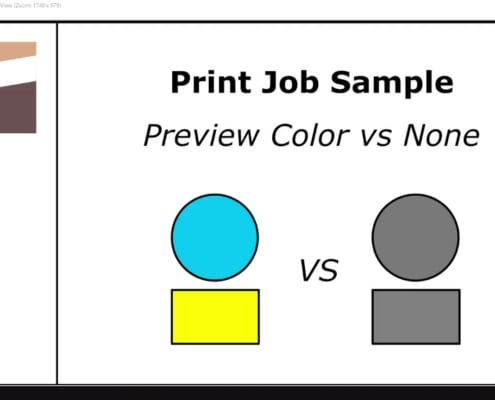
A-Help2022-11-30 15:34:042026-10-01 14:32:31FabriCAM Software Print Job Preview Color vs None (Part 4) Step by Step Video Tutorial
 allef-vinicius-1FEzYQCLDFU-unsplash-index
https://softwaretraining.co.za/wp-content/uploads/2022/11/allef-vinicius-1FEzYQCLDFU-unsplash-index.png
750
1000
A-Index
https://softwaretraining.co.za/wp-content/uploads/2021/04/software-training.svg
A-Index2022-11-30 15:32:142023-01-03 21:35:52Printing and Previewing Job Reports within the FabriCAM Software (Mini-Series) Video Index
 https://softwaretraining.co.za/wp-content/uploads/2023/01/23892-featured-image.jpg
864
1536
A-Help
https://softwaretraining.co.za/wp-content/uploads/2021/04/software-training.svg
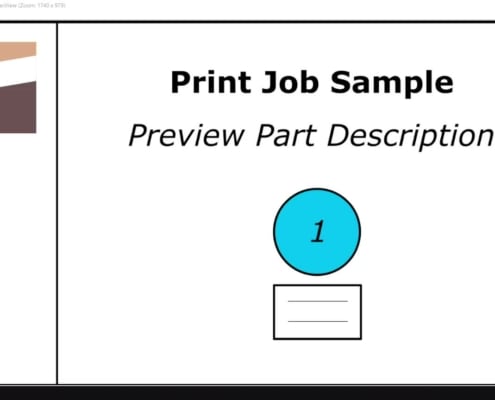
A-Help2022-11-30 15:32:112026-05-03 08:04:02FabriCAM Software Print Job Preview Part Description (Part 5) Step by Step Video Tutorial
 https://softwaretraining.co.za/wp-content/uploads/2023/01/23890-featured-image.jpg
864
1536
A-Help
https://softwaretraining.co.za/wp-content/uploads/2021/04/software-training.svg
A-Help2022-11-30 15:32:092026-05-26 07:01:41FabriCAM Software Print Job Preview Job Information (Part 3) Step by Step Video Tutorial
 https://softwaretraining.co.za/wp-content/uploads/2023/01/23889-featured-image.jpg
864
1536
A-Help
https://softwaretraining.co.za/wp-content/uploads/2021/04/software-training.svg
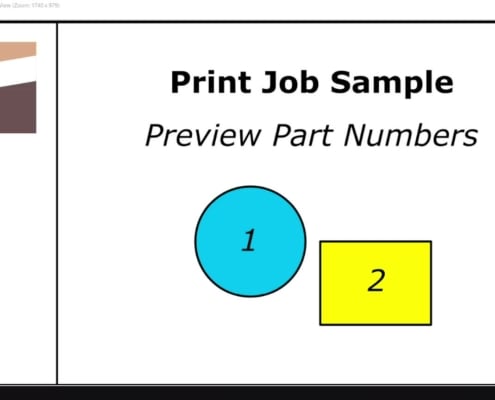
A-Help2022-11-30 15:32:072026-10-01 14:28:01FabriCAM Software Print Job Preview Part Numbers (Part 2) Step by Step Video Tutorial
 allef-vinicius-BnzFZJ4Zizc-unsplash-Index
https://softwaretraining.co.za/wp-content/uploads/2022/11/allef-vinicius-BnzFZJ4Zizc-unsplash-Index.png
750
1000
A-Index
https://softwaretraining.co.za/wp-content/uploads/2021/04/software-training.svg
A-Index2022-11-30 15:09:082023-02-26 22:22:12Saving your CAM Project Files Within the FabriCAM Software (Mini-Series) Video Index
 https://softwaretraining.co.za/wp-content/uploads/2023/01/23867-featured-image.jpg
864
1536
A-Help
https://softwaretraining.co.za/wp-content/uploads/2021/04/software-training.svg
A-Help2022-11-30 15:07:402026-09-10 07:32:32FabriCAM Software Save Files from Primary Toolbar (Part 1) Step by Step Video Tutorial
 https://softwaretraining.co.za/wp-content/uploads/2023/01/23868-featured-image.jpg
864
1536
A-Help
https://softwaretraining.co.za/wp-content/uploads/2021/04/software-training.svg
A-Help2022-11-30 15:07:302026-09-08 10:41:02FabriCAM Software Saving Project Files Main Menu (Part 2) Step by Step Video Tutorial
 https://softwaretraining.co.za/wp-content/uploads/2023/01/23822-featured-image.jpg
864
1536
A-Help
https://softwaretraining.co.za/wp-content/uploads/2021/04/software-training.svg
A-Help2022-11-29 09:13:462026-10-01 14:16:02FabriCAM Software P51 Rounded Rectangle Combo (Part 23) Step by Step Video Tutorial
 https://softwaretraining.co.za/wp-content/uploads/2023/01/23827-featured-image.jpg
864
1536
A-Help
https://softwaretraining.co.za/wp-content/uploads/2021/04/software-training.svg
A-Help2022-11-29 09:08:402026-05-26 07:01:34FabriCAM Software P56 Advanced Home Part Shape (Part 25) Step by Step Video Tutorial
 https://softwaretraining.co.za/wp-content/uploads/2023/01/23826-featured-image.jpg
864
1536
A-Help
https://softwaretraining.co.za/wp-content/uploads/2021/04/software-training.svg
A-Help2022-11-29 09:08:292026-05-26 07:01:28FabriCAM Software P55 Advanced Tri Rectangles (Part 24) Step by Step Video Tutorial
 https://softwaretraining.co.za/wp-content/uploads/2023/01/23821-featured-image.jpg
864
1536
A-Help
https://softwaretraining.co.za/wp-content/uploads/2021/04/software-training.svg
A-Help2022-11-29 09:07:152026-10-07 14:41:02FabriCAM Software P48 Advanced Rectangle Circle (Part 22) Step by Step Video Tutorial
 https://softwaretraining.co.za/wp-content/uploads/2023/01/23820-featured-image.jpg
864
1536
A-Help
https://softwaretraining.co.za/wp-content/uploads/2021/04/software-training.svg
A-Help2022-11-29 09:06:592026-07-29 08:09:06FabriCAM Software P45 Rounded Triangle Rectangle (Part 21) Step by Step Video Tutorial
 https://softwaretraining.co.za/wp-content/uploads/2023/01/23789-featured-image.jpg
864
1536
A-Help
https://softwaretraining.co.za/wp-content/uploads/2021/04/software-training.svg
A-Help2022-11-28 12:03:072026-08-31 06:09:06FabriCAM Software P38 Rectangle with Four Cut Outs (Part 18) Step by Step Video Tutorial
 https://softwaretraining.co.za/wp-content/uploads/2023/01/23791-featured-image-1.jpg
864
1536
A-Help
https://softwaretraining.co.za/wp-content/uploads/2021/04/software-training.svg
A-Help2022-11-28 11:56:312026-08-29 11:55:02FabriCAM Software P40 Rounded Rectangle Cut Out (Part 20) Step by Step Video Tutorial
 https://softwaretraining.co.za/wp-content/uploads/2023/01/23790-featured-image.jpg
864
1536
A-Help
https://softwaretraining.co.za/wp-content/uploads/2021/04/software-training.svg
A-Help2022-11-28 11:56:232025-09-11 09:41:22FabriCAM Software P39 Chamfered Rectangle Cut Out (Part 19) Step by Step Video Tutorial