How to Install or Uninstall Printer Drivers Within the AM.CO.ZA InkRIP Software (Part 2)


inkrip printer driver install
In order for the Printer and software to work correctly, we will need some form of driver installed that supports our active printer.
That being said, trying to operate a printer with the incorrect driver installed will not work correctly.
This video is part of a Mini-Series.
The next video covers Copy / Delete.
The previous video covered About Printer Drivers.
Video Transcript
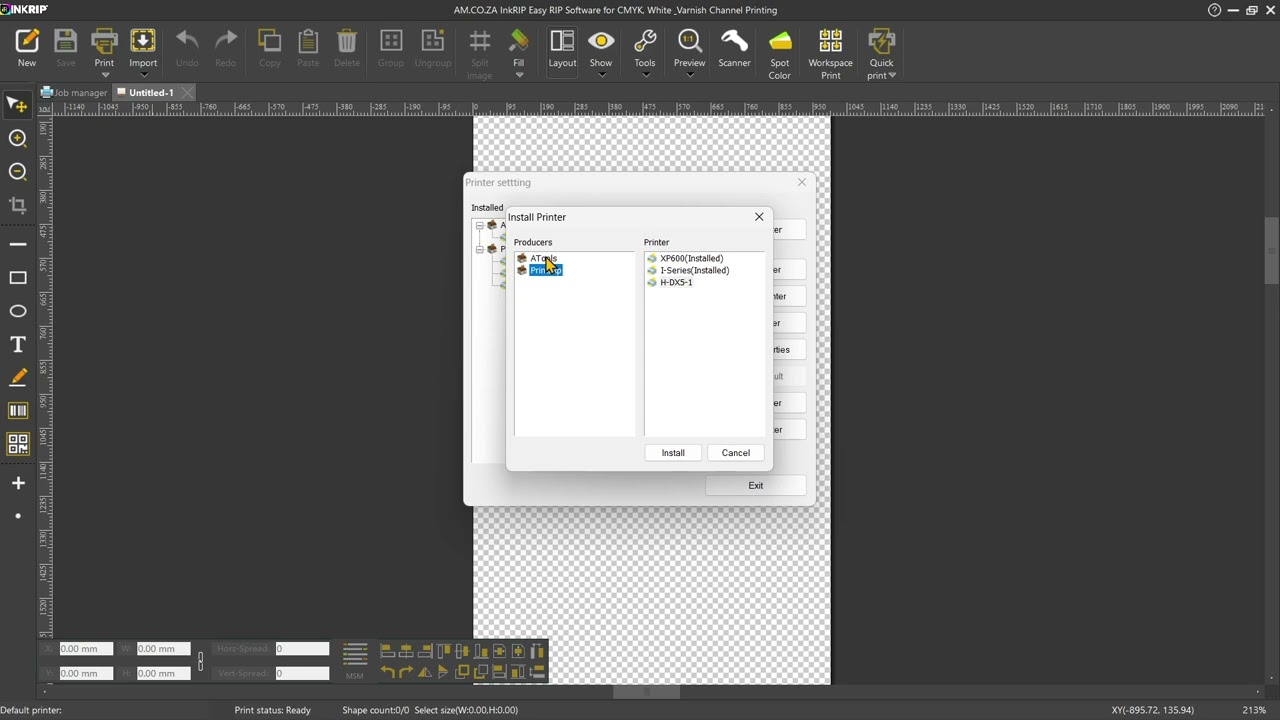
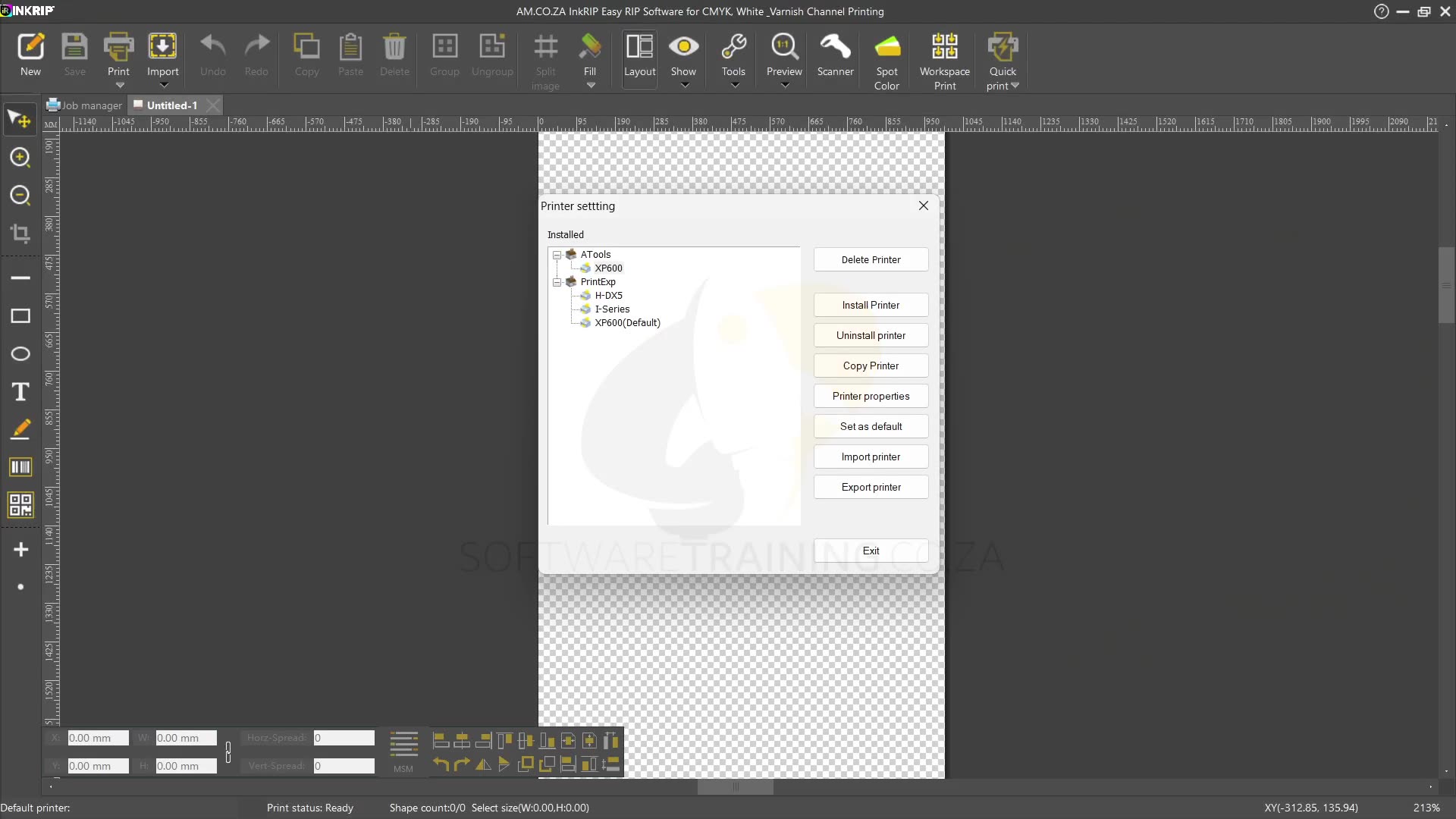
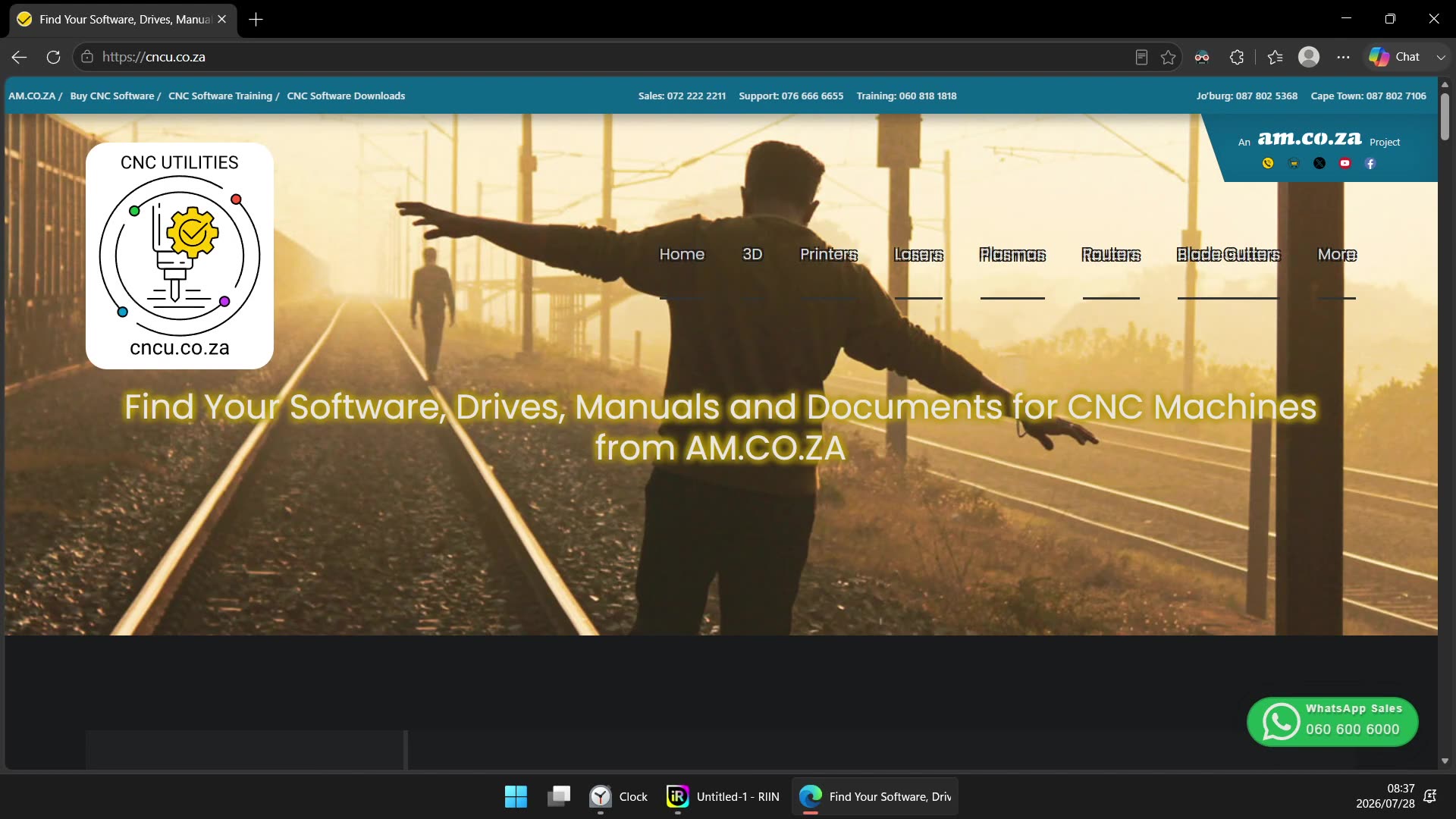
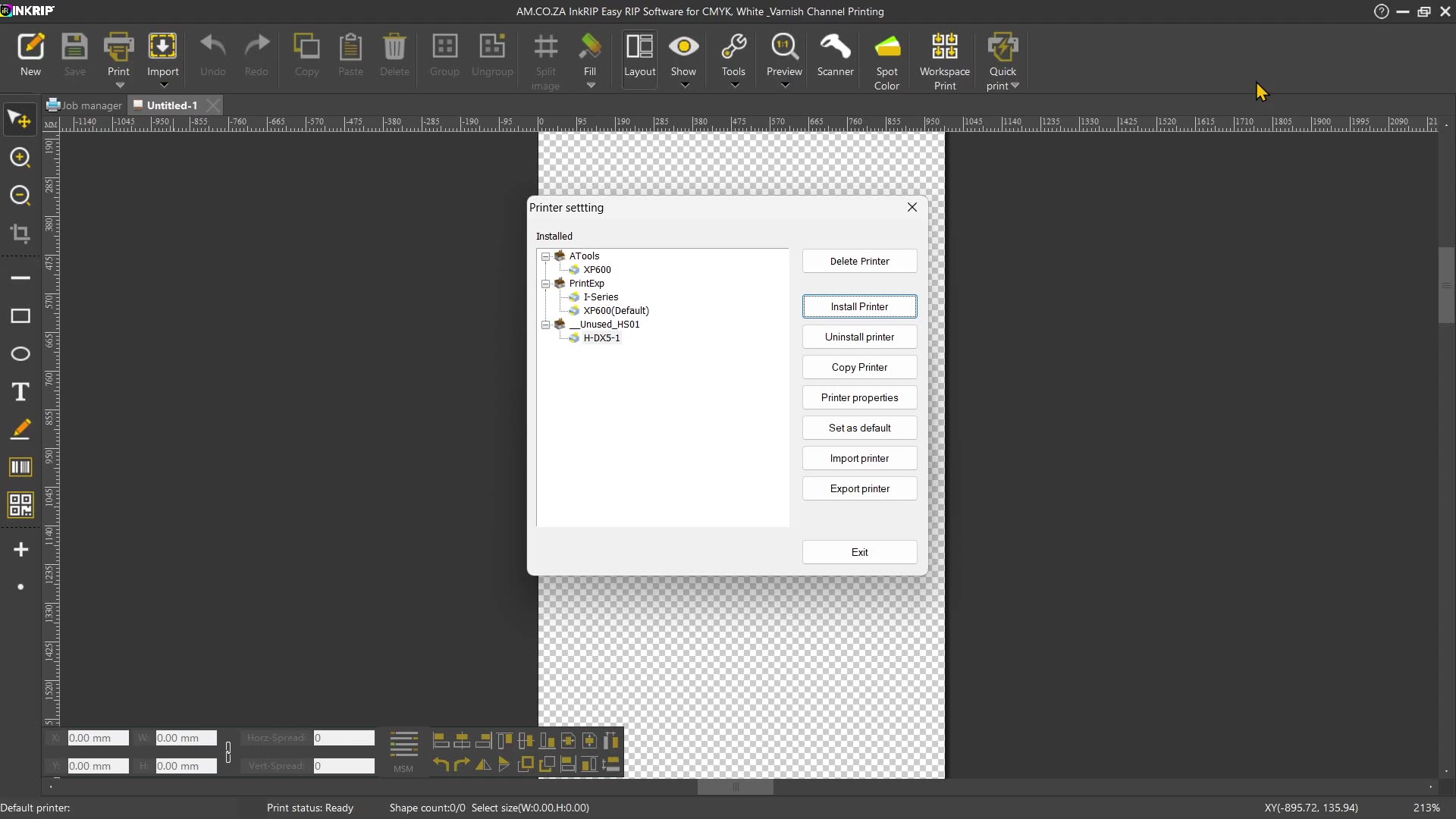
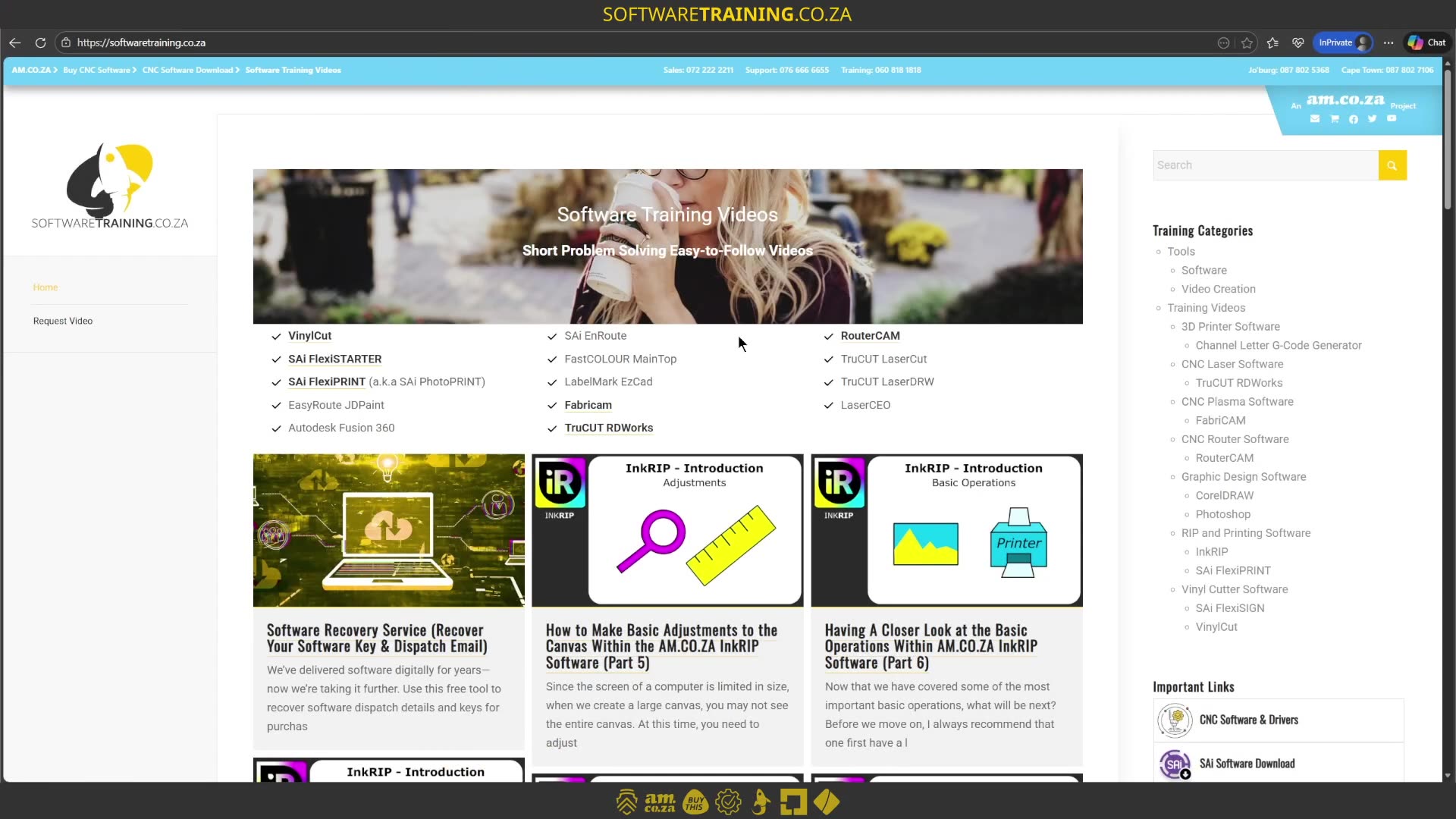
Alrighty guys. In today's video, we're gonna be looking at installing and uninstalling drivers within Incry. But before that, let's have a quick intro first. So, today's video can be found on softwaretraining.co.za. We make short and easy to watch problem-solving videos, and we also have daily updates. Now, if we head into Encrypt, so in the previous video, we looked at drivers, like why would you need them or what's the purpose of them. In today's video, we're gonna be looking at how to actually install drivers or uninstall drivers. Now, by default, this is probably something you're not gonna have to do very often, but if you need to, then at least you know where to do that. So, first of all, obviously, we wanna make sure we open our driver settings. So we're gonna go here to our main menu, go to printer settings, and this is where we can locate our drivers. Now, on the left here, we can see this is currently what is installed. So we can see from the list. And then on the right, on these settings, we have a few different options. So first of all, we have installed drivers and then based off your installation, they came with a package. You'll see we have a few drivers here that we can choose from. Then, um, you can simply select them and say install the ones you need to install depending on your print head and so forth. As you can see here, We've got an XP 600 that's installed and an iSeries installed. So now, this kind of is just catering in case you have one of these on your machine. But if you know which one your machine actually uses, then you can simply remove the other ones or just install the correct one. So now, if you wanna uninstall, then what we can do is um we can simply go uninstall with the right driver selected. So, I've got this XP 600, the default. Let me just get that Uh, prompt. I think it closed it, so we'll try it again. So let me uninstall this one. Click that one, say uninstall, and then I'm gonna say yes. Now, you can see we no longer have that driver available on this actual system. If we want it back, then we can say install driver. And then go find it. Say install, and now you can see we've got this driver back again. Presuming you installed the right one. But yeah, that is it uh on installing and uninstalling. Now, you can also navigate to uh I think it's CNC.co.za. Let me see if I can find the website here. Then, um, over here, so CNC.co.za, then you can also find some drivers on here if you wanted to play around and try get some customised. You'll normally go to the type. So let's say in our case, printer, then you've got the fast colour which is like large format. And then, um, we've got here the DTF, UVDTF, and so forth. But yeah, otherwise, in the meanwhile, though, if we head here to softwaretraining.co.za. You guys will notice we've got a variety of different softwares we do cover and you can also isolate your search on the top right. If you do not, however, find the training videos you're looking for, just simply go here, request the training video, fill in the mini form, and we'll do our best to try and make that for you. But otherwise, thanks guys for watching and cheers.


 andrey-zvyagintsev-x0c6vTO5ibA-unsplash





