Making Printer Driver Copies or Deleting them Within the AM.CO.ZA InkRIP Software (Part 3)


inkrip printer driver copies
When we look at custom parameters for our drivers, it is often better to work from a copy of a working driver as to starting from scratch.
That being said, things can also become a mess if we do not clean up the old unused drivers copies.
This video is part of a Mini-Series.
The next video covers Printer Properties.
The previous video covered Install / Uninstall.
Video Transcript
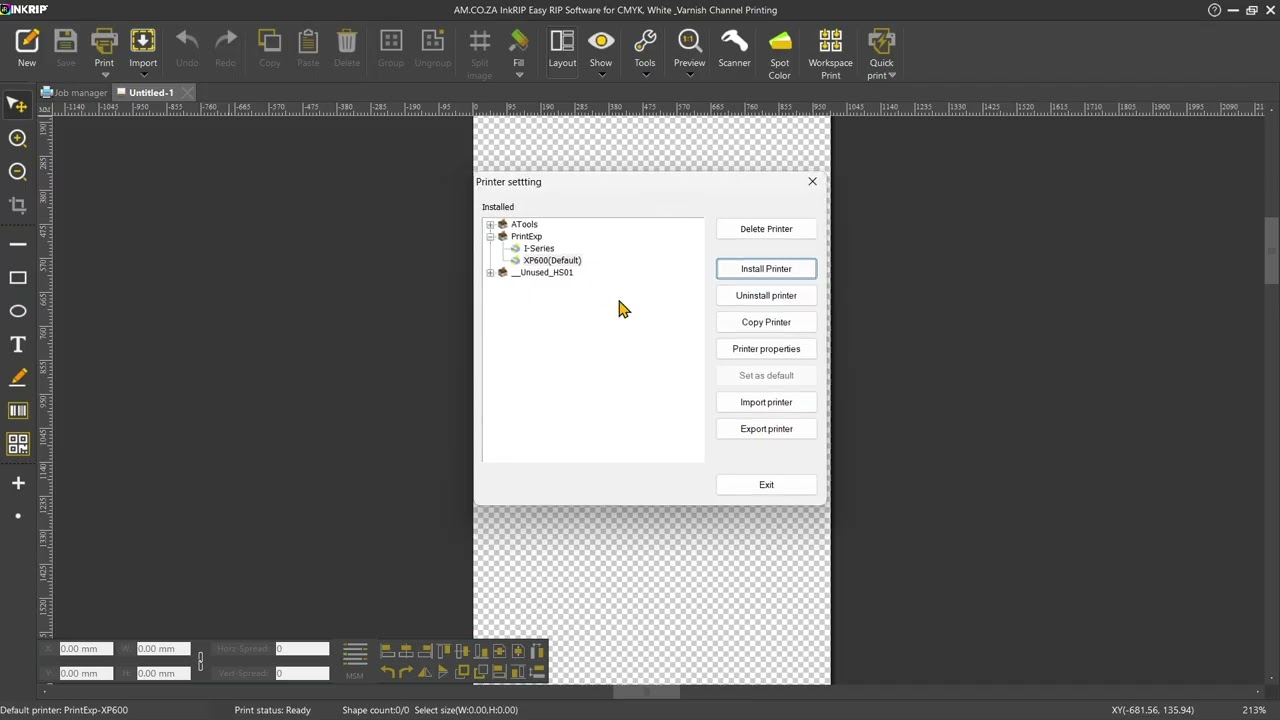
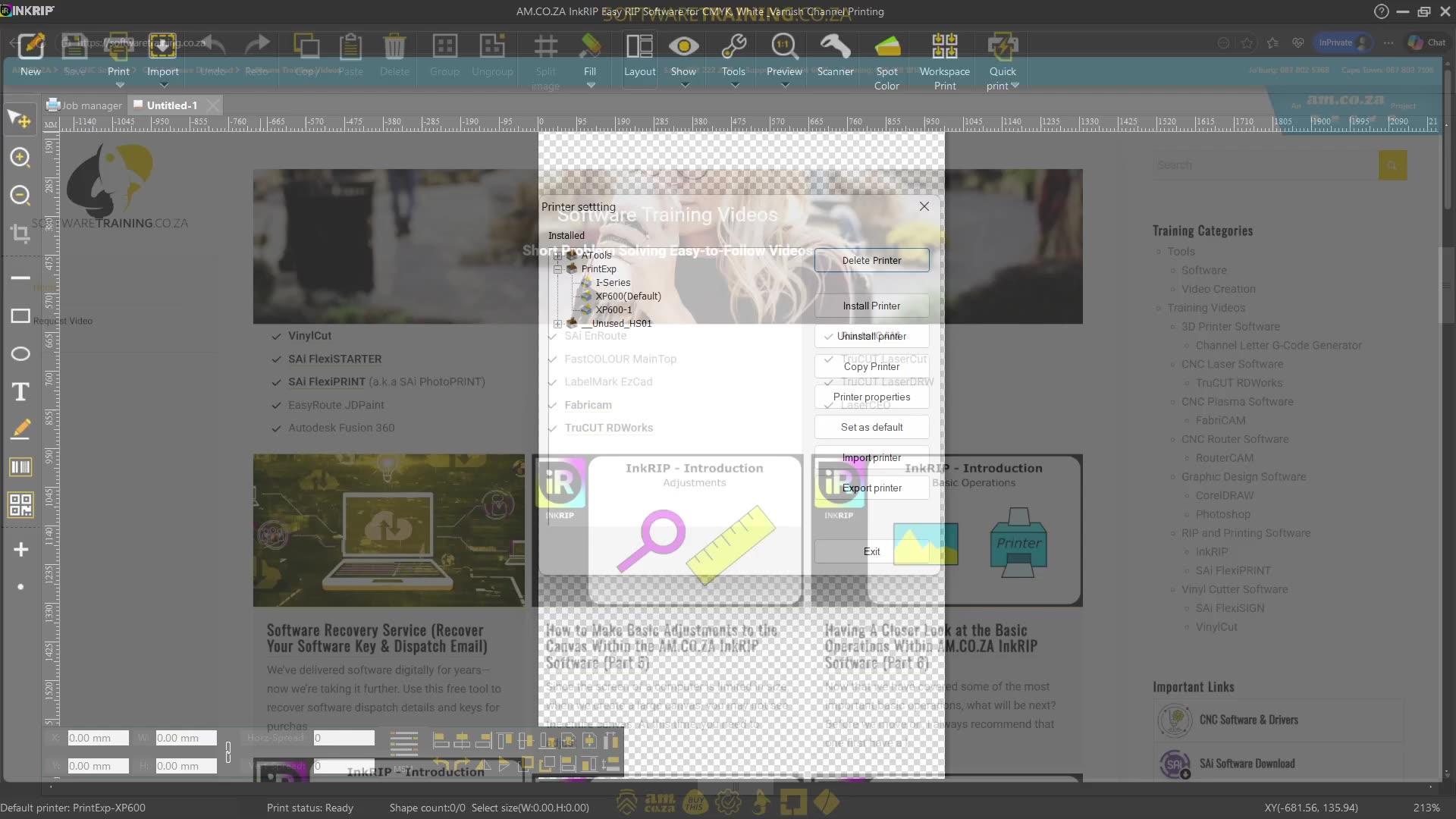
Howdy guys. In today's video, we're gonna be looking at copying and deleting drivers. But before that, let's have a quick intro first. So today's video can be found on softwaretraining.co.za. We make short and easy to watch problem-solving videos, and we also have daily updates. Now, if we head into Encryp here, so in the previous video, we look at installing and uninstalling drivers. In today's video, we're gonna be looking at actually copying or deleting drivers. Now, yeah, it does sound in many ways very similar, but it's quite different. So, first of all, we wanna open our drivers, so main menu, printer settings, and then we have our drivers here. So now, what happens with um uh with the actual deleting and so forth, you delete it, it's still gonna be on your computer in many ways. Uh, but this is mostly, I would say, used when you're making copies of a driver. So the reason why you might wanna make a copy, let's say I'm using an iSeries printhead and I wanna set up some custom settings, but I wanna leave that original one. So let's say this is the one we're currently using, or let's choose the XP because it's currently our default. Then, what we can do is we simply go to copy driver. As you can see there, it just made a copy, so it will say there um XP 600-1. So, now, what this allows us to do is we can make changes to this actual driver. And um not affect our original. So if we mess it up, it's fine. We can simply just delete that driver and we still have our original. So I'm just gonna make a copy of this driver for the next section that we're gonna be heading into where we're gonna be looking at actually editing these drivers and what some of those properties do. But yeah, before that though, if we head here to softwaretraining.co.za. You guys will notice that we have a variety of different softwares we do cover, and you can also isolate your search here on the top right. If you do not, however, find the training videos you're looking for, just simply go here, request the training video, fill in the mini form, and then we'll do our best to try and make that for you. But otherwise, thanks guys for watching and cheers.