How to Use the Equidistant Layout Feature Within the AM.CO.ZA InkRIP Software (Part 8)

inkrip equidistant layout feature
Once again if you are working with multiple designs that need to be printed at the same time.
Then the Equidistant feature will be another handy tool.
This video is part of a Mini-Series.
The previous video covered Same Height / Width.
Video Transcript
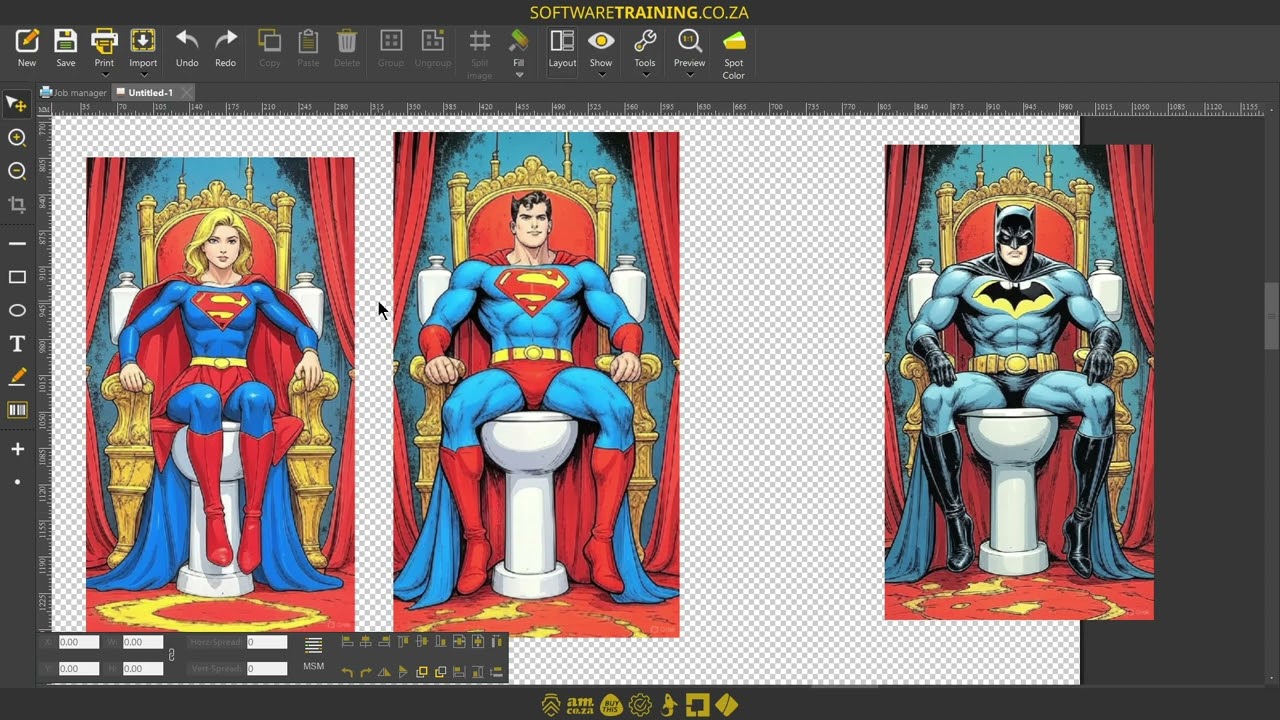
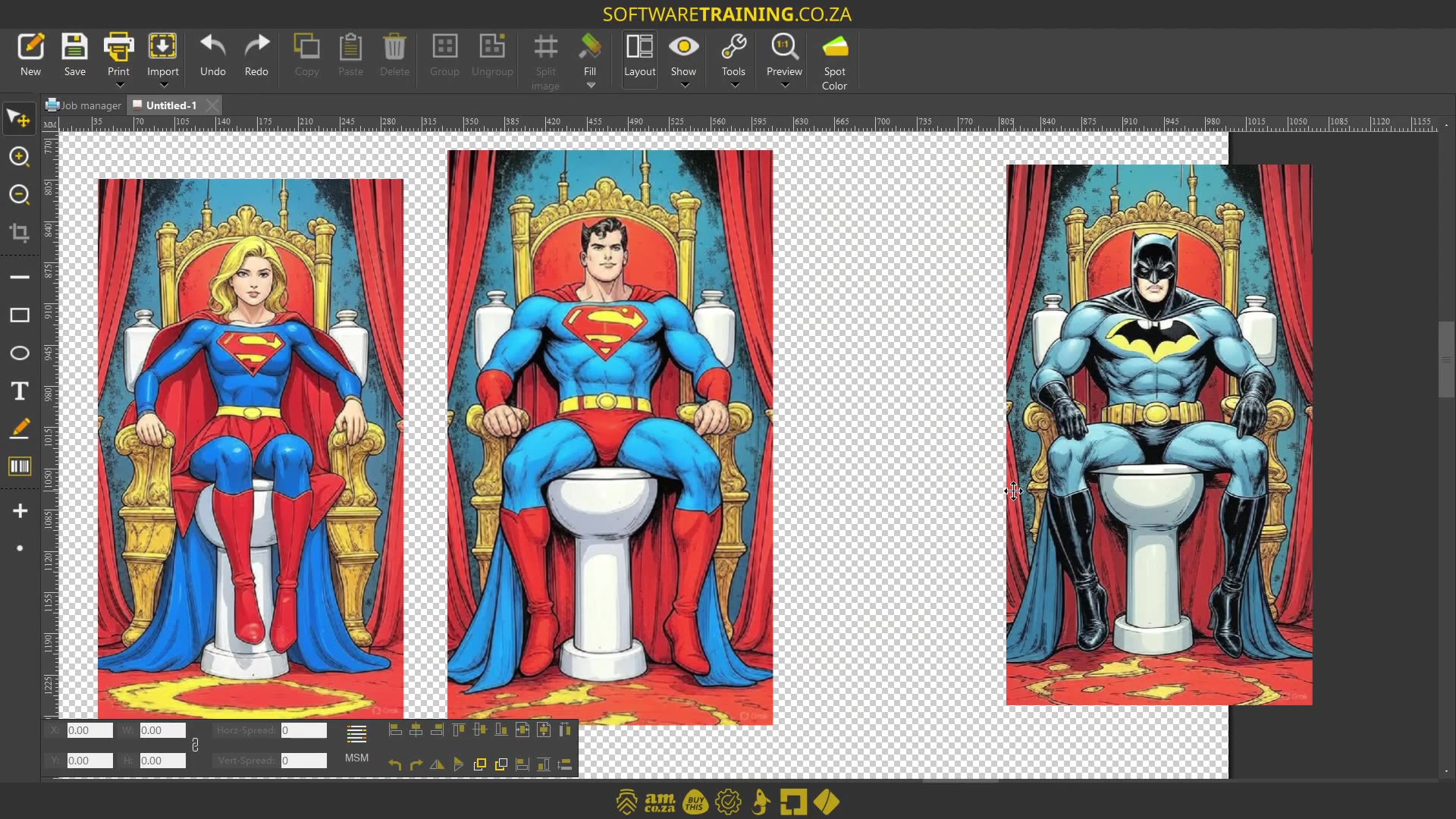
Howdy guys. In today's video, we're gonna be looking at a feature in Incrypt for equal distance. But before that, let's have a quick intro first. So, today's video can be found on softwaretraining.co.za. We make short and easy to watch problem-solving videos, and we also have daily updates. Now, I went into the actual programme here. So, here's an example. Let's say we've got uh multiple images. Now, keep in mind this only works with multiple images or 3 images and more. So let's say we've got these images, but we want the distance between them to be equal. So then we'll be using that feature, but first of all, you wanna make sure you select all your images. You go to the bottom here, and we've got these two options. So the one will be horizontal equal disc, or distance, and the other one will be vertical. So let's say your images stacked on top of each other. So we're just gonna use the top one for horizontal, and then if I click this, you will see it makes equal distance between all of them. Now, something to keep in mind with this, it works from The furthest left image to the furthest right. So if this location of this image had to change, and I had to select all of them and do the option again, you'll see it will adjust the centre ones according to the two outer images. But yeah, very simple. Uh, for setting distance. Yeah, otherwise, in the meanwhile, if we head here to softwaretraining.co.za. za, you guys will notice we've got a variety of different softwares we do cover, and you can also isolate your search on the top right. If you do not find, however, the videos you're looking for, just simply go here, request the training video, fill in the mini form, and then we'll do our best to try to make that for you. But otherwise, thanks guys for watching and cheers.