Why Use the Same Height and Width Feature Within the AM.CO.ZA InkRIP Software (Part 7)
inkrip same height width
Perhaps you are working with multiple designs at different sizes, but they all need to be printed and applied on the same size product?
Then being able to quickly set the height or width of the designs to the same size will be a skill worth knowing.
This video is part of a Mini-Series.
The next video covers Equidistant.
The previous video covered Order.
Video Transcript
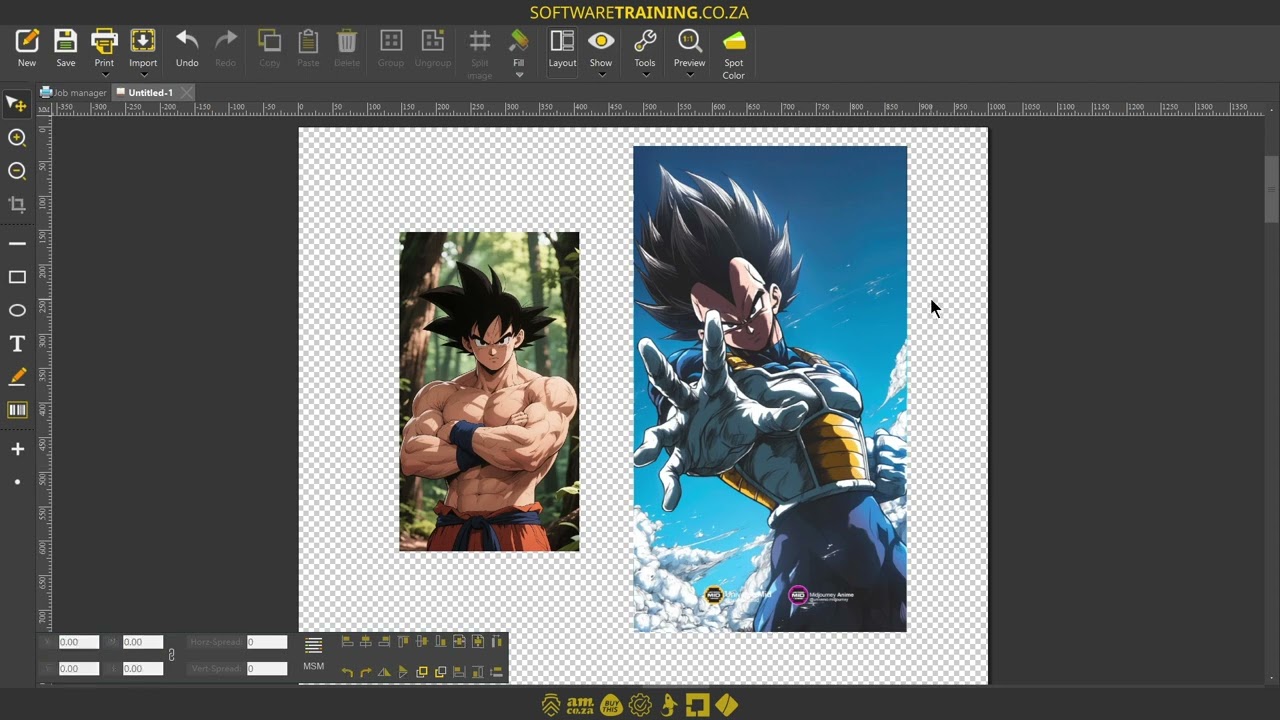
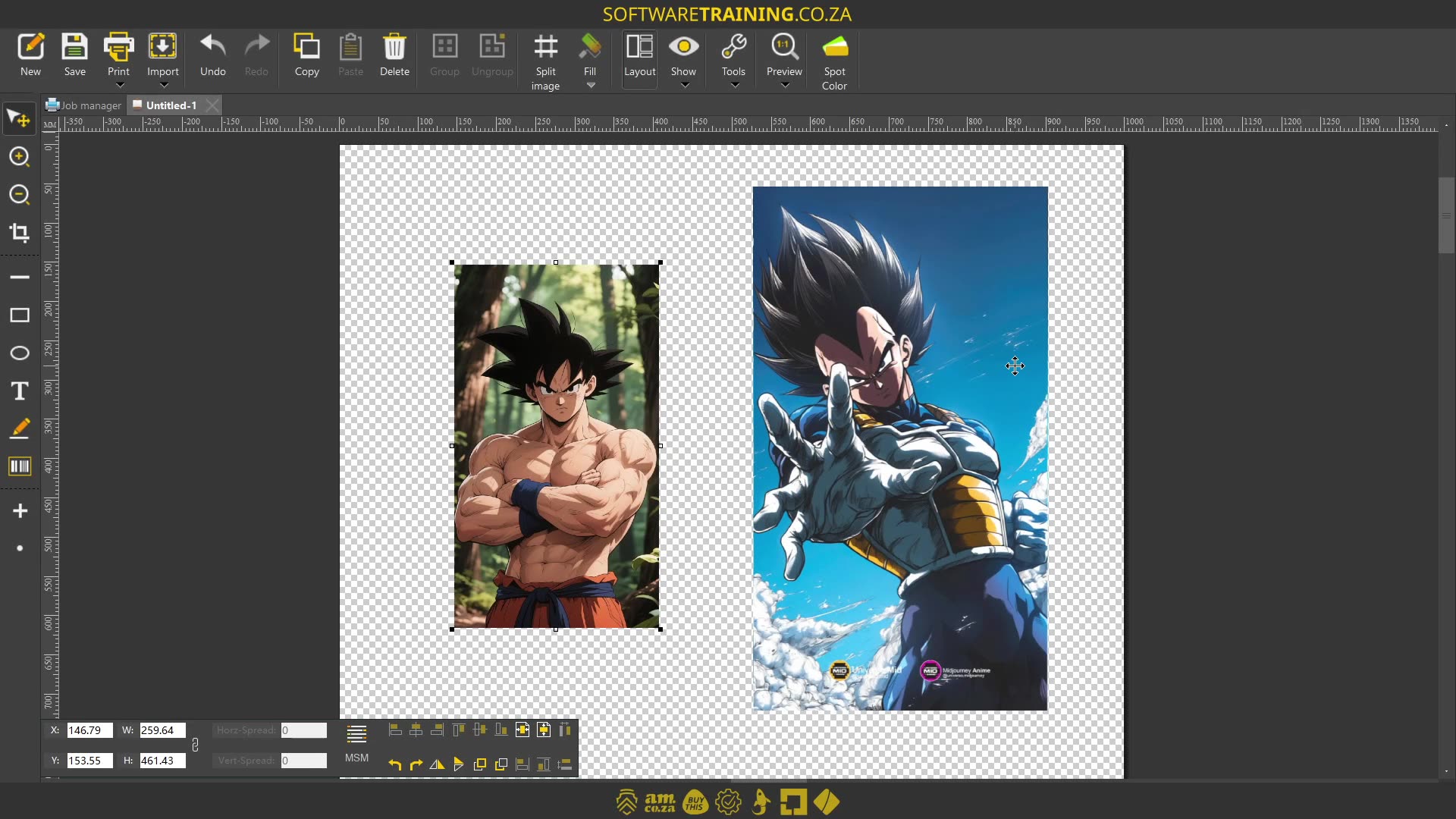
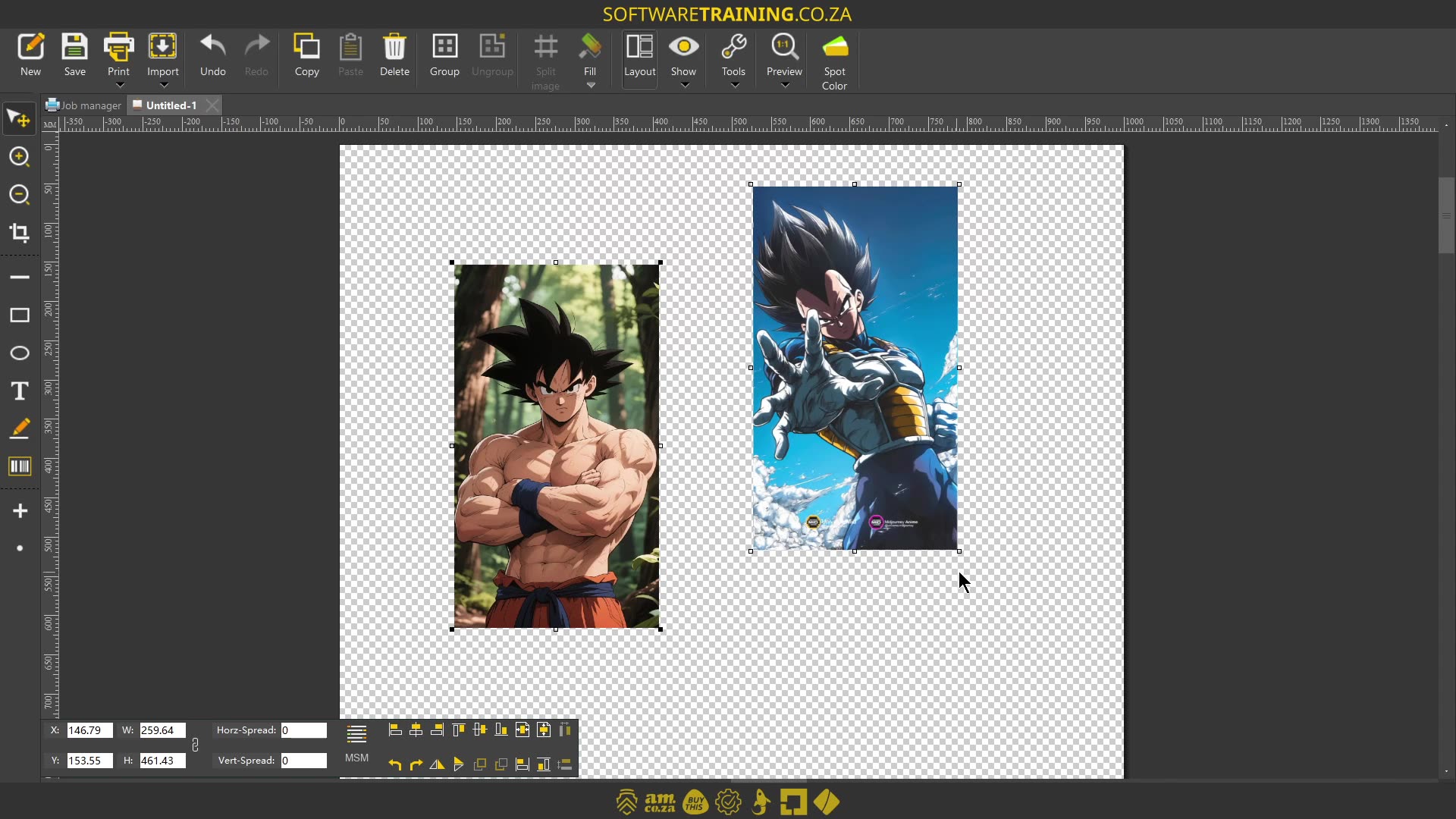
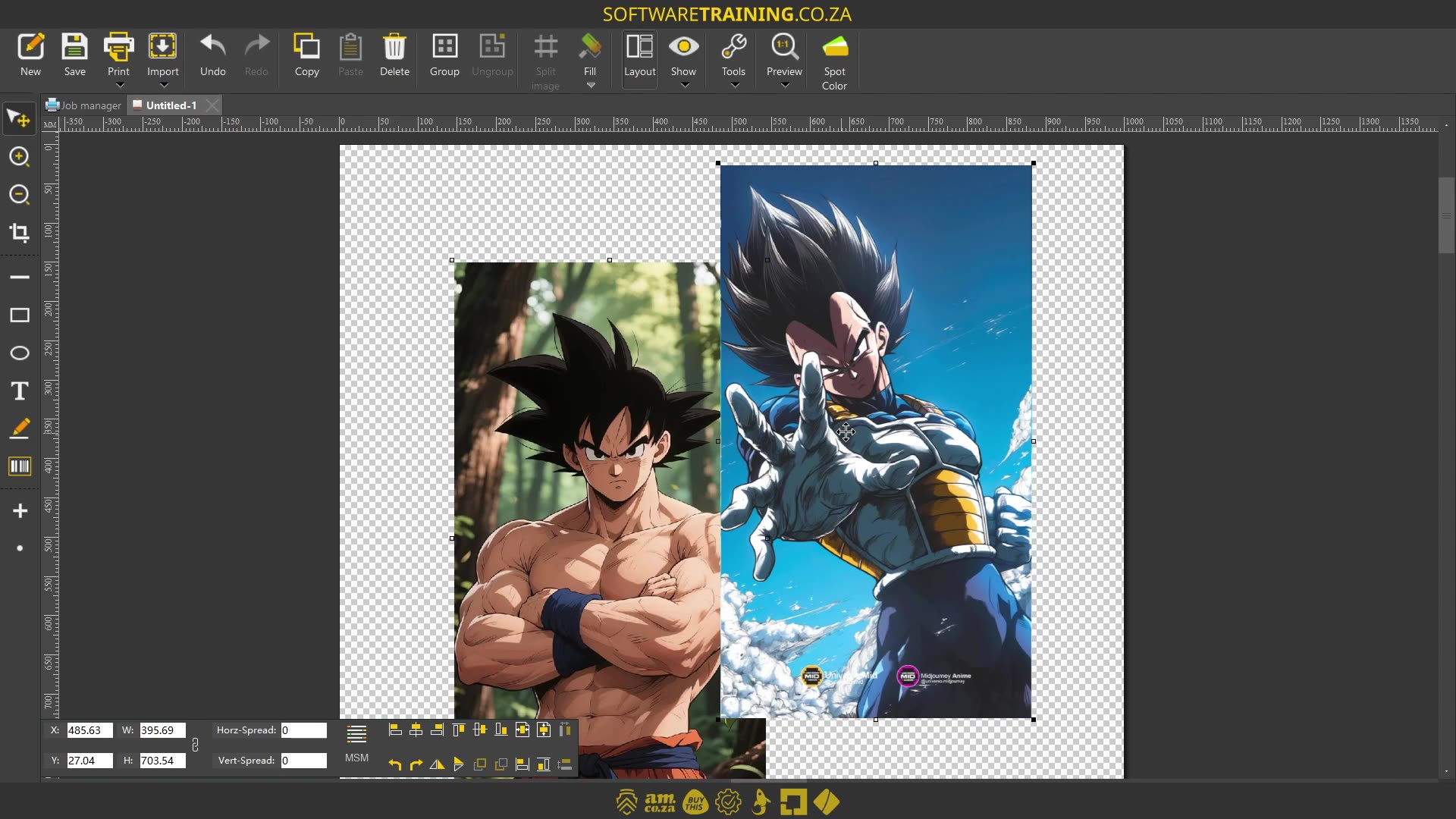
Howdy guys. In today's video, we're gonna be looking at setting a design's width or height, the same as another. But before that, let's have a quick intro first. So, today's video can be found on softwaretraining.co.za. We make short and easy to watch problem-solving videos, and we have daily updates. Now, if we head into the actual programme here. So now, let's say we've got these two images and we all know it's not right for Vegeta to be bigger than Goku. So let's say we wanted to balance things out a bit. Now, this is only gonna work if you have multiple images selected. So I'm gonna select these two. And then here, in the bottom, on the actual layout feature, you'll see we have these two different options. So we have the one which is the same width, and then we have this one that is the same height. Now, keep in mind, this is gonna keep perspectives the same, so if I go same height, then it's not gonna warp this, it's just gonna scale the image down. So let's try that. As you can see now, this one is the same height as the image next to it. Now, I'm just gonna scale this one up again. Now, something to keep in mind is the order. So let's say we want this image the same height as this one, then it simply just comes down to the order, we select them. So, I'm gonna select this one, or should I say, I'm gonna select this one first, and I'm gonna keep control and select this one to say that I want this one to be the same height as this one. So let's go same height, and you can see now, it has scaled up the second image to the same height. I mean, the first image is the same height as the second image. Now, likewise, you can do it with the same width, you know, so depending on if you're using a landscape or portrait. But yeah, pretty simple feature. In the meanwhile, though, if we head here to softwaretraining.co.za. za you just type it in the URL here. You can see we've got a variety of different softwares we do cover. And you can also isolate your search on the top right. If you do not, however, find the training videos you're looking for, just simply go here, request the training video, fill in the mini form, and then we'll do our best to try and make that for you. But otherwise, thanks guys for watching and cheers.