How to Use the Newly Created ICC Profile Within the AM.CO.ZA InkRIP Software (Part 11)

inkrip use new icc profile
After we have created our new ICC Profile, it might be a good idea to put it to the test.
It is always good practice to ensure the newly created ICC Profile works and functions correctly before using it on a clients job.
This video is part of a Mini-Series.
The previous video covered Import / Export & Modify.
Video Transcript
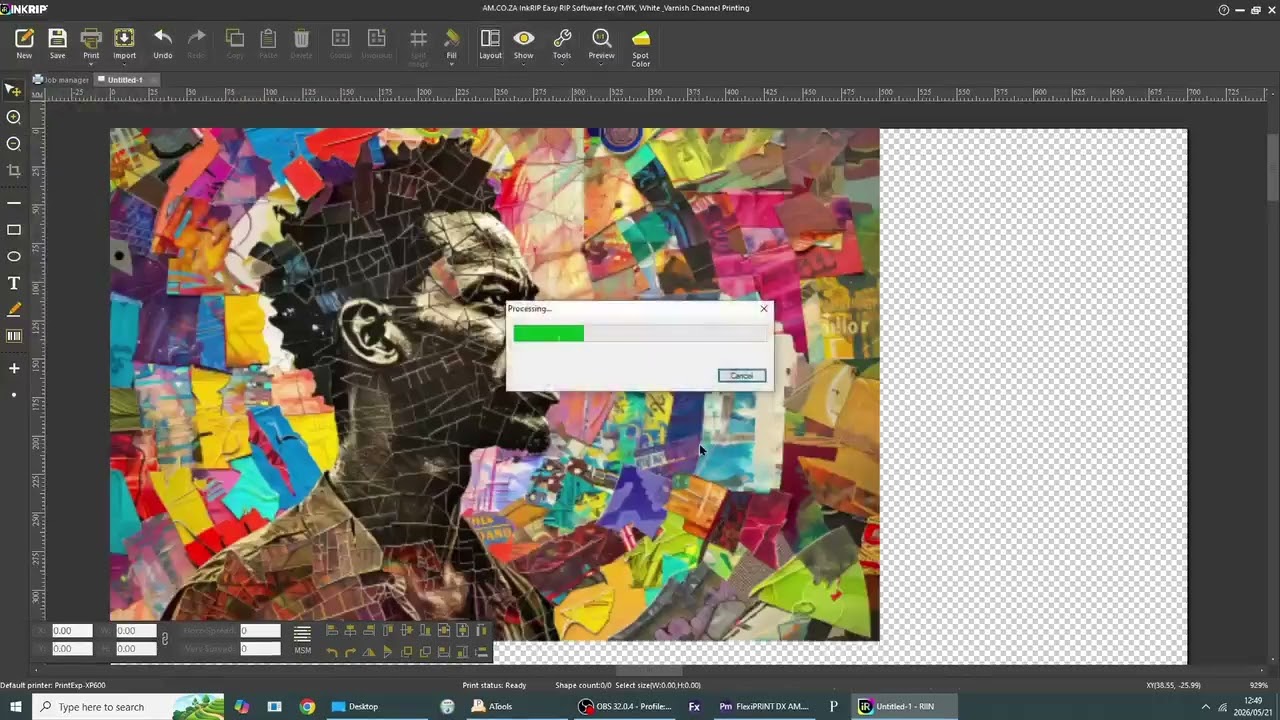
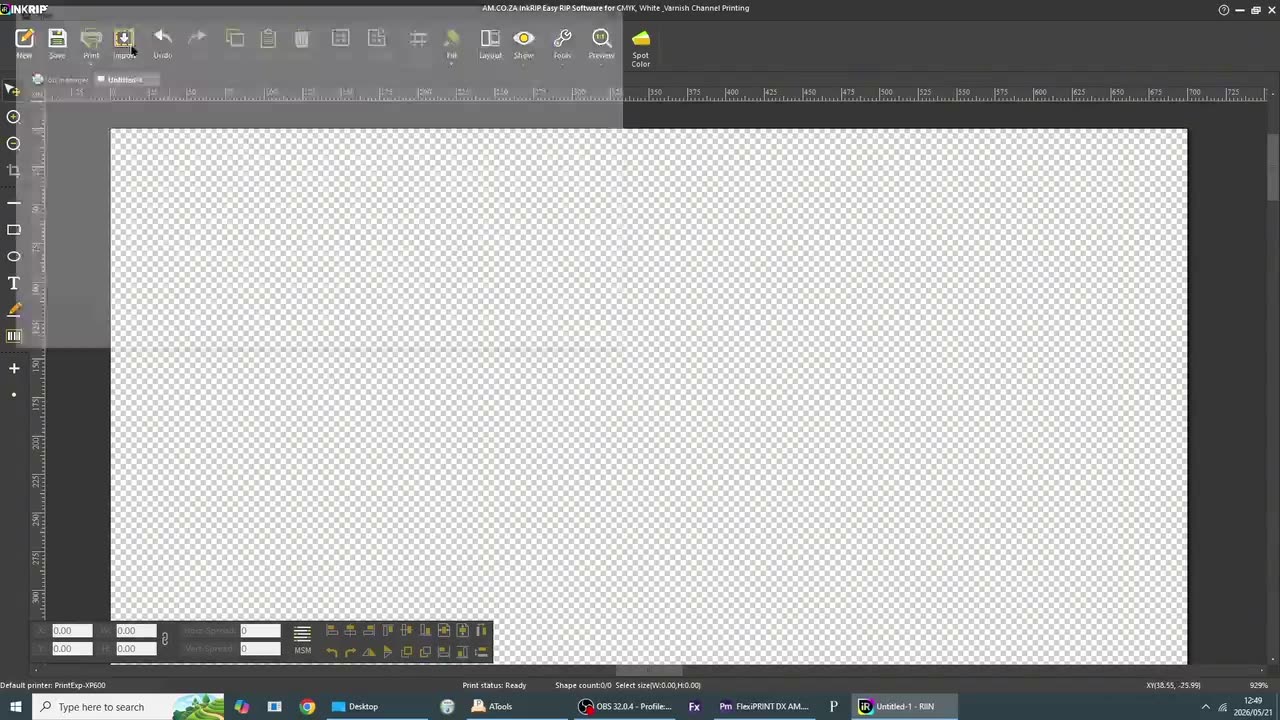
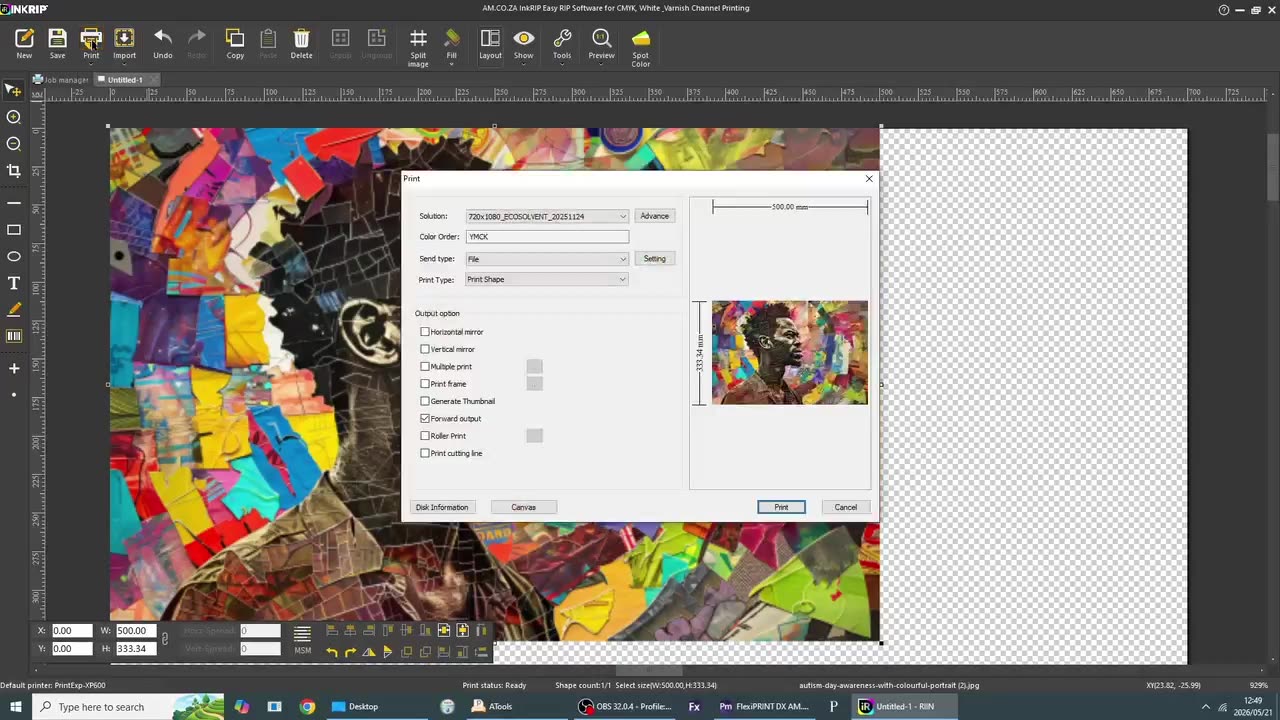
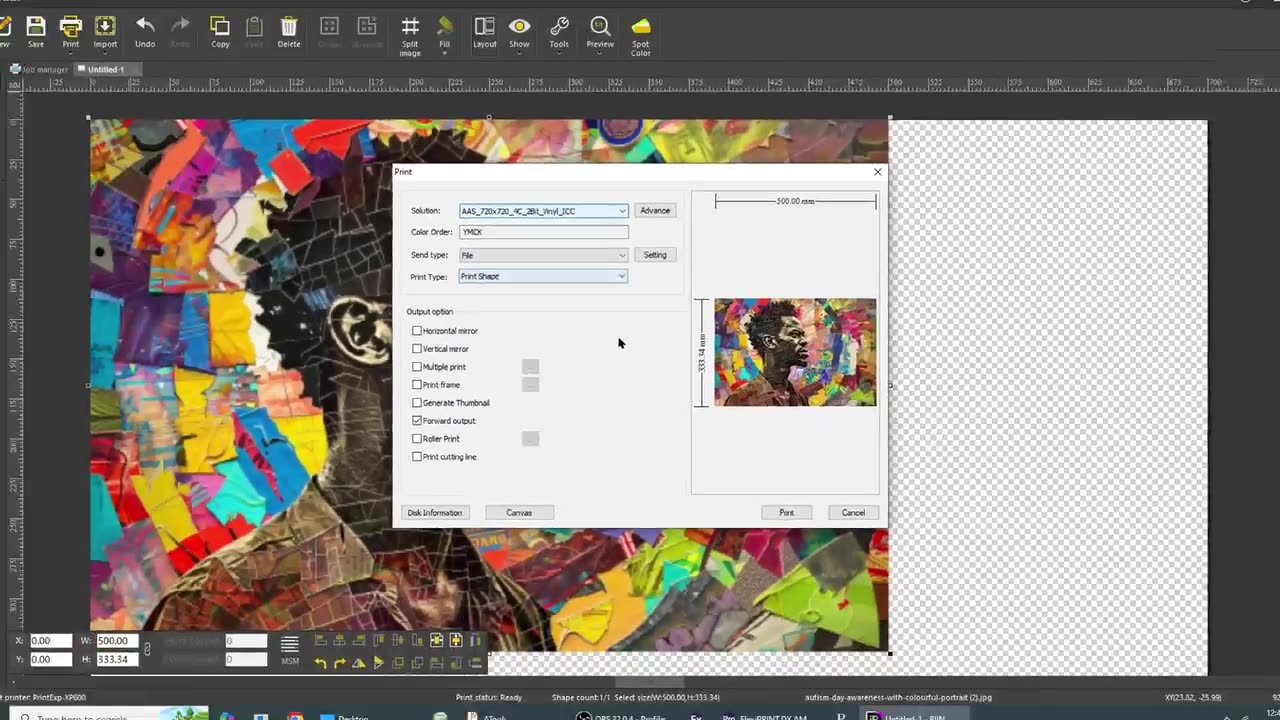
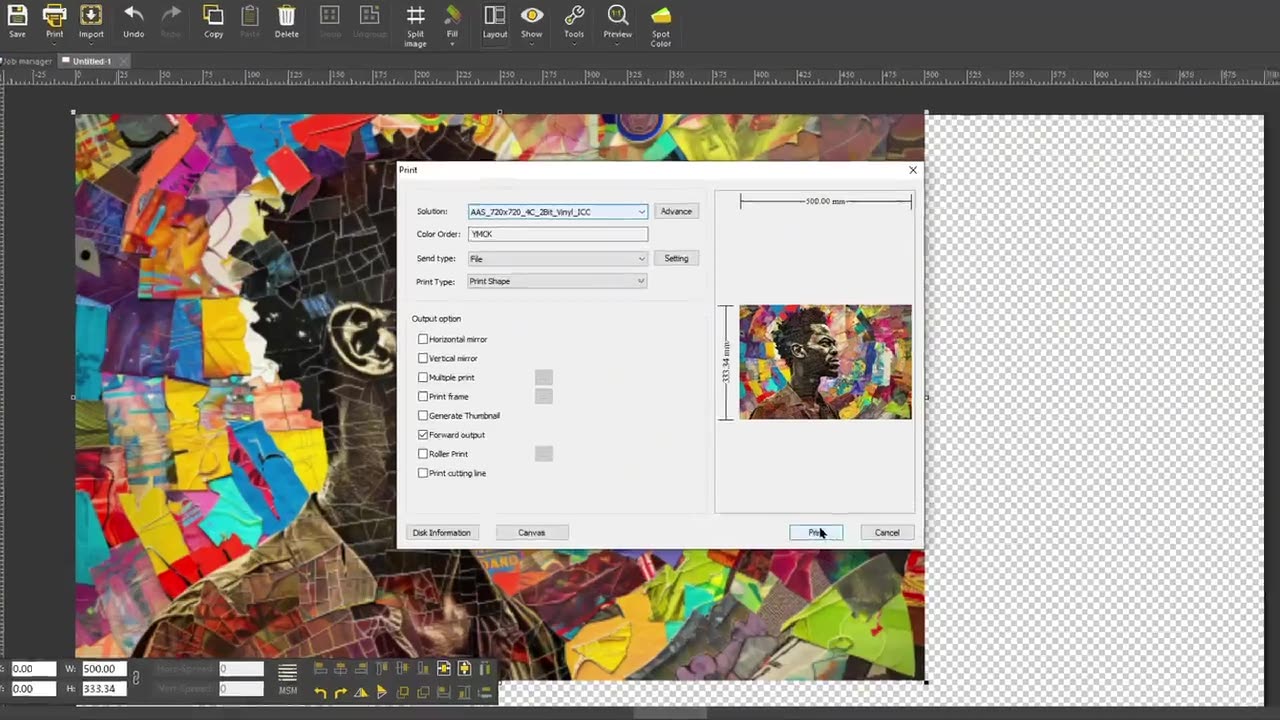
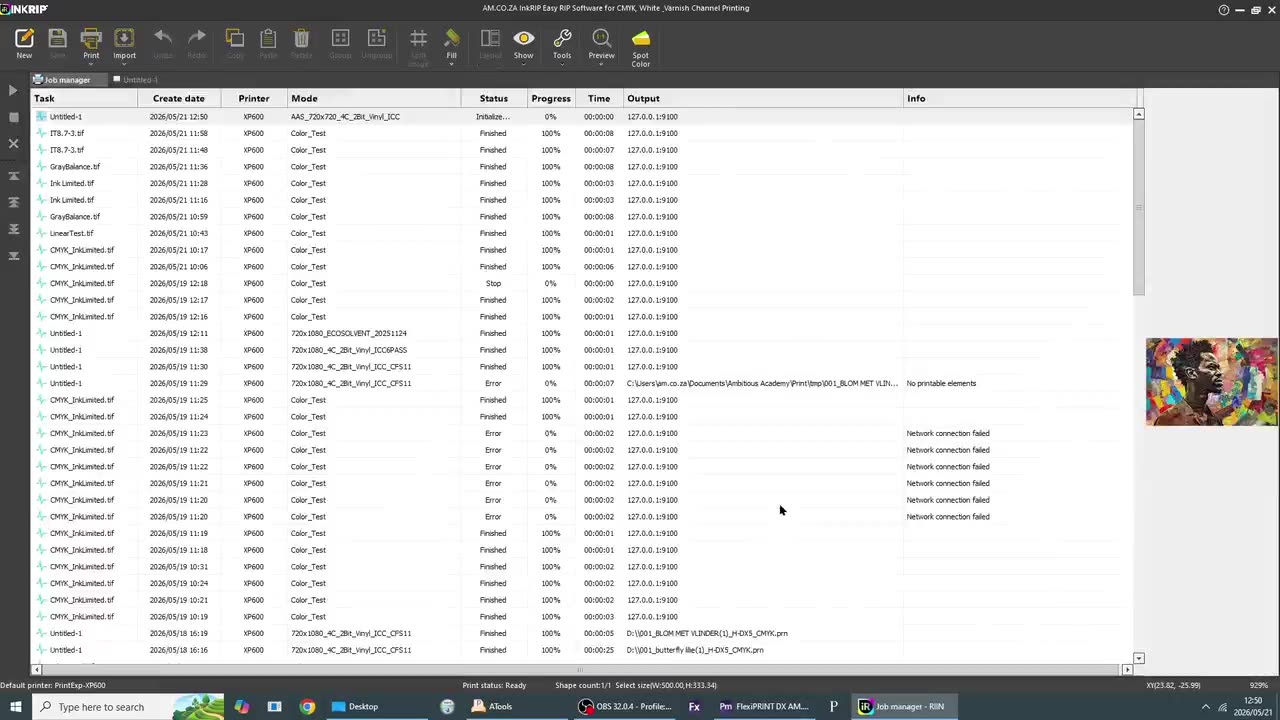
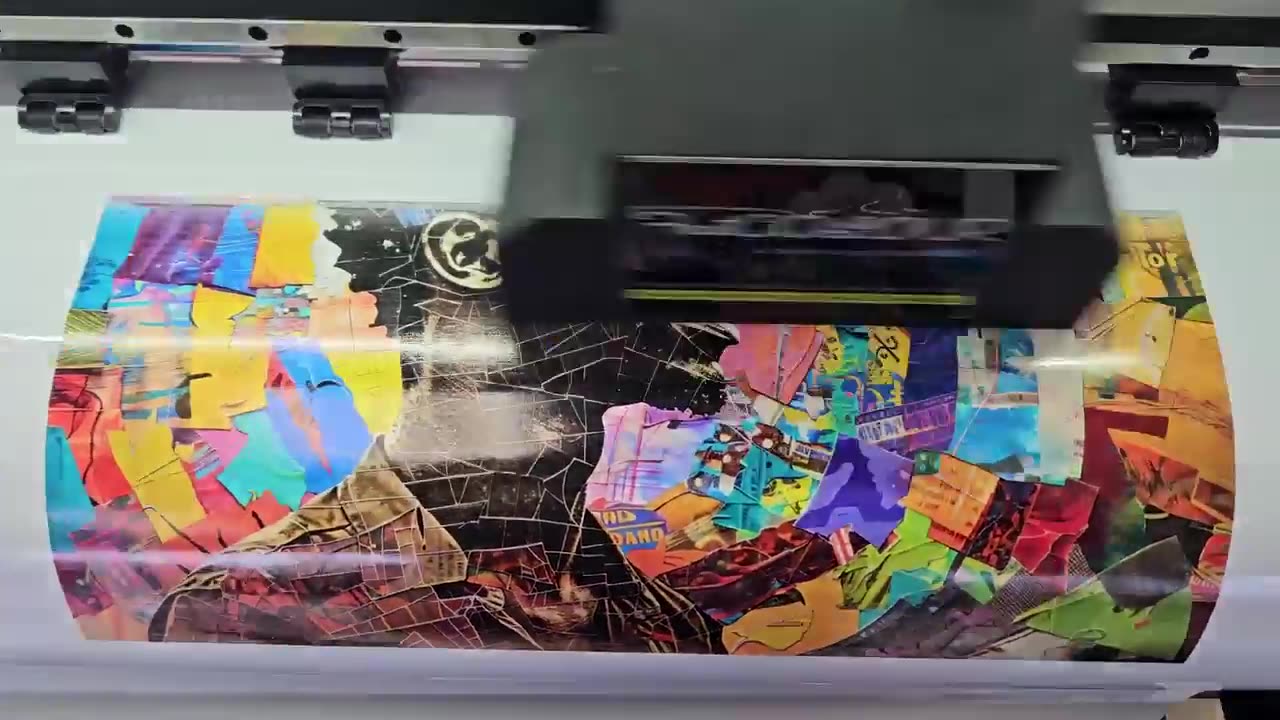
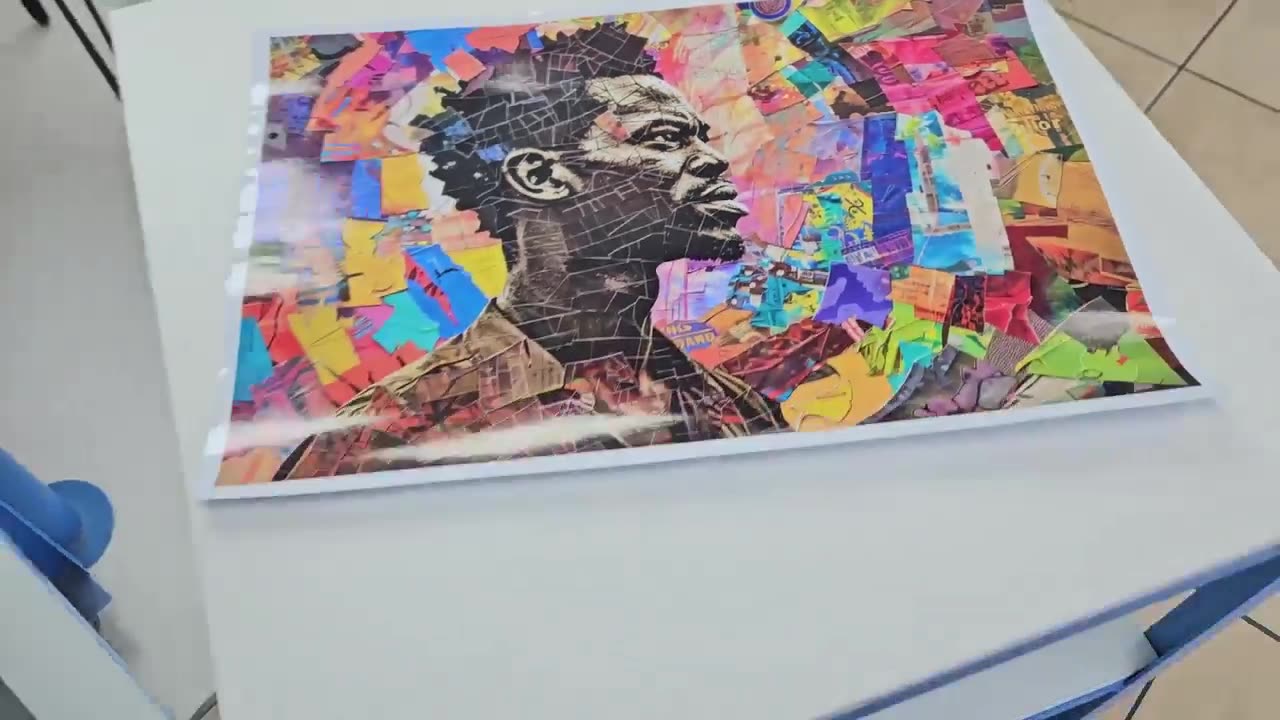
Howdy, guys. In today's video, we finally get to put these ICC or the newly created ICC profile to use, but before that, let's have a quick intro first. So, today's video can be found on softwaretraining.co.za. za where we make short and easy to watch problem-solving videos. Next up, we're gonna be looking at how we can actually use this new ICC profile and do an actual test print with it. So, I'm just gonna go here into incroup and then we wanna go to import. I'm gonna select the artwork I wanna do, import it, and then, so I'm gonna just set a custom size. So that um I don't print something too large. Then, what we wanna do is click print. And then it will bring up our actual print settings. Now, this is where it's important. We wanna go on top to solution and then we wanna scroll down until we find that newly created ICC profile. Otherwise, it's just gonna use the last one that was selected and you won't see the benefits of the new one. Then, once you're ready and you make sure all your other settings are set correct. Then you can click print. Now, if you may be printing from a flash drive or you wanna load it to another machine, you just leave it on file under the same type as it is and you will see it will prompt you to save it. But in my case, my printer is already connected, so I'm just gonna go set this to the actual network, TCPIP. Then, I'm gonna click print, and this is gonna send it to my production manager. And then, or job manager, and then it's gonna send it to the printer. And now, here, we can see it's starting to print. Then after that, we wait for it to dry and then cut it out. And yeah, you can see the final result. I think it came out pretty nice. But yeah, otherwise, that is it on the process on creating ICC profile. Yeah. Otherwise, if we head here to softwaretraining.co.za. za, you guys will notice we've got a variety of different softwares we do cover, and you can also isolate your search on the top right. If you do not, however, find the training videos you're looking for, just simply go here, request a training video, fill in the mini form, and then we'll do our best to try and make that for you. But otherwise, thanks guys for watching and cheers.