Different Stacking Orders of Multiple Designs Within the AM.CO.ZA InkRIP Software (Part 6)

inkrip stacking orders
In some instances, printing multiple designs that overlap, then the stacking order is very important.
So knowing how to choose which design is stacked where in the order will prevent a lot of heartache.
This video is part of a Mini-Series.
The next video covers Same Height / Width.
The previous video covered Rotate / Flip.
Video Transcript
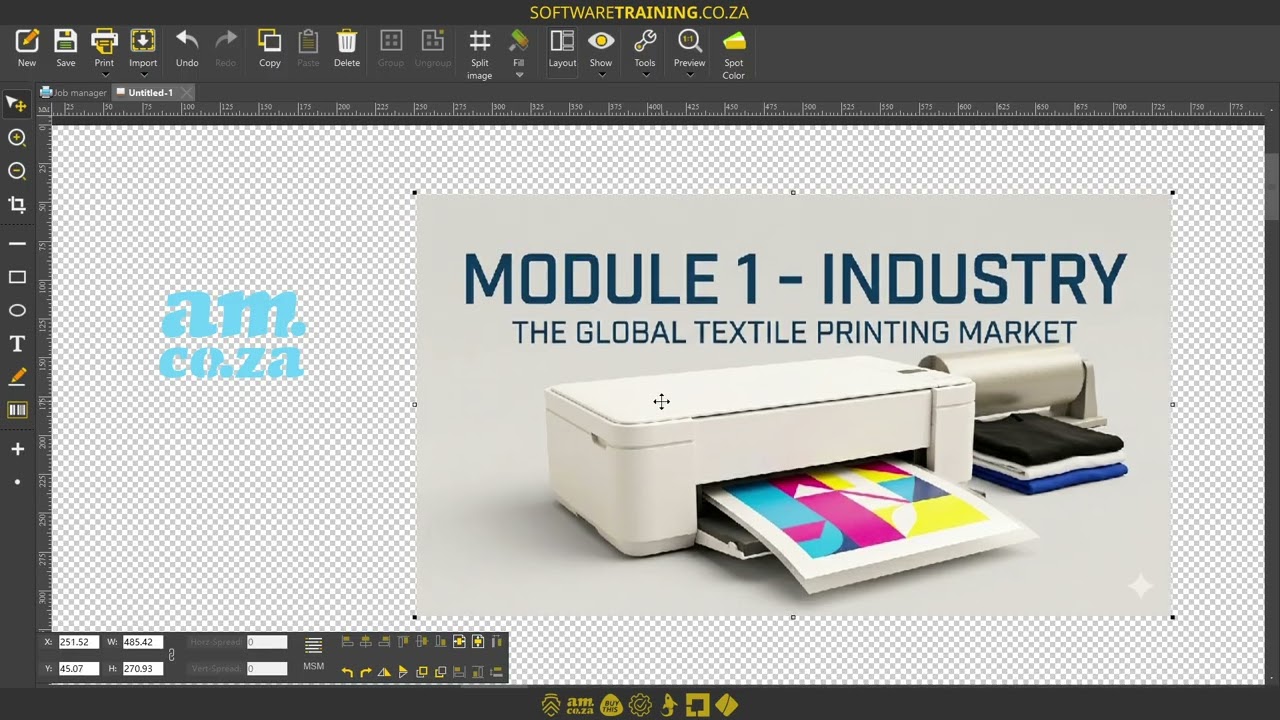
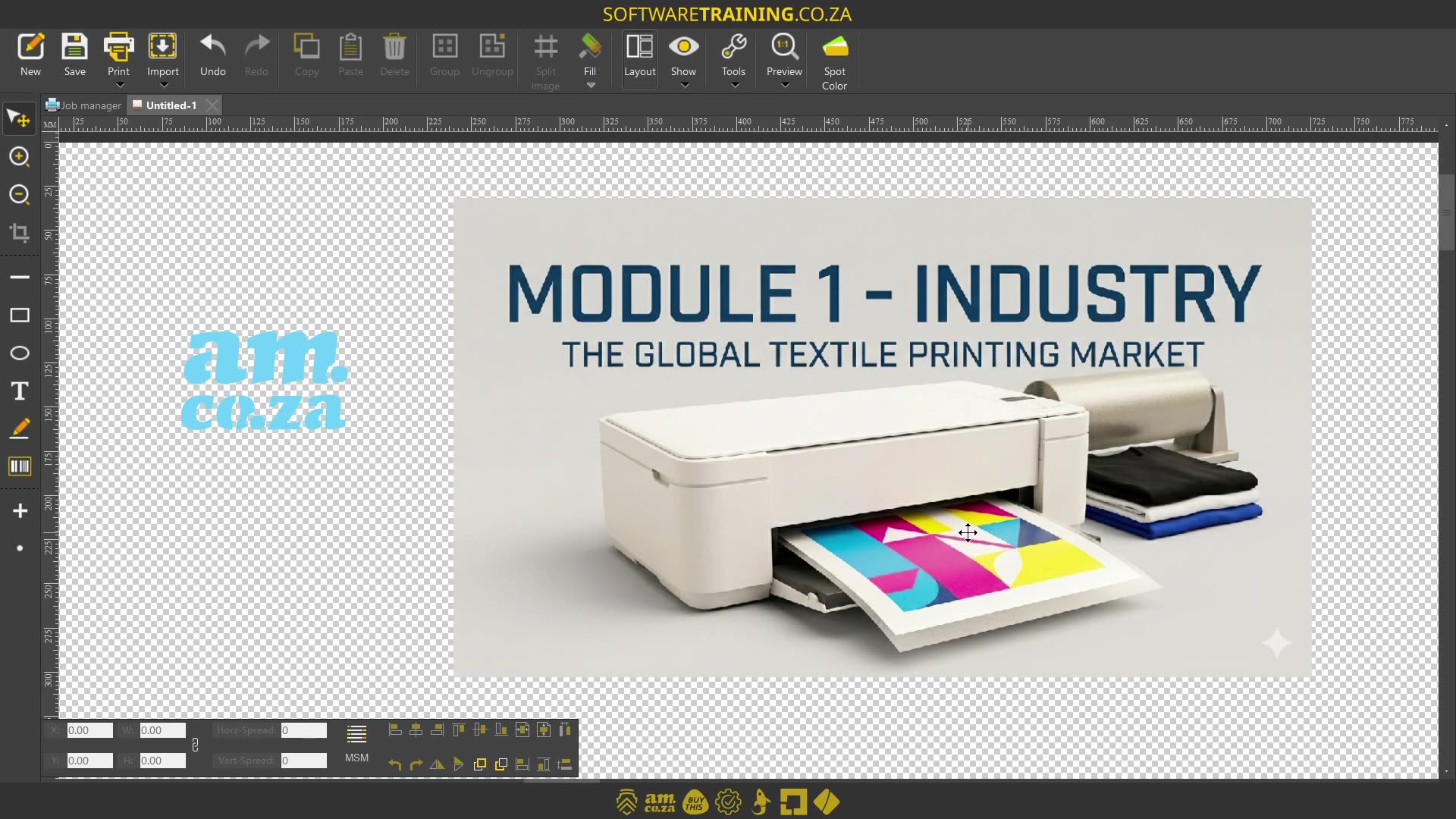
Howdy, guys. In today's video, we're gonna be looking at setting objects or designs order in the encrypt software. But before that, let's have a quick intro first. So, today's video can be found on softwaretraining.co.za. We make short and easy to watch problem solving videos, and we also have daily updates. So now, if we head into the software, so now, like I mentioned, we're gonna be looking at setting the order. Now, there's multiple reasons why you wanna do that. But what it comes down to is, it's gonna be the kind of stacking order. Let's say we've got papers, and we can decide which one is on top and which one is on the bottom, and so forth. So, let's take this scenario. Let's say I've got a design, and I wanna put maybe a logo here in the bottom right corner or something. So that when I print it, at least my logos on the design. So, let's say this is my design, I've imported it, but let's say I've imported my logo and then I've imported the design. Then what's gonna happen is this design is actually gonna be beneath it. You can see here. So if I move it there, you're not gonna see it. So then, we come down to our layout feature, you'll see we have these two options. We've got move to the top or move to the bottom. Uh, depending on which one's selected, if I have the back image selected, I would say move this thing to the top, or if I have the front image selected, I would say move this image to the bottom. So, let's try that. I'm gonna select the back one, say move to top, and you can say, now, this has put it here on top of our actual design. Just obviously make sure that if you wanna move it, select everything together to move it, and so forth. But yeah, otherwise, that is it on the actual order. In the meanwhile, though, if we head here to softwaretraining.co.za. You guys will notice, we've got a variety of different softwares we do cover, and you can also isolate your search on the top right. If you do not, however, find the training videos you're looking for, just simply go here, request the training video, fill in the mini form, and then we'll do our best to try and make that for you. But otherwise, thanks guys for watching and cheers.


 jeffery-erhunse-ea3YBqiLNF0-unsplash.jpg