Top Designing Programs for Large Format Printing Designs – AM.CO.ZA InkRIP Software (Part 5)

inkrip top designing programs
When it comes to making or editing client designs for your large format printing jobs, these are a few key programs to choose from.
From these programs there are some paid and free options available to choose from when working with vector or raster designs.
This video is part of a Mini-Series.
The previous video covered Design Elements.
Video Transcript
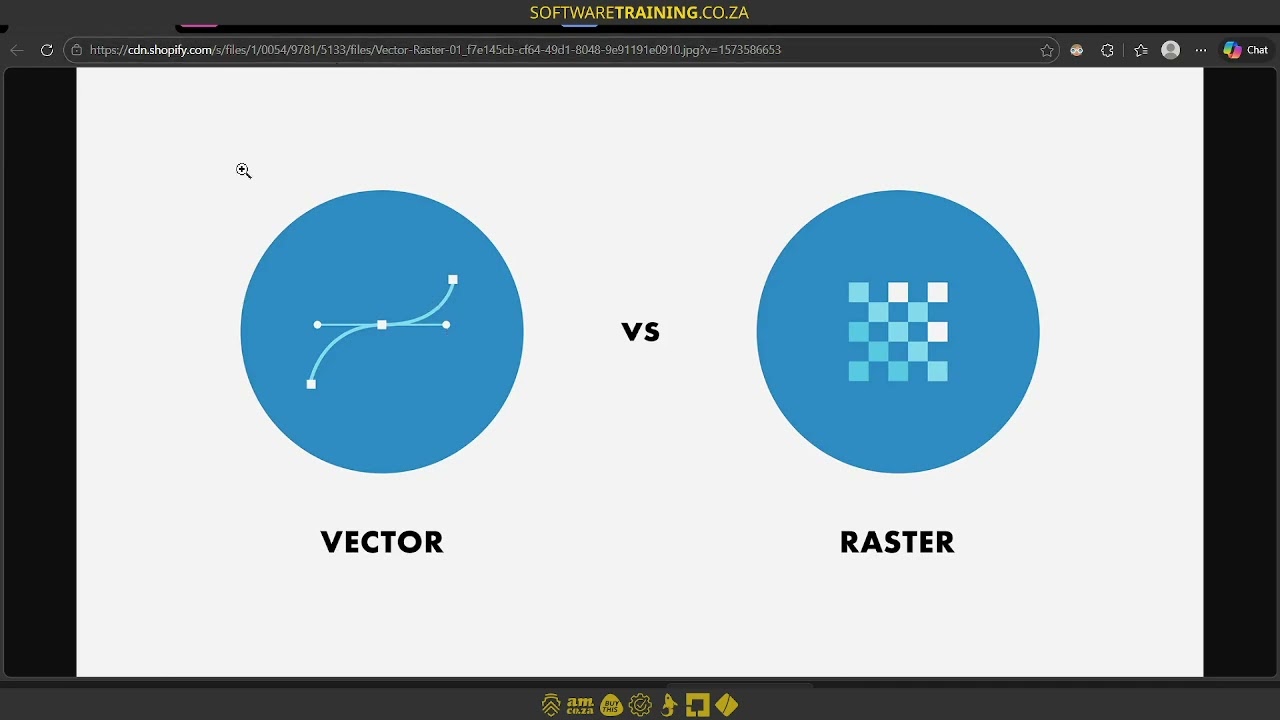
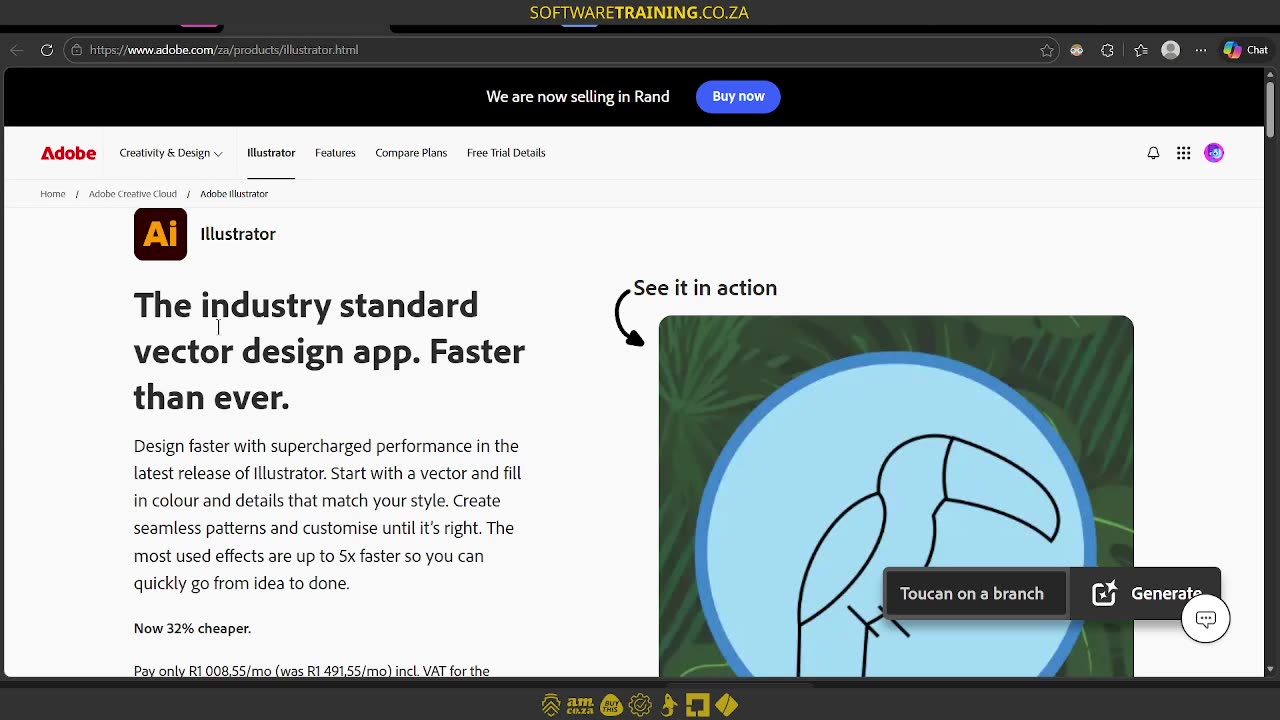
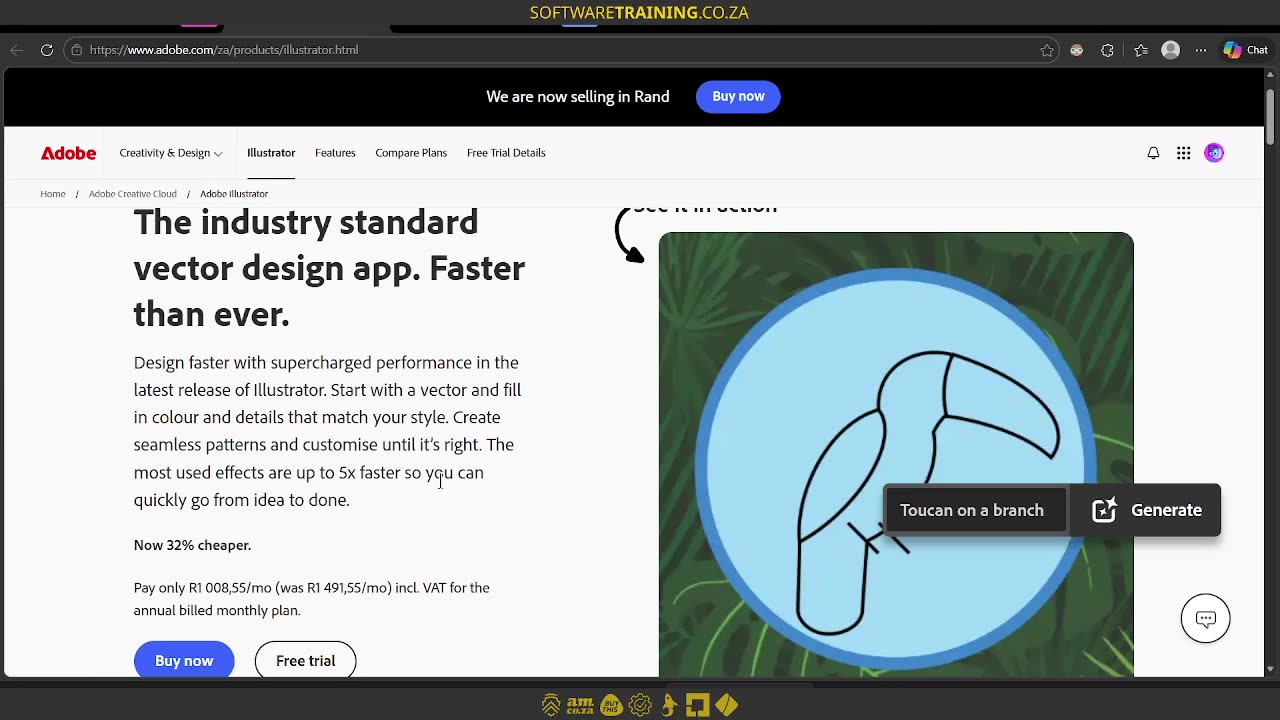
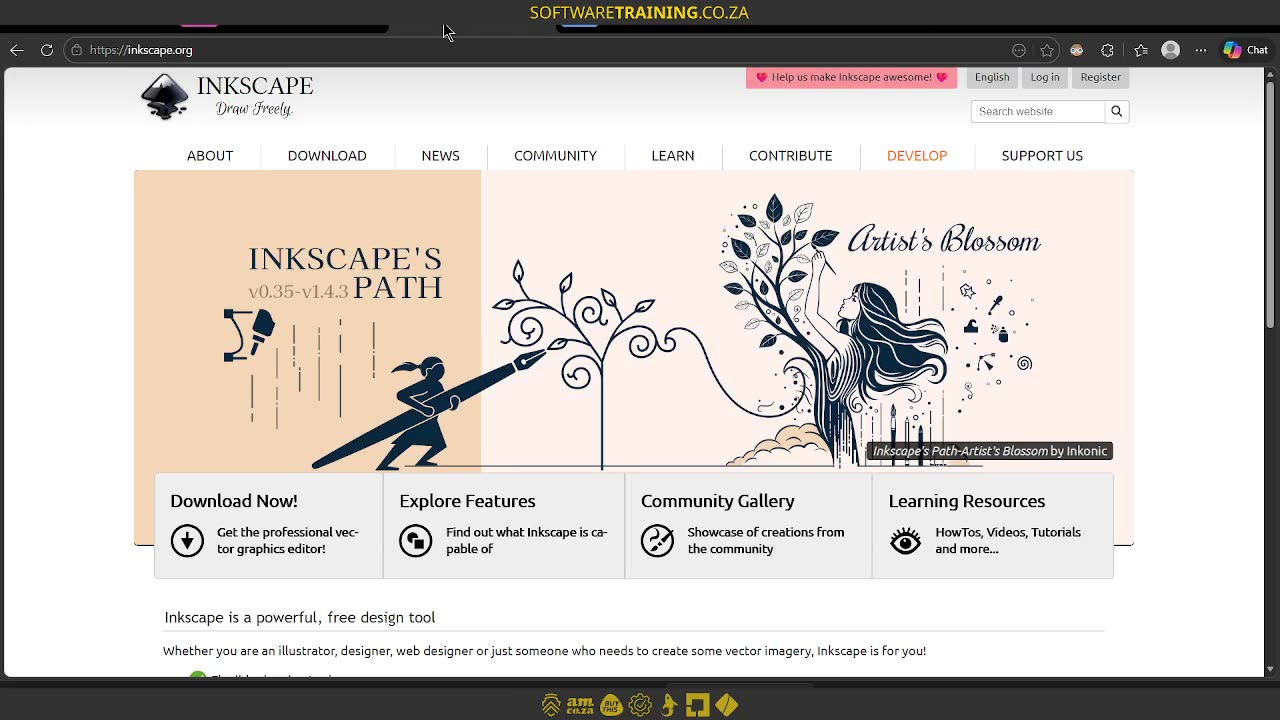
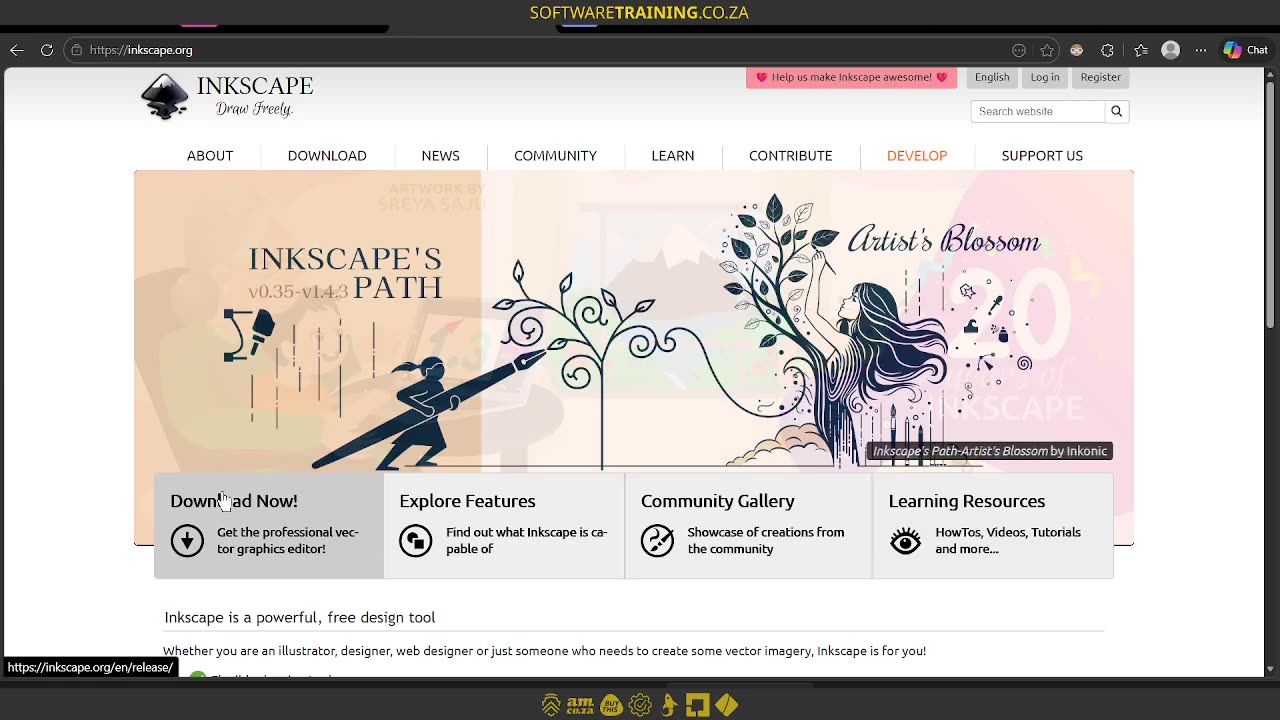
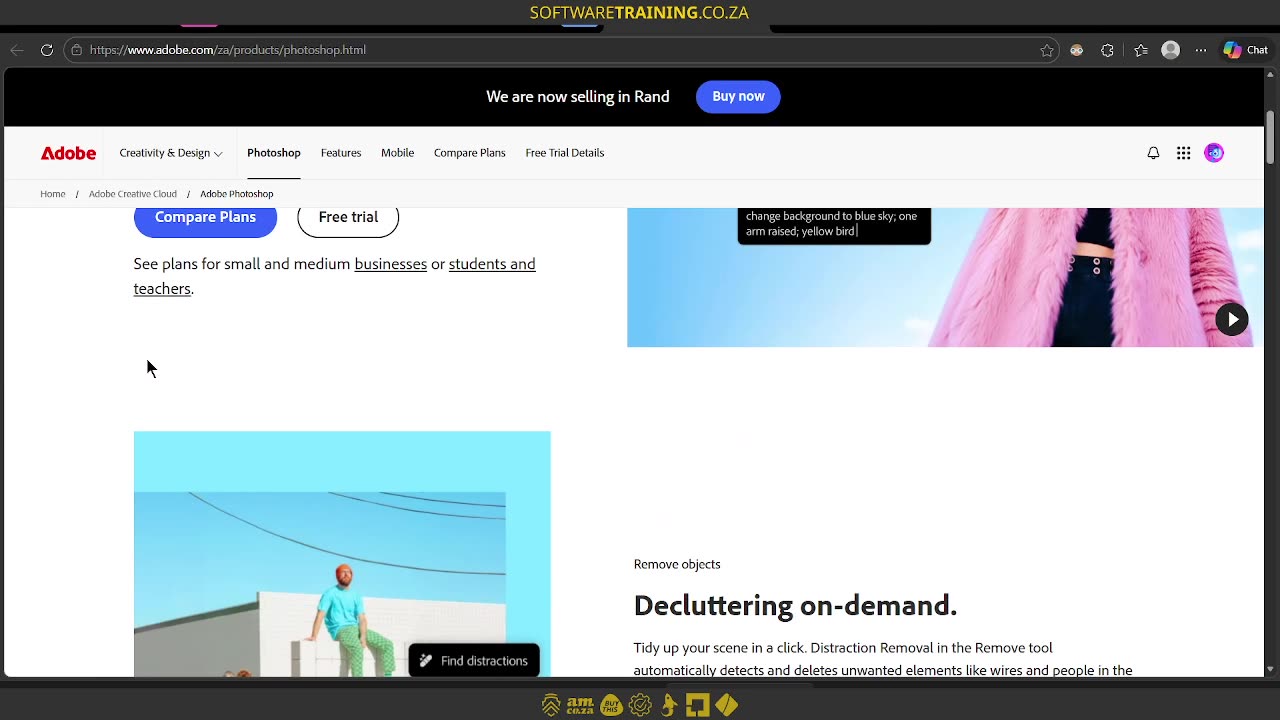
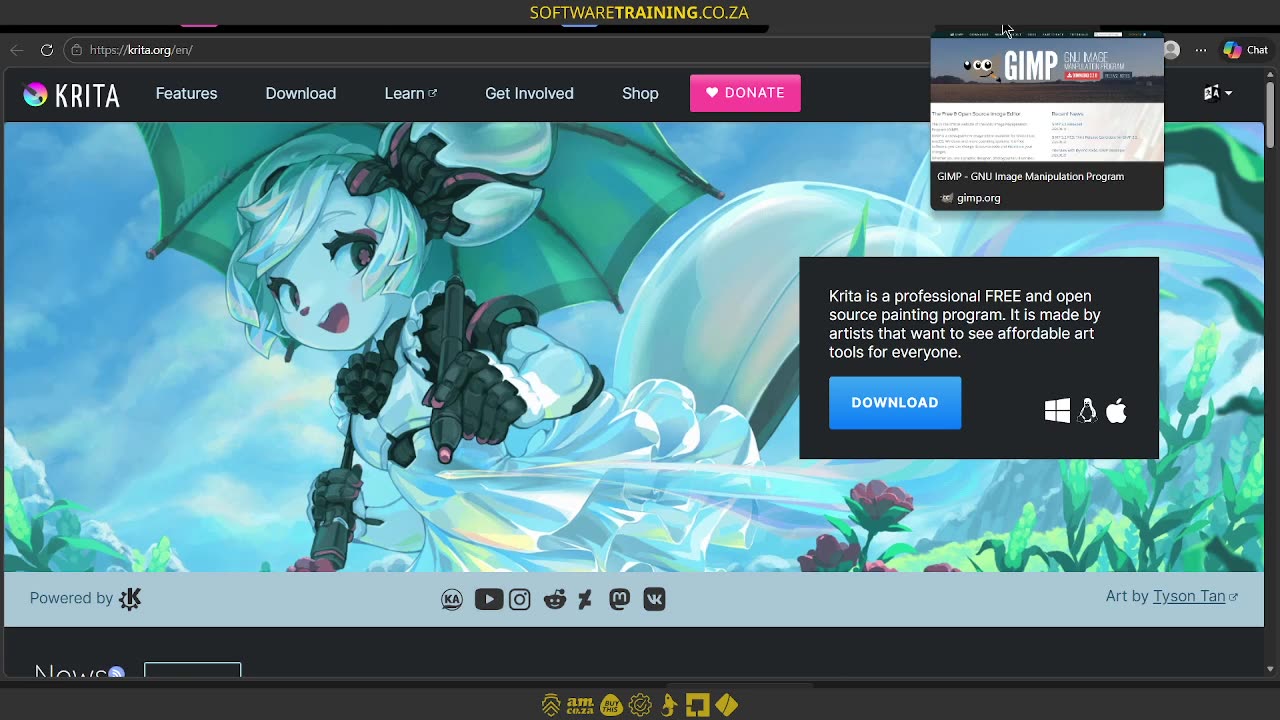
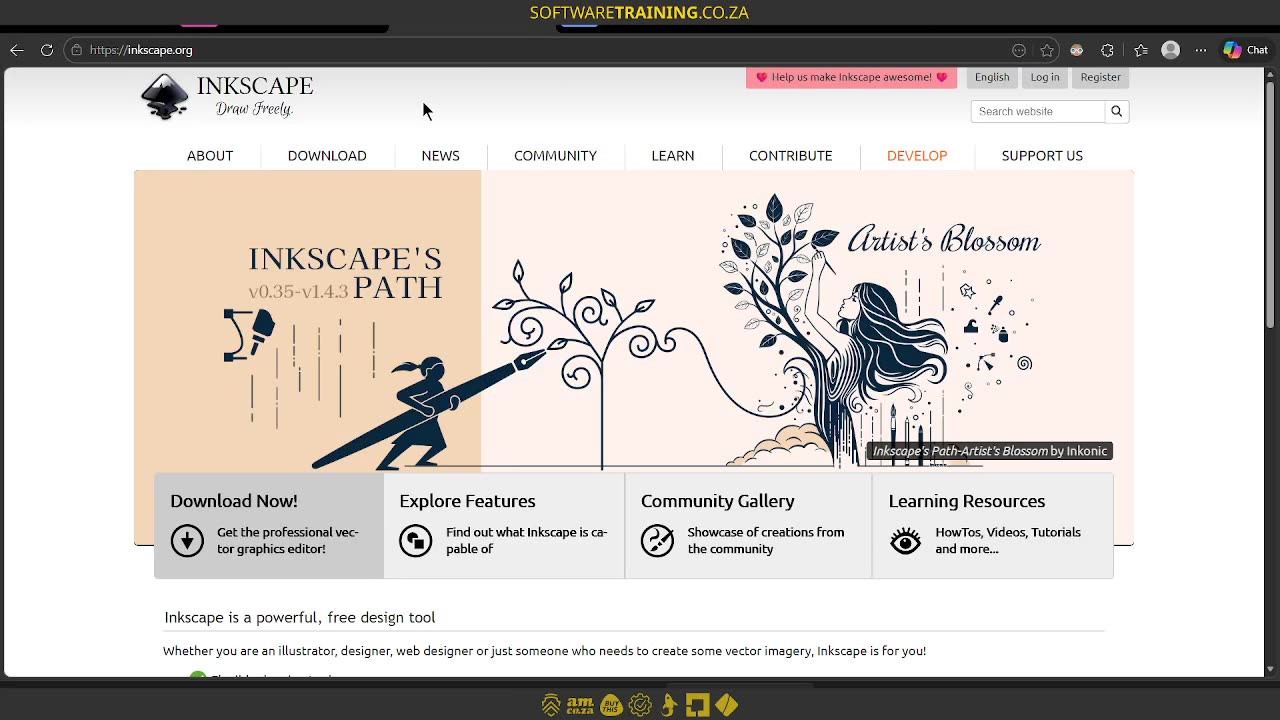
Howdy, guys. In today's video, we're gonna be looking at some design programmes when working with Encrypt. But before that, let's have a quick intro first. So, today's video can be found on softwaretraining.co.za. We make short and easy to watch problem solving videos, and we also have daily updates. Now, if we head here to the actual tutorial, now, like I mentioned in the intro, we're gonna be looking at different programmes we can use with Encrypt. Now, there's two main categories we want to be focusing on. So, the one is for vector designs, which, as you can remember, we've covered in the series, and the other one is for raster. So just a quick recap, vector is anything mathematically based, so this is great for like Uh, I can say logos, stuff like that. Anything you can blow up to a very big size, but it's more simple in design. Where Raster, this is more detailed, so it works with pixels, and this is common in like photos and so forth. Now, with actual workflow, obviously, uh, encrypt will convert it. That's why it's a raster, um. Uh, image processing, how can I say, um, process. So, it will take a vector and then rip it into a form of raster. So even if you're working with vectors, the final print will be a raster, but we'll cover that in another section. So, first of all, when it comes to vectors, a very popular one is Adobe Illustrator. So, this will be. AI files. So, if you're running Illustrator, you already have a paid subscription, then this is definitely the way to go. It's very, um, how can I say, it's industry standard. Now, this can get costly, you can obviously try a free trial, but in general, there is some good, free alternatives. So for myself, I like to use Inkscape, so if you had to go to, you just Google Inkscape, and then you'll see we have some download options. And uh y'all said, I think it works on Mac, Windows and Linux. Now, the nice thing about Inkscape is, like I said, it's free and you'll be mostly working with SVG files. Now, on YouTube, there's a lot of tutorials on how to use these programmes, so I would recommend checking that out if you're interested, but this will be mostly for, like I said, vector type graphics. Now, when it comes to Raster, this is where most people will be using Photoshop. Once again, it's also under Adobe, and you'll be using some form of paid subscription. So, if you're looking for some free alternatives, and then some great picks is Creta. Um, this is also for if you want to do art and so forth, but it's also a great photo editor and um RAS or pixel-based editor. They have some vector options in here, but I would say for me personally, I prefer using something like Inkscape for vector and something like creta for rat. Now, the nice thing about this is you can also get it on Steam, but then it is a paid subscription, or I should say a once-off price. I think it's about 100 rand, but um from recording this video. Then, if you just download it from their website, and that will be free. Then another alternative to that, which some of you might know, is Gimp. So this is also a great programme if you wanna edit images, prep your photos, and so forth. But yeah, so that is our free software. So just a quick recap, for Vector, we've got Inkscape as an alternative to Illustrator, and then for Raster, we've got Creta and Gimp as an alternative to Photoshop. Now, there's many more, so you can obviously go play with them, but these are kind of the industry standards, and they've been around for donkey years. But yeah, otherwise, in the meanwhile though, if we head here to softwaretraining.co.za. You guys will notice we've got a variety of different softwares we do cover, and you can also isolate your search here on the top right. If you do not, however, find the training videos you're looking for, just simply go on the left, request a training video, fill in the mini form, and then we'll do our best to try and make that for you. But otherwise, thanks guys for watching and cheers.