Choosing What Our Ink Limit Mixed Values Will Be Within the AM.CO.ZA InkRIP Software (Part 8)

inkrip ink limit mixed values
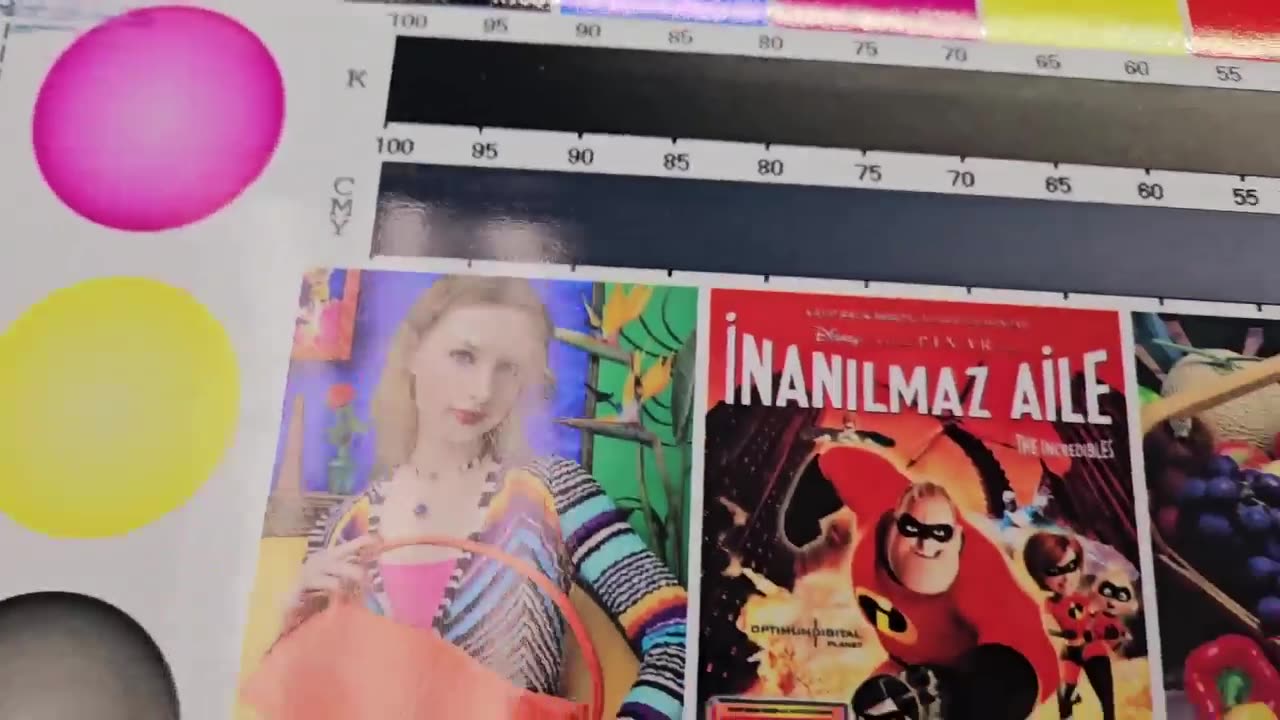
When you are printing your sample charts and you find that your Mixed inks get muddy and start to bleed too much, we will need to adjust our Ink Limit Mixed.
Adjusting the Ink Limit Mixed will help us achieve a well balanced printed image without too much puddling.
This video is part of a Mini-Series.
The next video covers Create ICC File.
The previous video covered Linearization.
Video Transcript
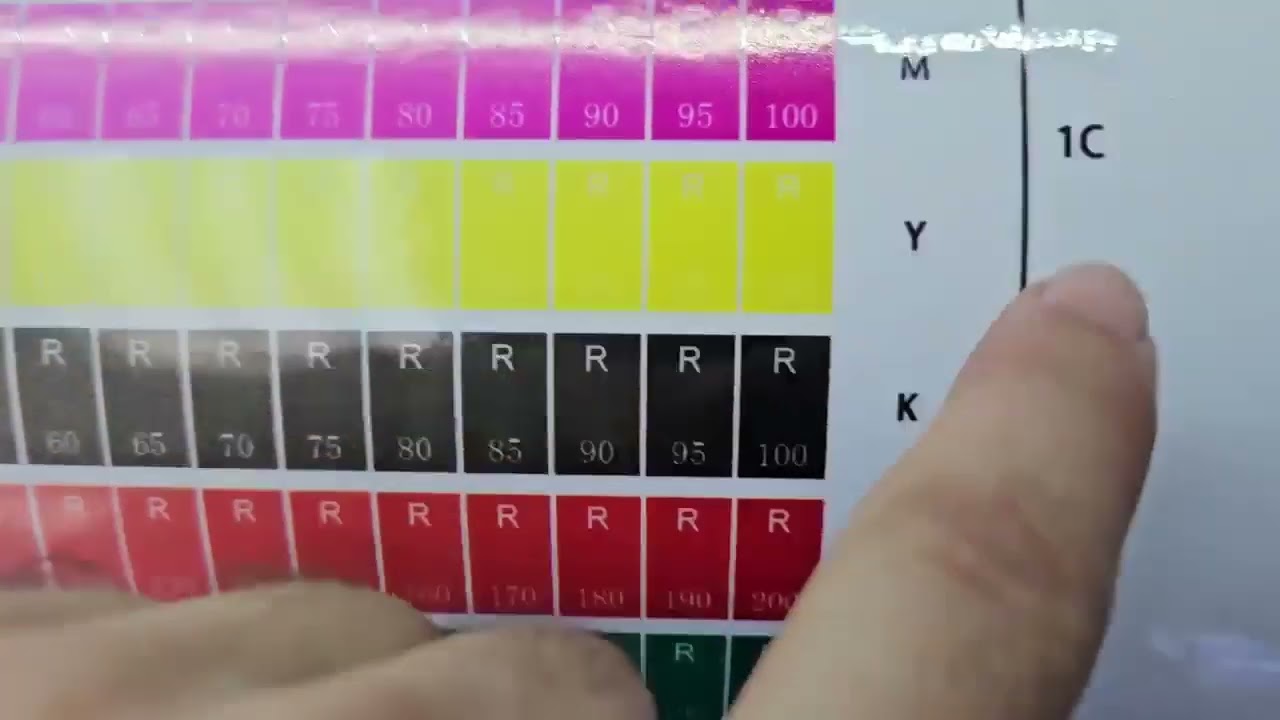
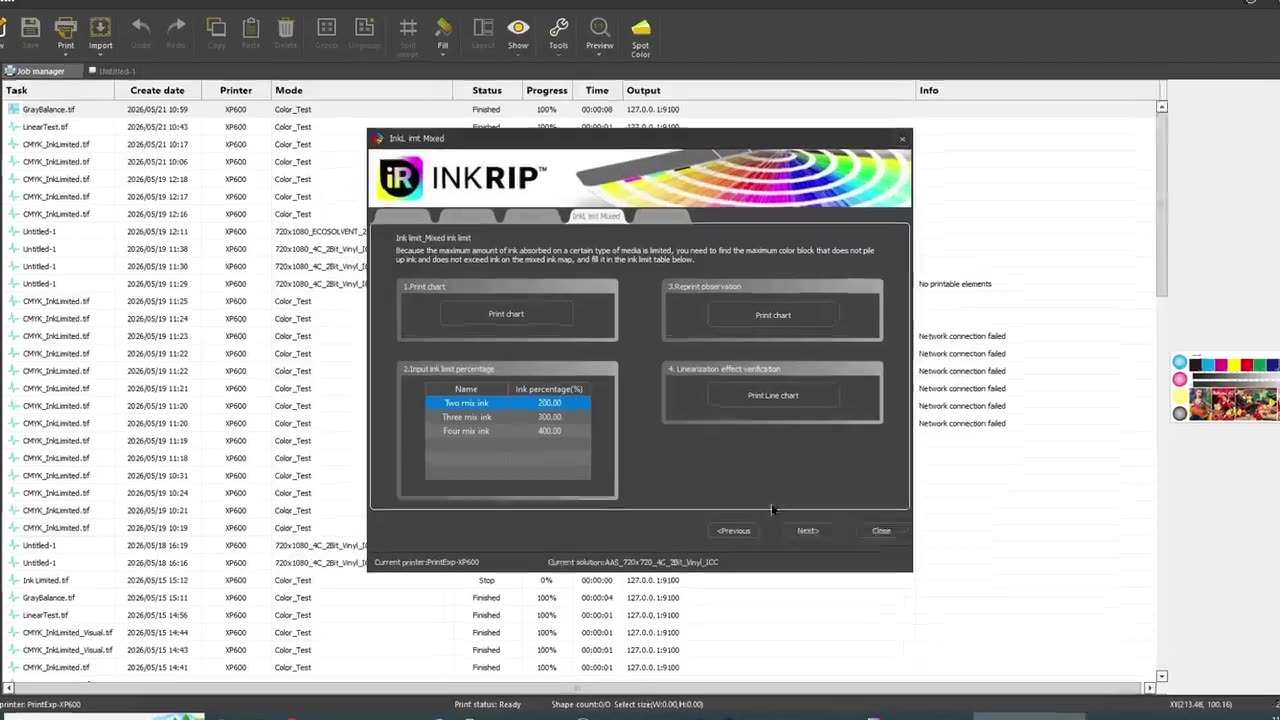
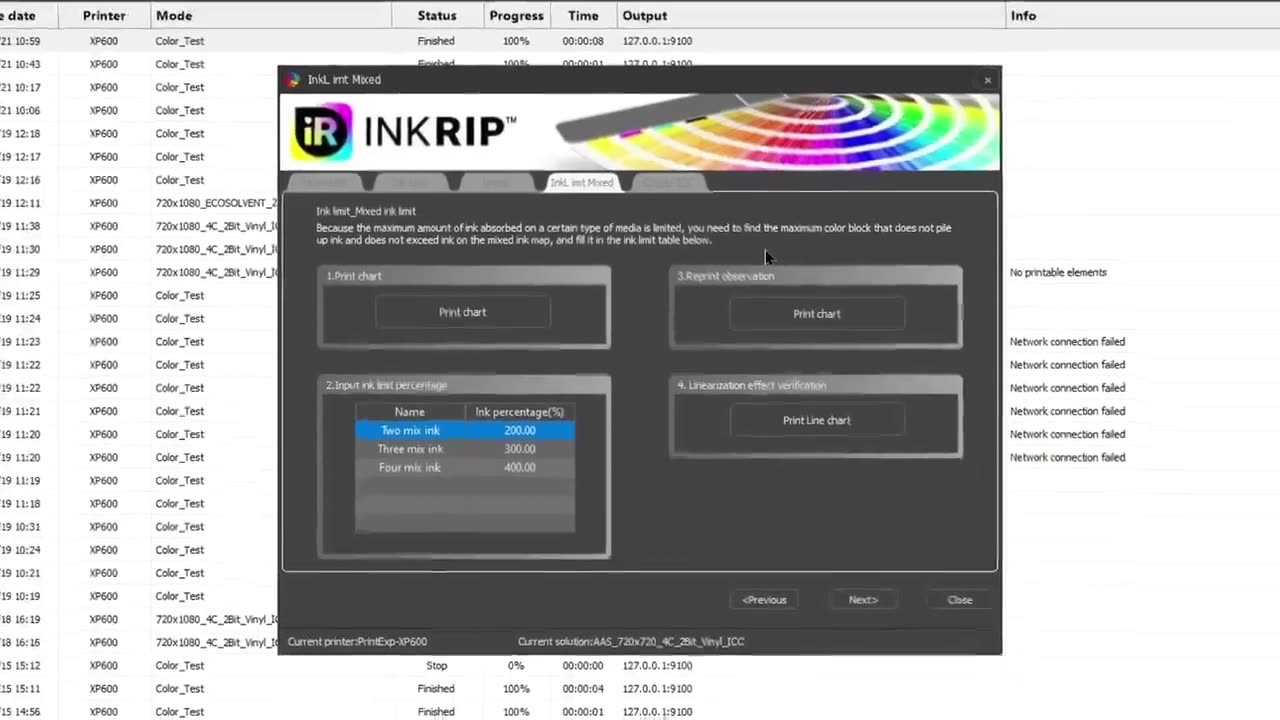
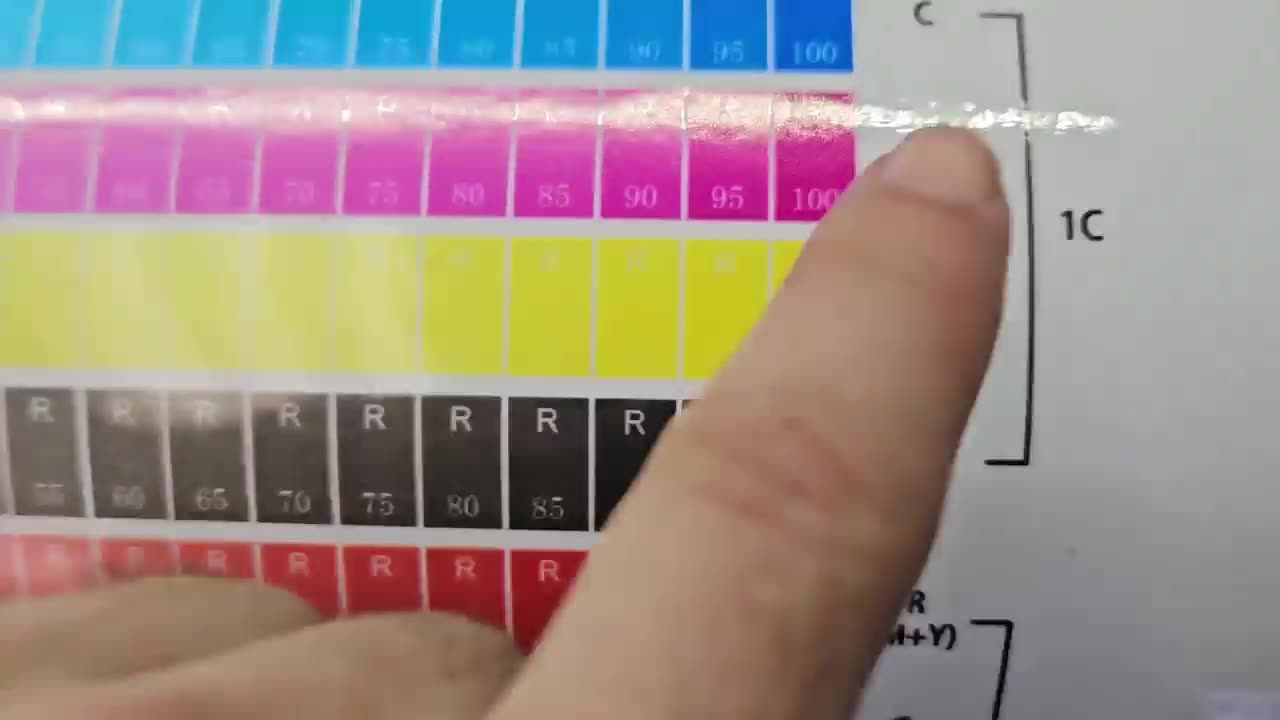
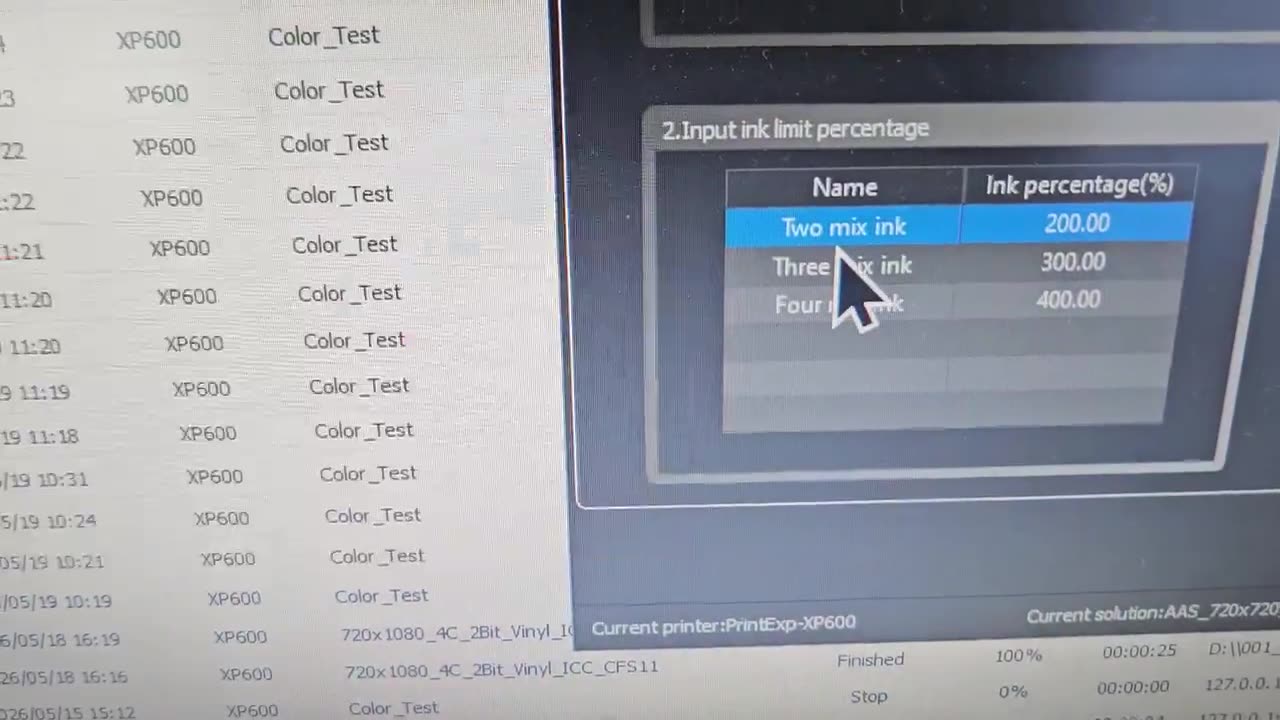
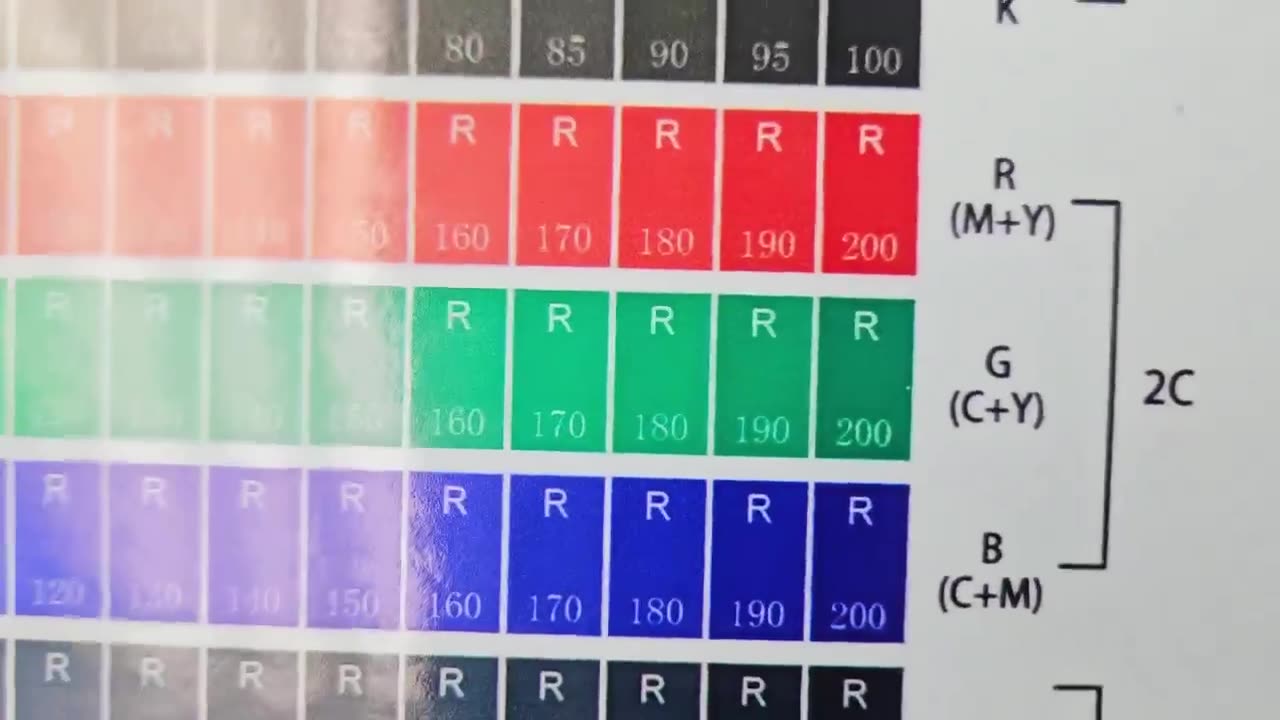
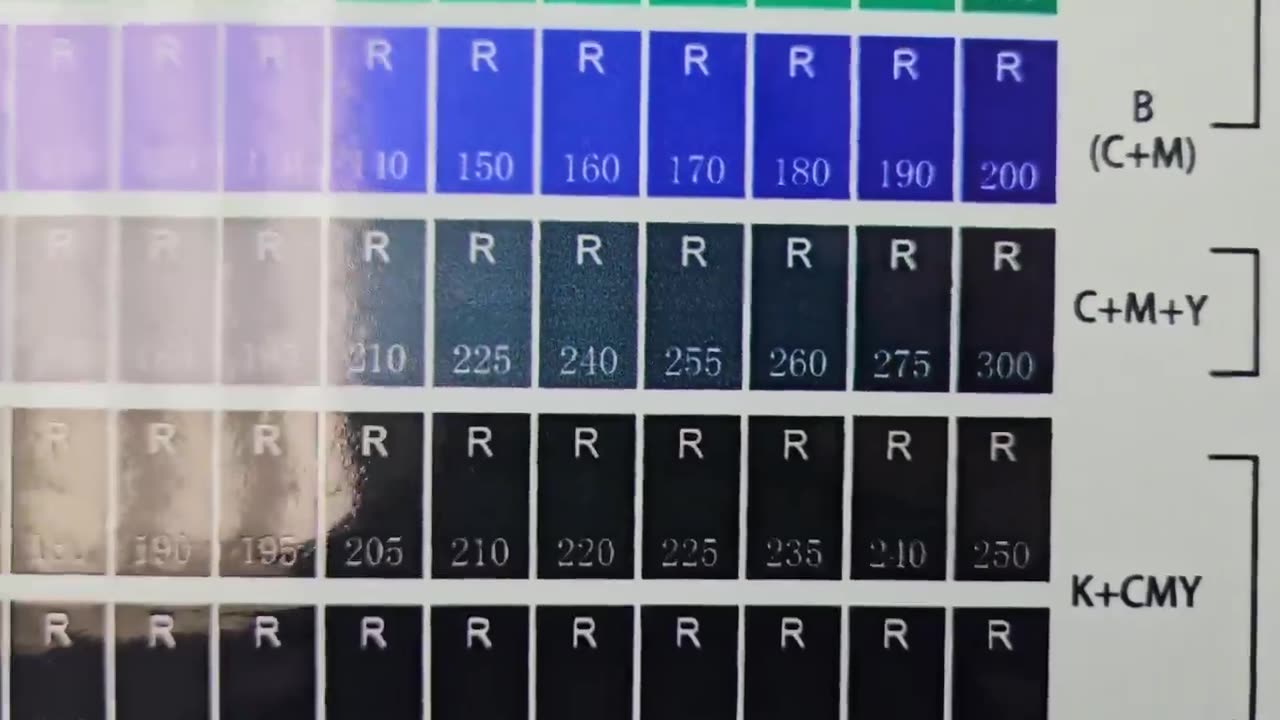
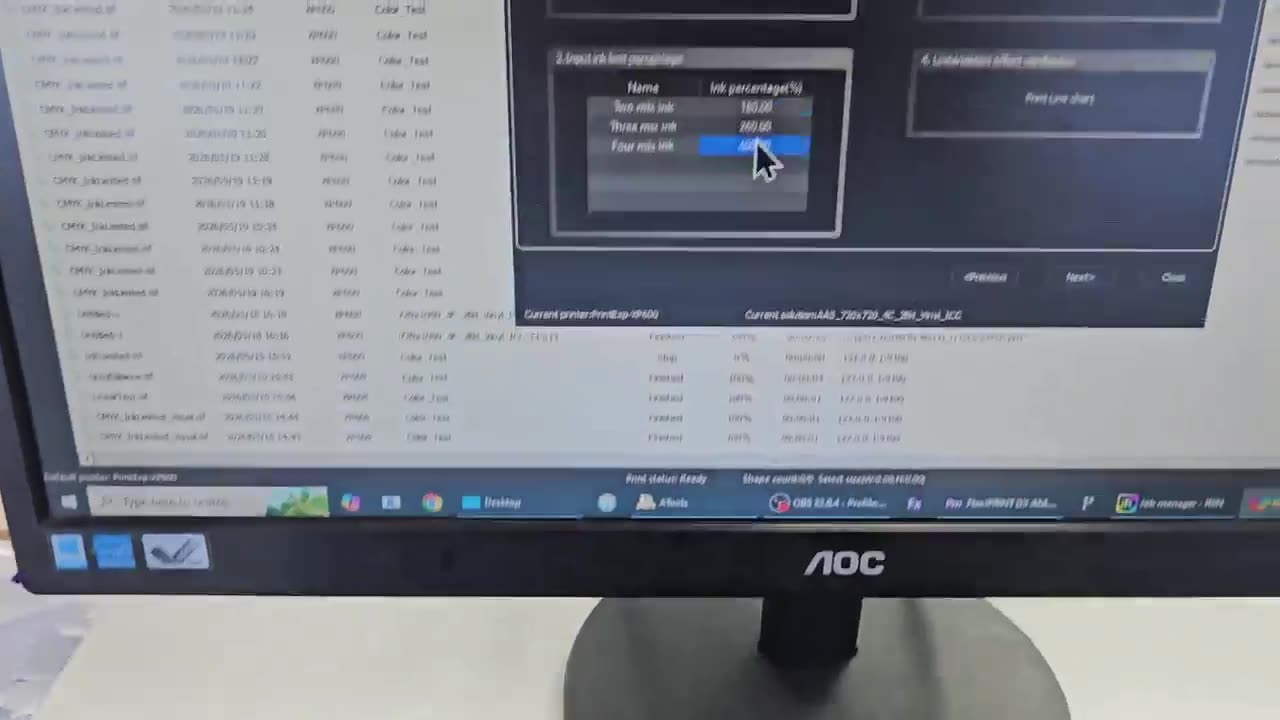
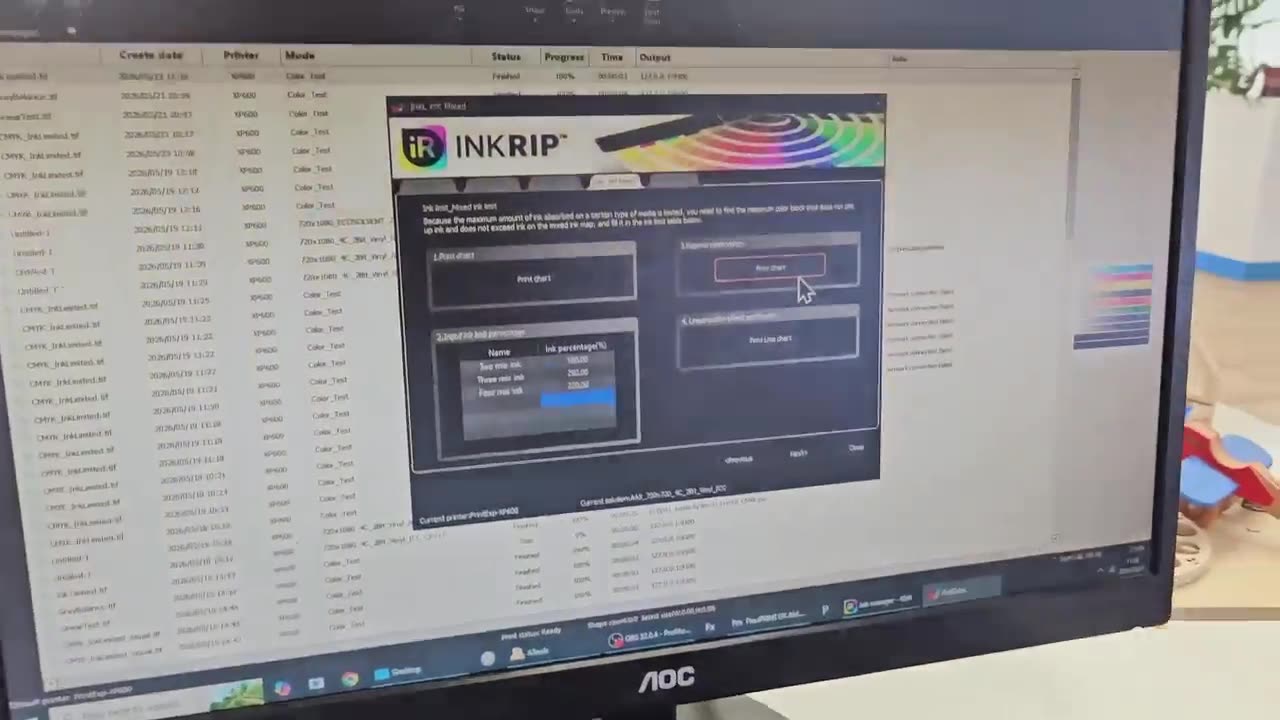
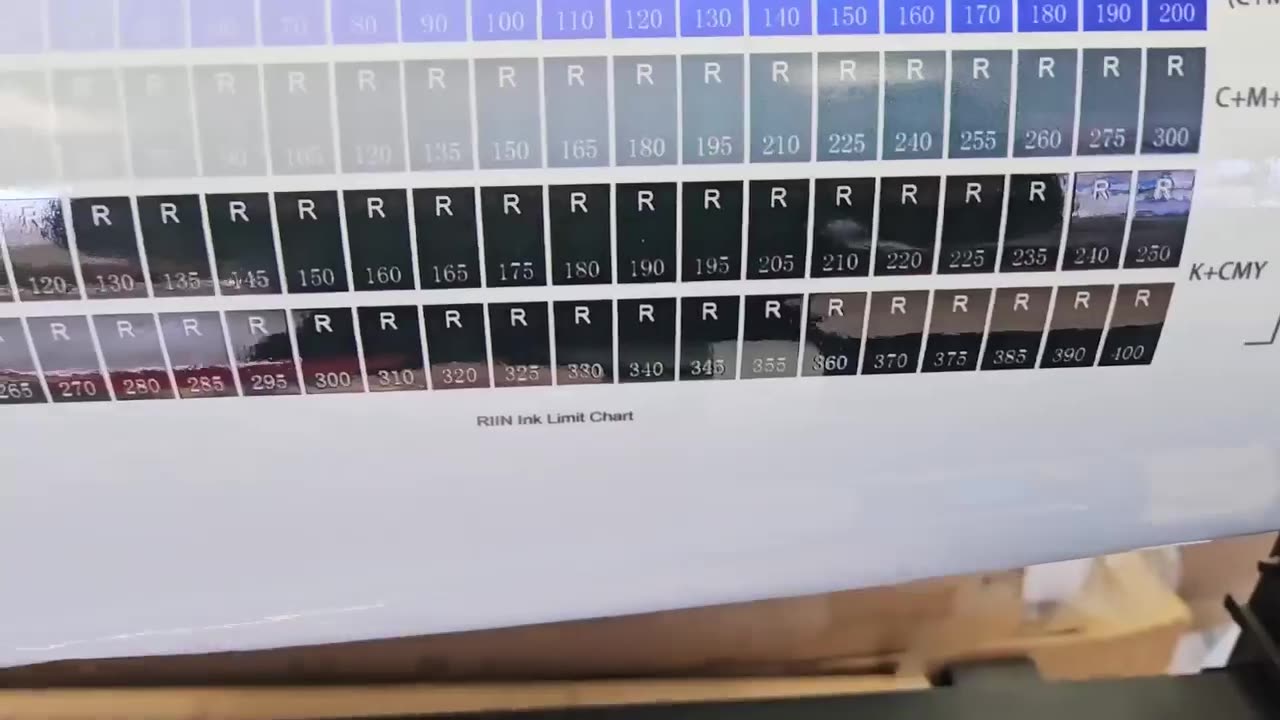
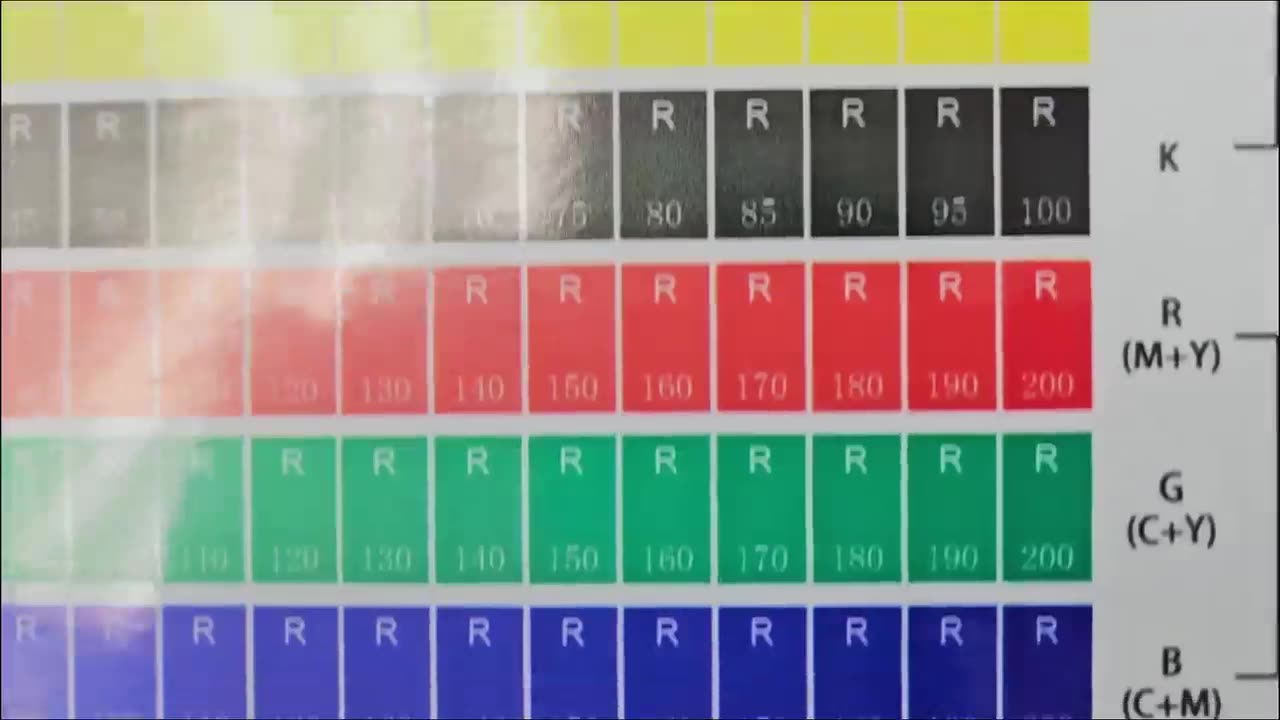
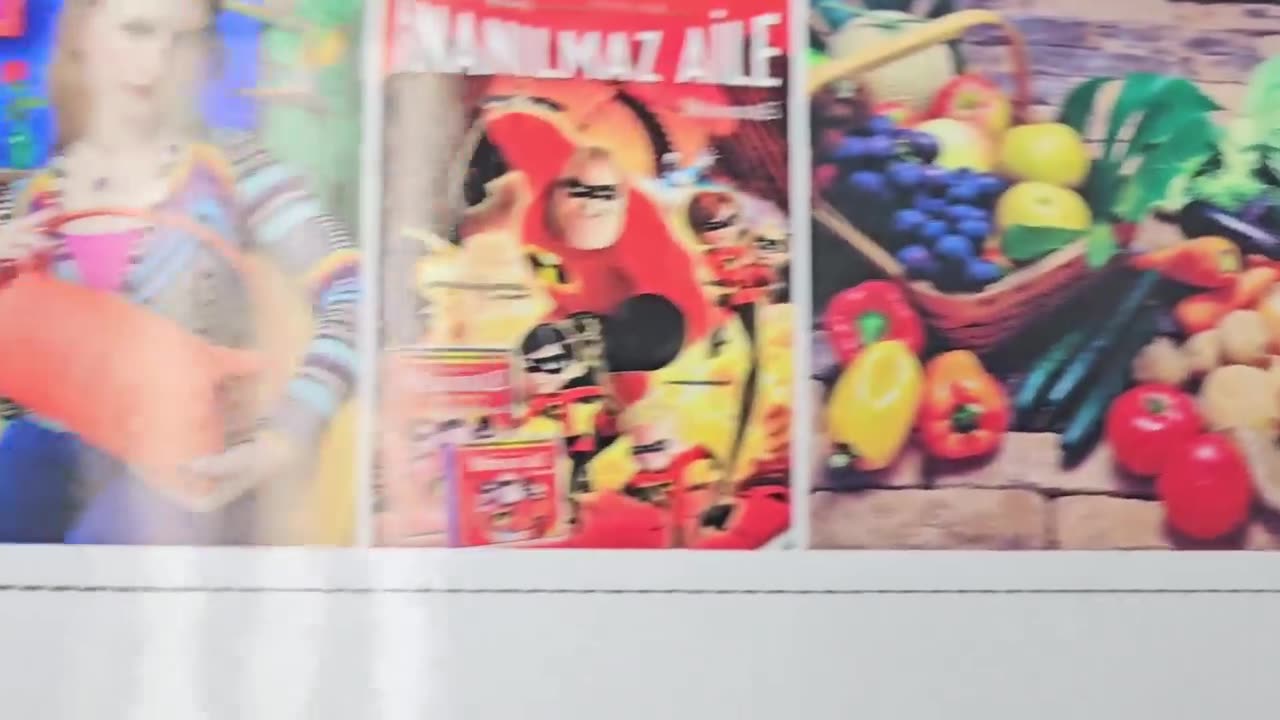
Howdy, guys. In today's video, we're gonna be looking at some inkli mixed for the ICC profiles, but before that, let's have a quick intro first. So, today's video can be found on softwaretraining.co.za. We make short and easy to watch problem-solving videos. Ink limit mixed. What this comes down to is, what is the limit of ink with our mixed channels. So, in other words, if we're putting 2 or 3, maybe 4 channels over each other, like what is the maximum of ink it's allowed to put before it starts bleeding and so forth. So, we basically, this is where we're gonna be controlling that. So now, in this section, we also have a nice little warning message here or information message. So once again, like I mentioned earlier, it is just depending on your material, like what is the maximum you put before it's still bleeding. OK, so what we wanna do here then is we wanna start off with printing another chart. So you'll see it's nicely labelled 123, and 4. So we'll start with number 1. Then we click this print chart. Wait for it to finish printing, and you'll see this time the chart looks slightly different. So now, over here, we can inspect the chart. And then on the right here, you can see we've got some options. So we've got C1. C2, C3, and C4. So now, if we're to the software here, we can see this 2-mix ink means the C2, and then we've got the 3-mix for the C3, 4 mix, and that will be the C4. What we wanna do after that is we wanna go to each one of these charts. So we start with C2. Then what we wanna do is we're gonna go and look which value bleeds the least. So, we can still read the R and the, the um numbers easily. So, on the case of the two C, I think this 180 looks pretty good. So, what I'm gonna do in the software, I wanna adjust this to 180. Then next up, we wanna go to the 3-mix inc, and then we go on the chart like before. Now, we wanna assess and look what do we think looks the best. Also, in this case, I'm gonna go for the 260 and then gonna update it here 260. Then we want to do the same with the 4th mix, and then. In this case, I'm just gonna make it to 20 but in general, I find with the full mix, you wanna set it very low because it really just gets muddy very quickly. So, with those adjusted, I wanna print the next chart and then we can look at the results to see, does it look better. Now, I like to let these dry first and then what we can do is we lay them next to each other. Now, we can see do we like the new results. I think it came out pretty all right. Then the full me though, I could go lower, but for the sake of this tutorial, I'm not going to. Then after that, back on the software, we wanna print the next chart, which is the linearization effect verification. Now, what this will do is we'll print that classic chart we had before with all different reference and samples on it. Then we can assess this and see now the amount of inks. Does it look good or is it still pulling too much. As you can see here with the 4 times, it's still a bit thick there. But the race looked pretty good. Then after that, we're gonna move on to the next and final stage of creating. Otherwise, if we head here to softwaretraining.co.za. za, you guys will notice we've got a variety of different softwares we do cover, and you can also isolate your search on the top right. If you do not, however, find the training videos you're looking for, just simply go here, request a training video, fill in the mini form, and then we'll do our best to try and make that for you. But otherwise, thanks guys for watching and cheers.




 caique-nascimento-BOHyxqepP9Y-unsplash-index