About ICC Profiles Within the AM.CO.ZA InkRIP Software Color Manager Tool (Part 1)

inkrip icc profiles about
Have you ever printed an image, but it does not look the way it looked on your monitor?
In this video we will look at why this happens and how an ICC Profile can address that.
This video is part of a Mini-Series.
The next video covers the Spectrophotometer.
Video Transcript
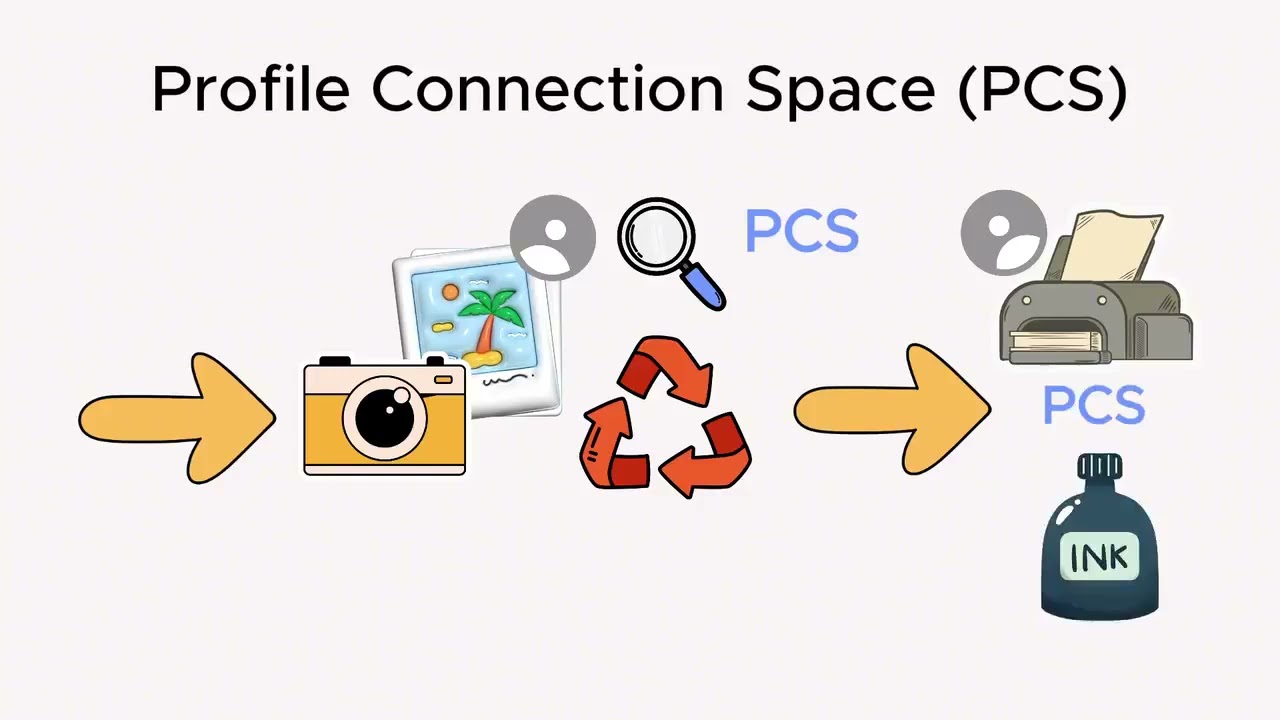
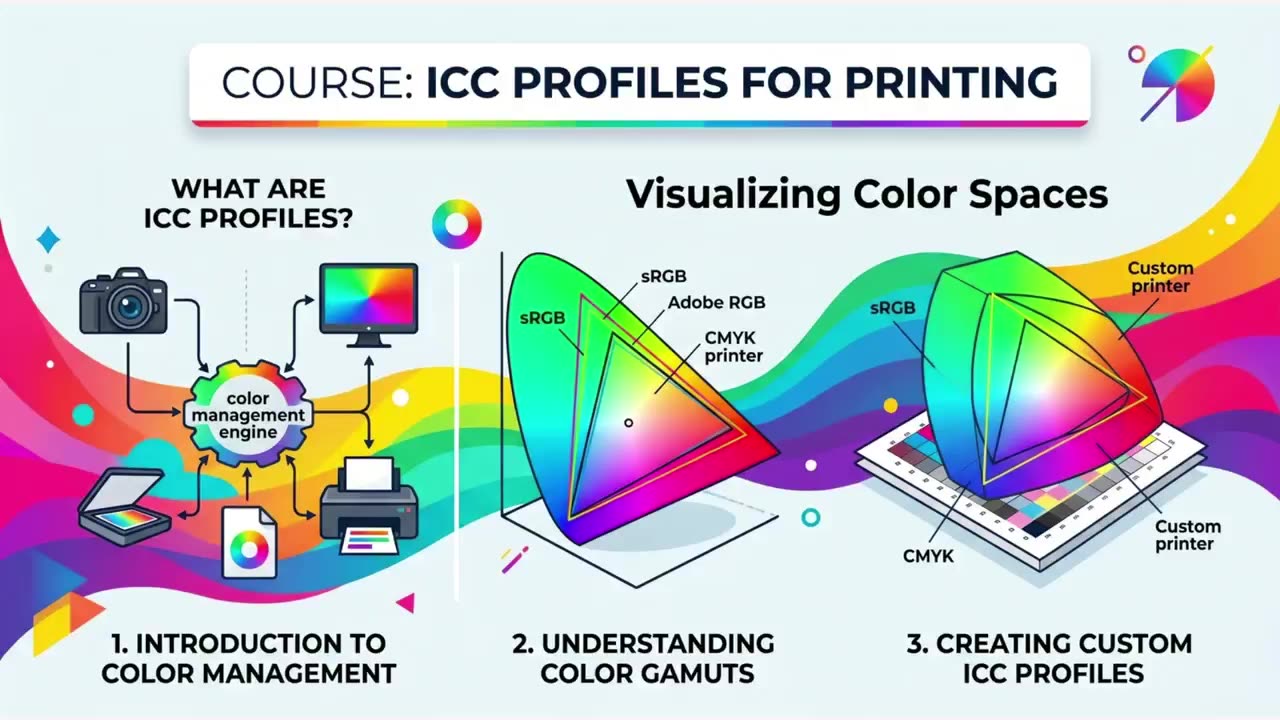
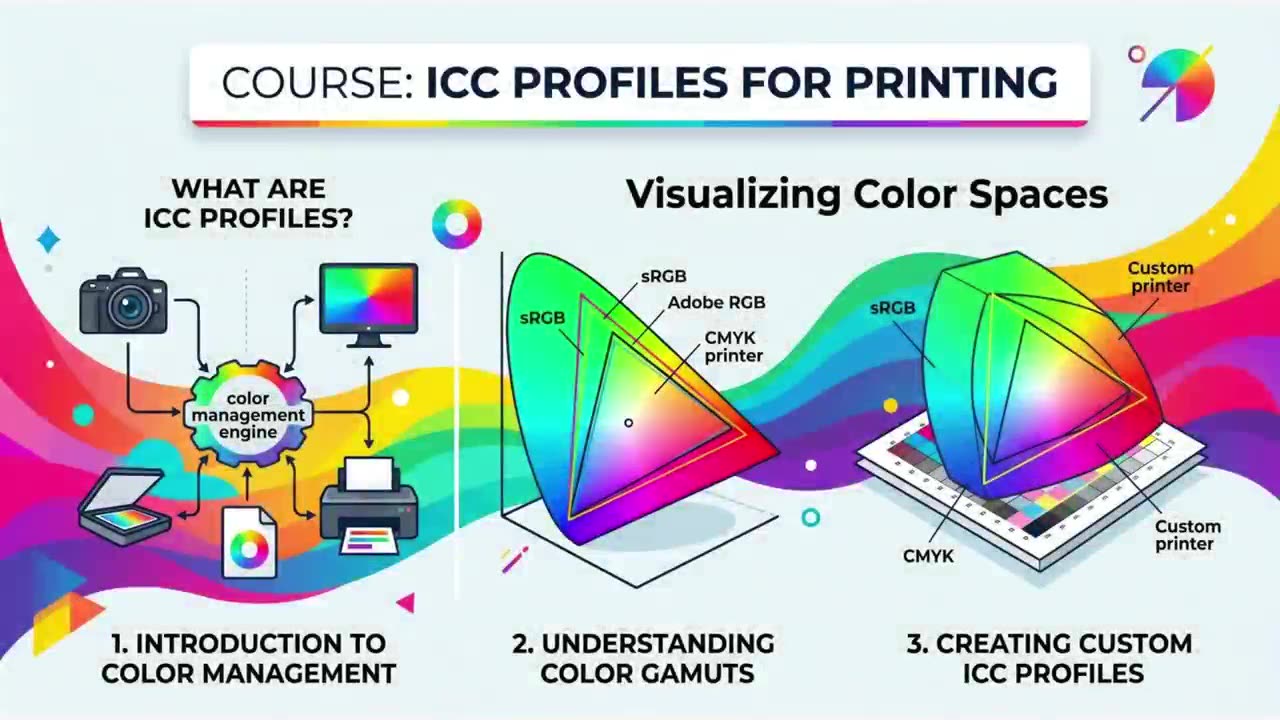
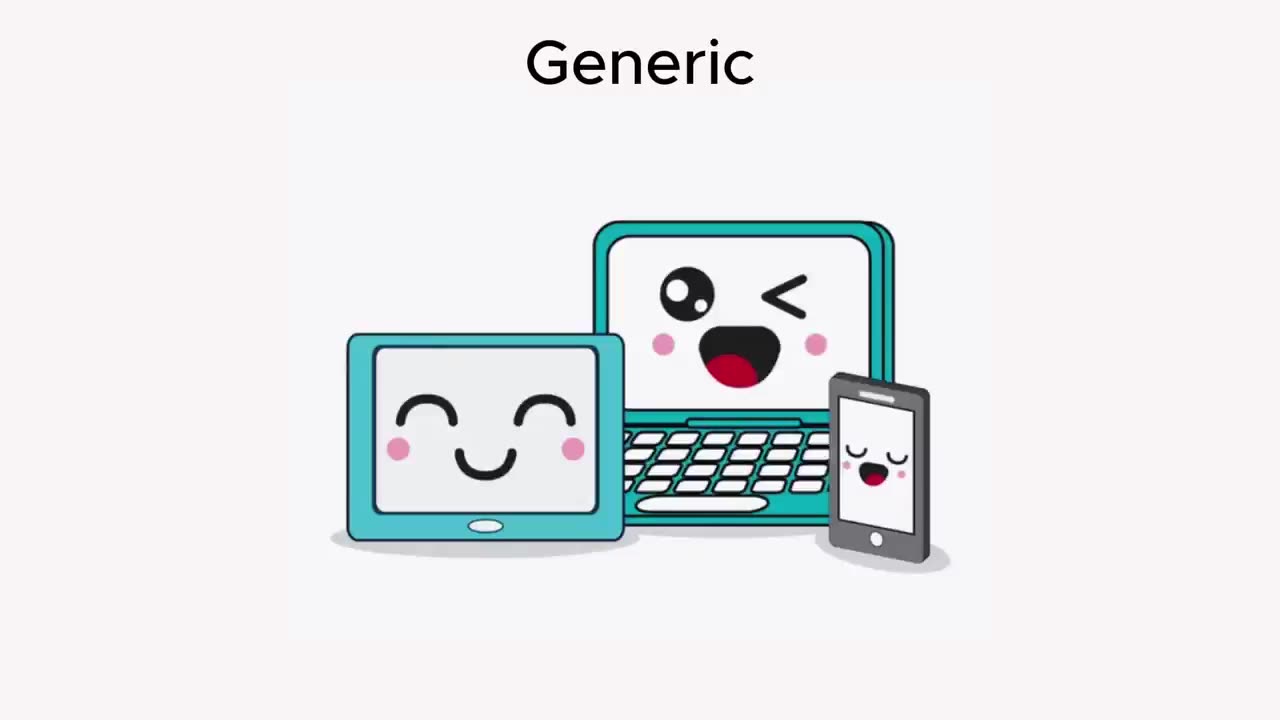
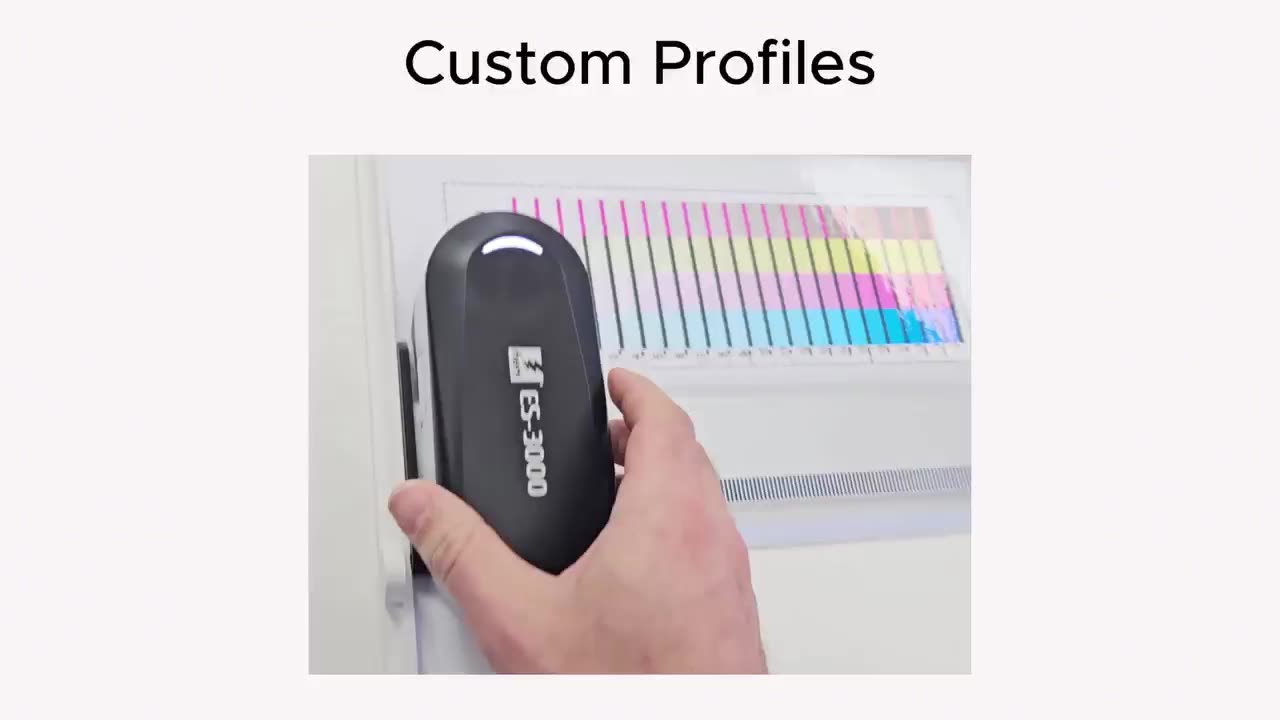
Alrighty, guys. In today's video, we're gonna be looking at ICC colour profiles. But before that, let's have a quick intro first. So, today's video can be found on softwaretraining.co.za. We make short and easy to watch problem-solving videos, and we also have daily updates. Well, like I mentioned in this video, we're gonna be looking at what is ICC profiles. So first of all, ICC profiles stands for International colour Consortium. So in other words, you kind of think of it as a translation dictionary for colour. Cause in the digital world, every device speaks its own different language, or should I say language or colours. So for instance, a pure red on, let's say a smartphone might look slightly orange on a laptop or a bit dull on your home printer. So that being said, ICC profiles of files that translate these variations, um, let's say of colours that stays consistent as it moves across your camera, your screen, and finally to your printer. So how does this work? To keep the colours consistent, the IC system uses a, how can I say, profile connection space, so it also stands for PCS. So instead of trying to translate every monitor directly to every printer, which would be quite a mess of millions of combinations, um, every device translates its colour into a natural device-independent master language. This is usually called a CIE lab or a CIE XYZ or Z. Also, you have your input, and that means your camera captures an image and attaches its input profile. Then conversion, your computer looks at the profile, translate those specific values into natural PCS, which was the profile connection space. And then, we have output. This is when you go to print and your computer looks at your printer's output profile and translates the natural PCS values into specific ink translations for your printer's needs. Now, when it comes to these ICC profiles, there's 4 main types. We'll mostly be focusing on only one of these print. So, not all profiles do the same job. They're generally categorised by the devices they describe. So from these four, we have input profiles. This uh describes how scanners or digital cameras see colour. Then we have display profiles. This describes how monitor screens um show colour and um this is what you create when you calibrate your monitor. Then, thirdly, we have output profiles. This is mostly what we'll be working with, and this is where we basically describe the colour capabilities of a printer, often specific to a, uh, how can I say certain ink and paper combination. Then, fourthly, we have working space profiles. These aren't tied to a device, but they are, how can I say, idealised. This is where, um, like the spaces you do your editing, for instance, let's say like uh SRGB, Adobe RGB, Prophoto RGB, and so forth. Now, that brings us to an important question, and that is why should you care? So, if you've ever been frustrated that a photo looks vibrant on your screen, but muddy or greenish when printed, and you've experienced a colour management failure. Now, when it comes to consistency, it ensures that the logos, how can I say, let's say Coke red, looks the same on a billboard, a magazine, or a website. So it keeps a form of consistency there. Then also professional software like Photoshop uses ICC profiles to simulate what a print will look like on your screen before you waste expensive ink and paper, so that is considered soft-proofing. Then, when it comes to gamut management, this pretty much comes down to every device has a physical limitation on what colours it can produce. And then, this will help manage it. So if something is out of the gamut, how does it, does it translate it, so it still looks good. Then another point on this is generic versus custom profiles. So, generic profiles is pretty much like factory things that's gonna be shifting with a lot of uh products. So most monitors, printers, they come out with these. So, these are good enough for most users, but they also assume that every unit that comes out of the factory line is identical, which is not the case. Then, when it comes to custom profiles, this is often where professionals use tools called uh special phototers or colour metres. This pretty much is a device used to scan different charts and that and help you create a very accurate ICC profile for your machine, your ink, and your paper. Yeah, otherwise, that is the basics of ICC colour profiles. So, in short, it is pretty much a form of library that you can create to translate colour information from your printer, your screen, and so forth to have accurate outputs. In the meanwhile, though, if we head here to softwaretraining.co.za. You guys will notice we've got a variety of different softwares we do cover, and you can also isolate your search here on the top right. If you do not, however, find the training videos you're looking for, simply go here, request the training video, fill in the mini form, and then we'll do our best to try and make that for you. But otherwise, thanks guys for watching and cheers.