Making and Managing Custom Color Tables Within the AM.CO.ZA InkRIP Software (Part 6)

inkrip custom color tables
Have you ever worked for a client or brand that has specific colors that need to be used throughout the design?
With the Color Tables you will have the ability to quickly and easily use those clients or brands custom colors.
This video is part of a Mini-Series.
The next video covers Text.
The previous video covered Fill Type Image.
Video Transcript
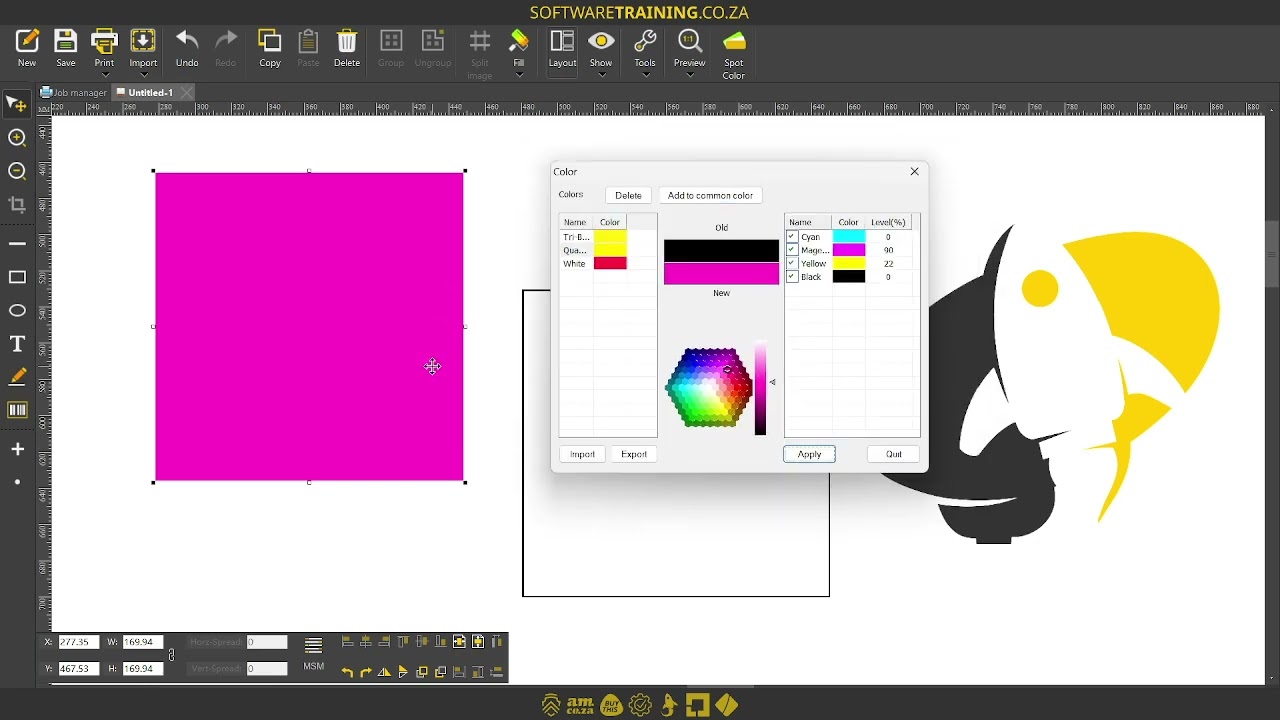
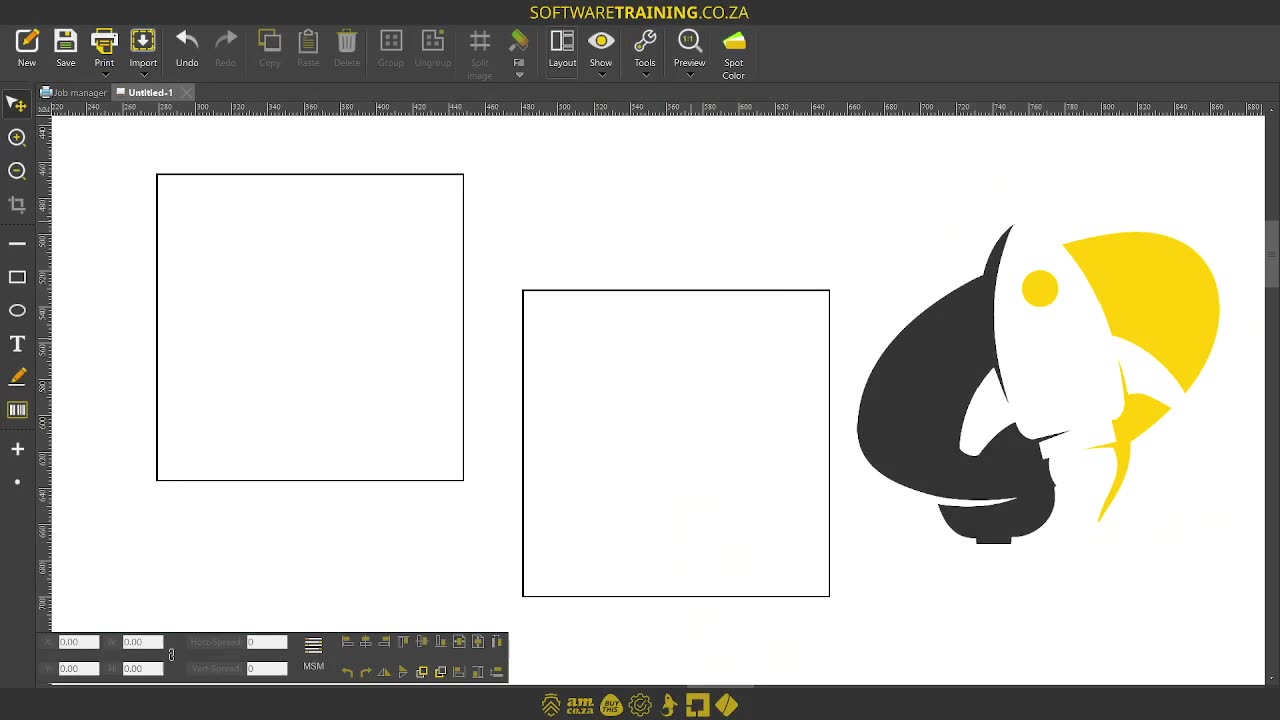
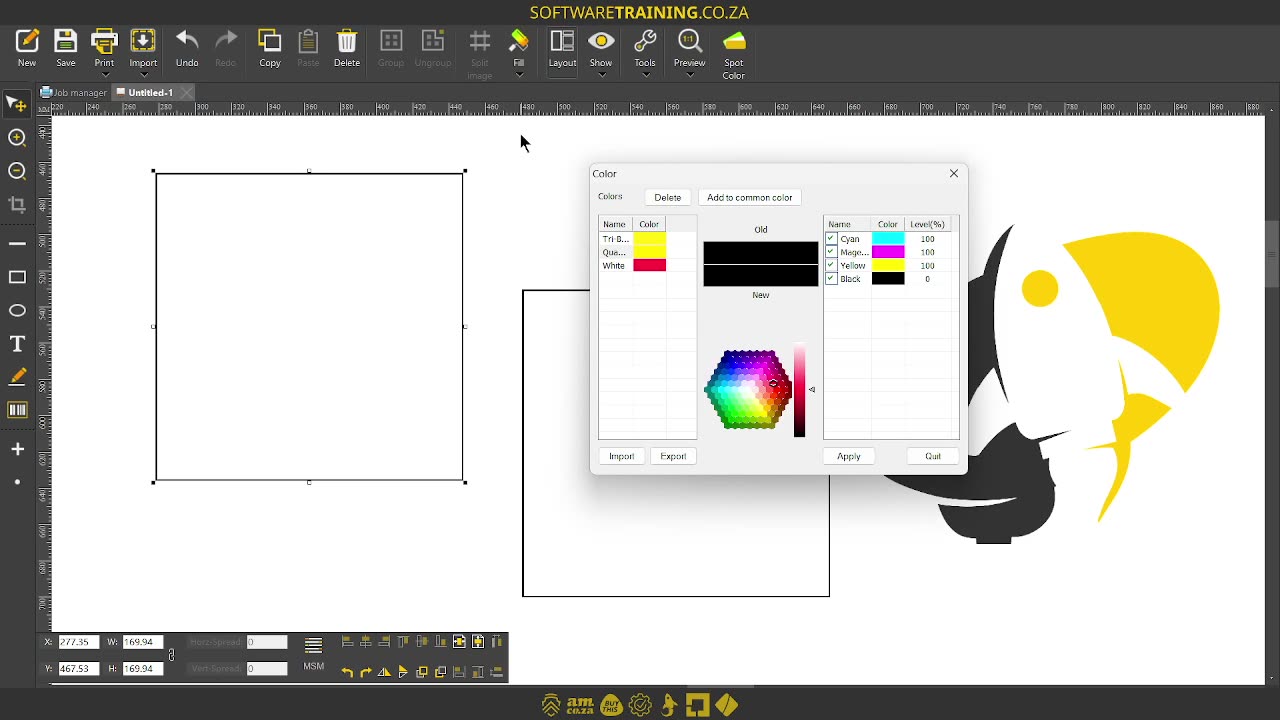
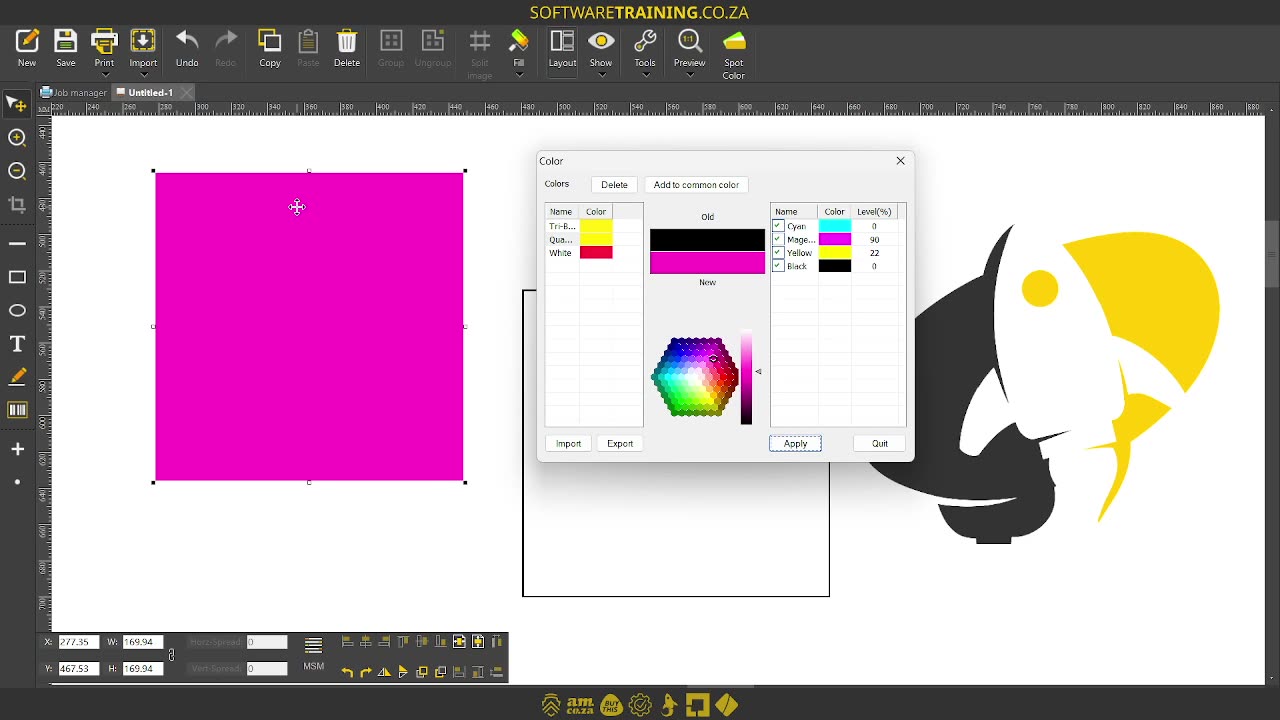
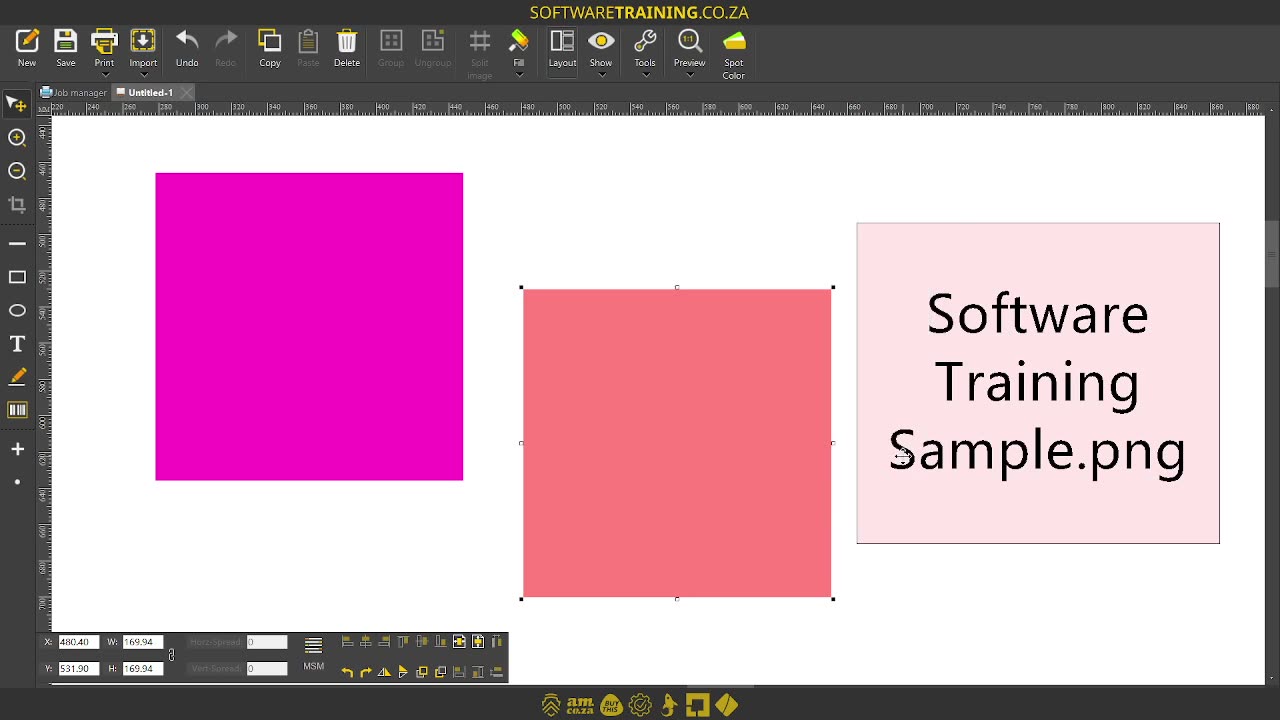
Howdy guys. In today's video, we're gonna be looking at adding custom colours and coloured tables, but before that, let's have a quick intro first. So, today's video can be found on softwaretraining.co.za. We make short and easy to watch problem-solving videos, and we also have daily updates. Now, if we head into the programme here. So let's say you've got your shape and you want to add a custom colour. So if we go on full here, we, like we looked before, we've got our solid colours, our gradients, and so forth, but this first little icon, the one called other colours, we can simply click that and then it will open our colour box for us. Now, there's a few things we can do. So, first of all, we can see here old and new. So, this will be our old colour and this will be the new one we're currently setting it to. So, let's adjust it over here. So maybe make a purple, and adjust the U and the value. Then, on the right here, you can see we've got the names, so CMYK and we can see their values, but keep in mind, this is in percentage value. So, you can adjust this accordingly, and then you can simply with your shape selected, click apply. Then it will add that colour to the shape. Now, this is very handy. You can obviously then also add it to the library. You can import and export libraries. So, if you have a colour profile you're working with often maybe for a client. But yeah, like I said, so this is a nice way to get custom ones. Let's go red, then we go there, and then you can see we've got our old one, and then we can make a new one and base it or sample it accordingly. Very handy little feature to have. But yeah, otherwise, if we head here to softwaretraining.co.za. You guys can see we've got a variety of different softwares we do cover, and you can also isolate your search on the top right. If you do not, however, find the training videos you're looking for, just simply go here, request a training video, fill in the mini form, and then we'll do our best to try and make that for you. But otherwise, thanks guys for watching and cheers.


 alex-perez-vXQza9AUe40-unsplash





