The Solid Fill Type for Custom Shapes Within the AM.CO.ZA InkRIP Software (Part 2)

inkrip solid fill custom shapes
Now when it comes to closed shape fill types, the solid fill type is one of the most standard and used types.
Without using a fill type for your vector design, it will not be possible to print any solid colors, only lines.
This video is part of a Mini-Series.
The next video covers Set Edge & Stroke.
The previous video covered Shapes.
Video Transcript
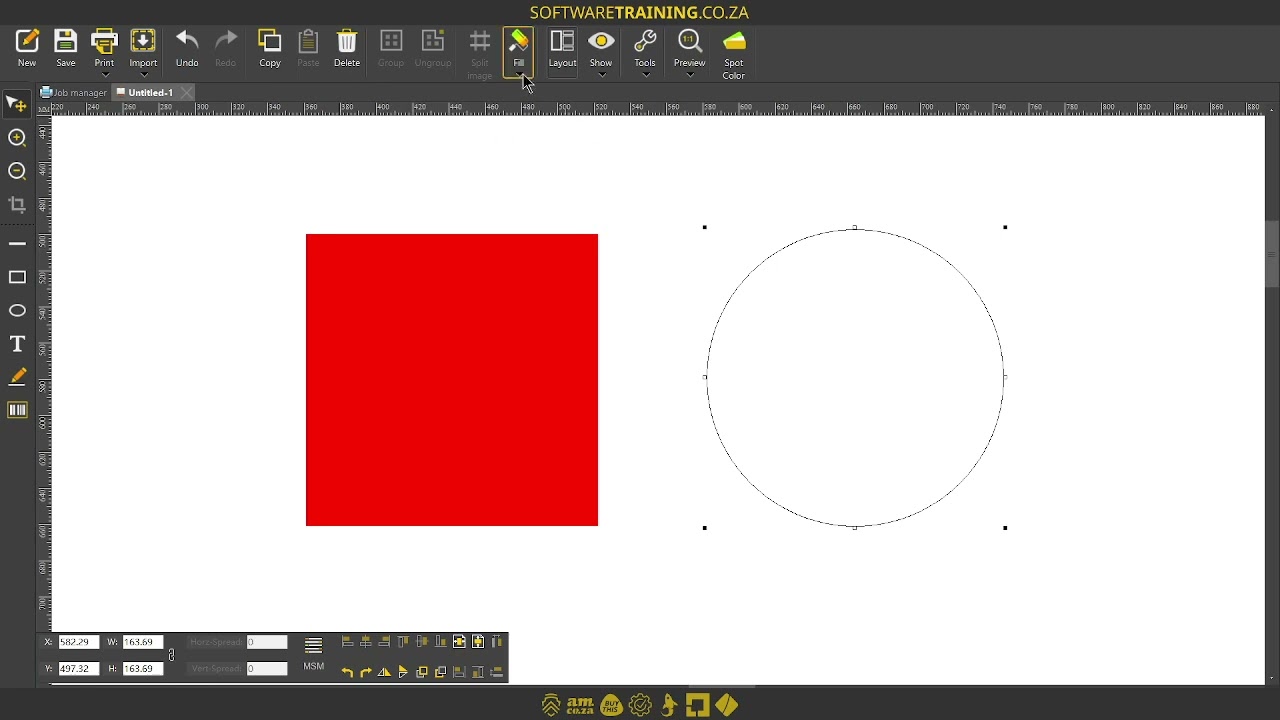
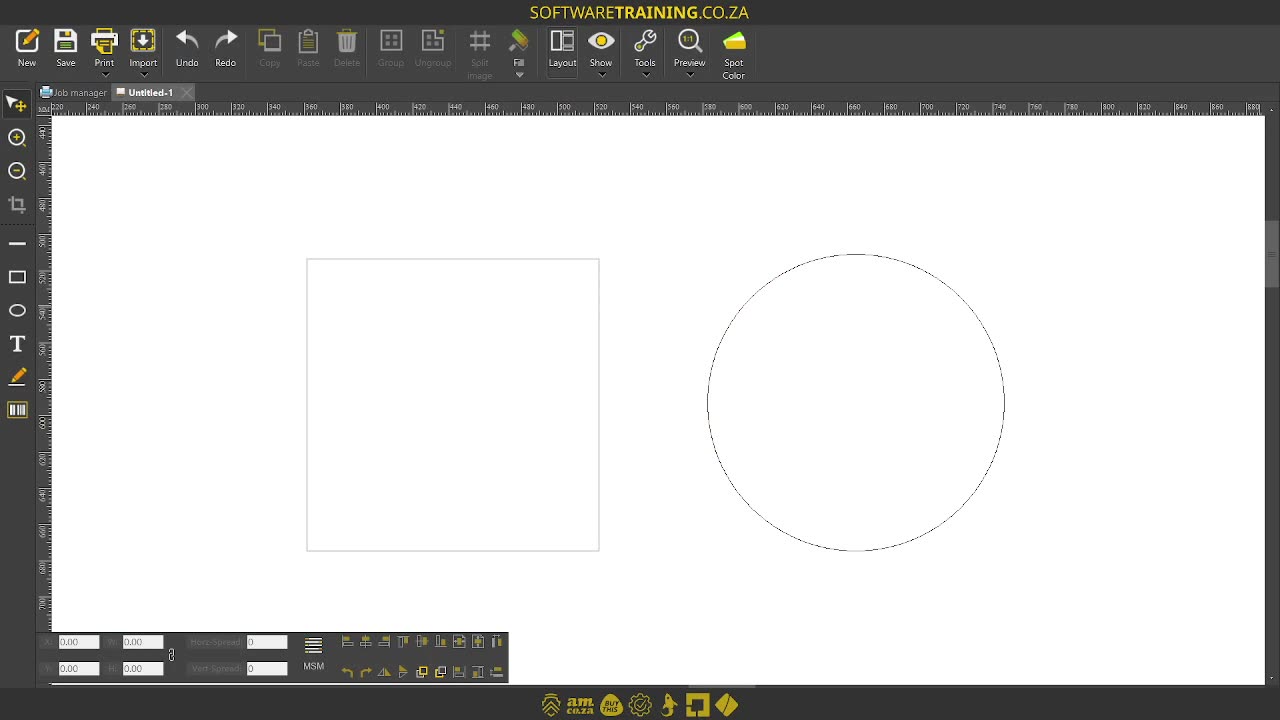
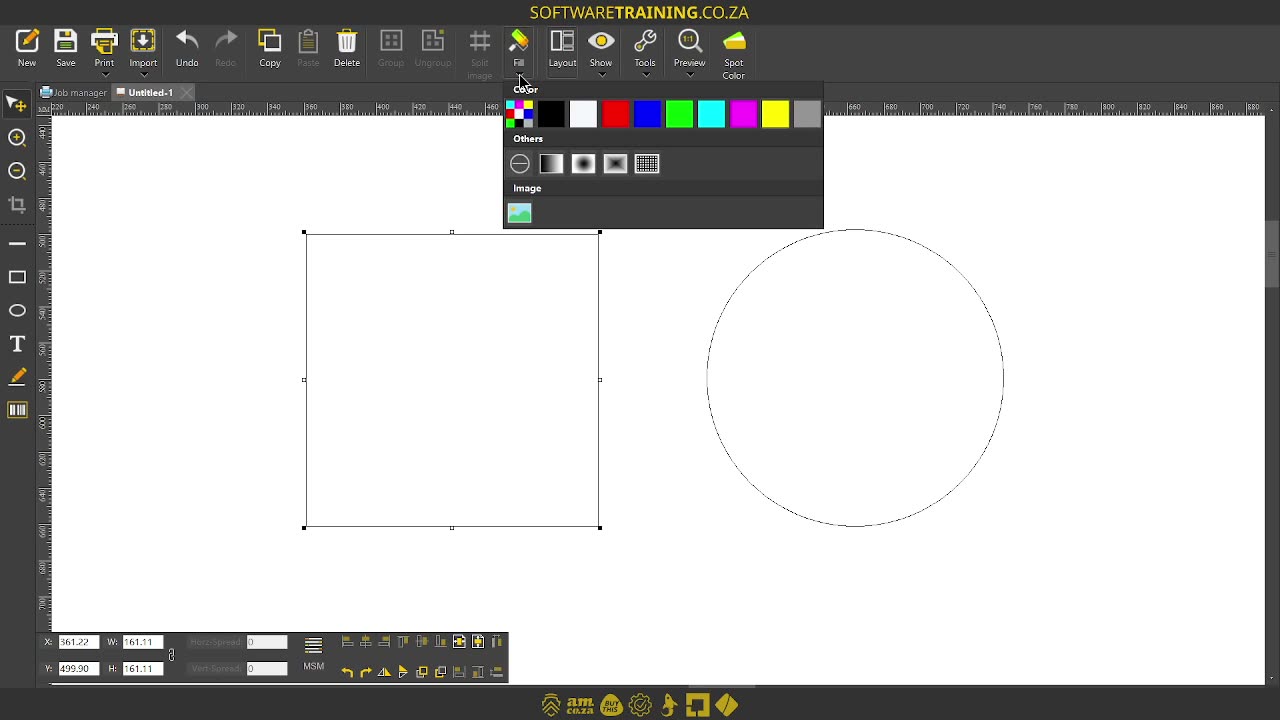
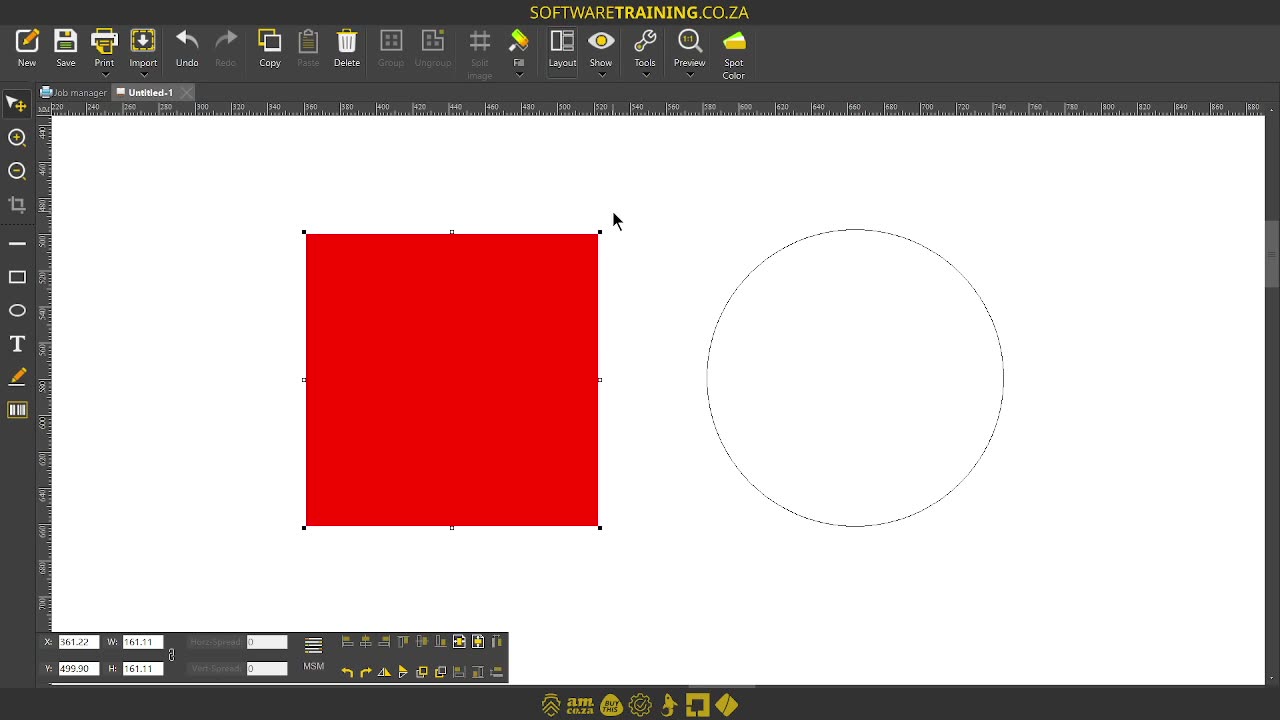
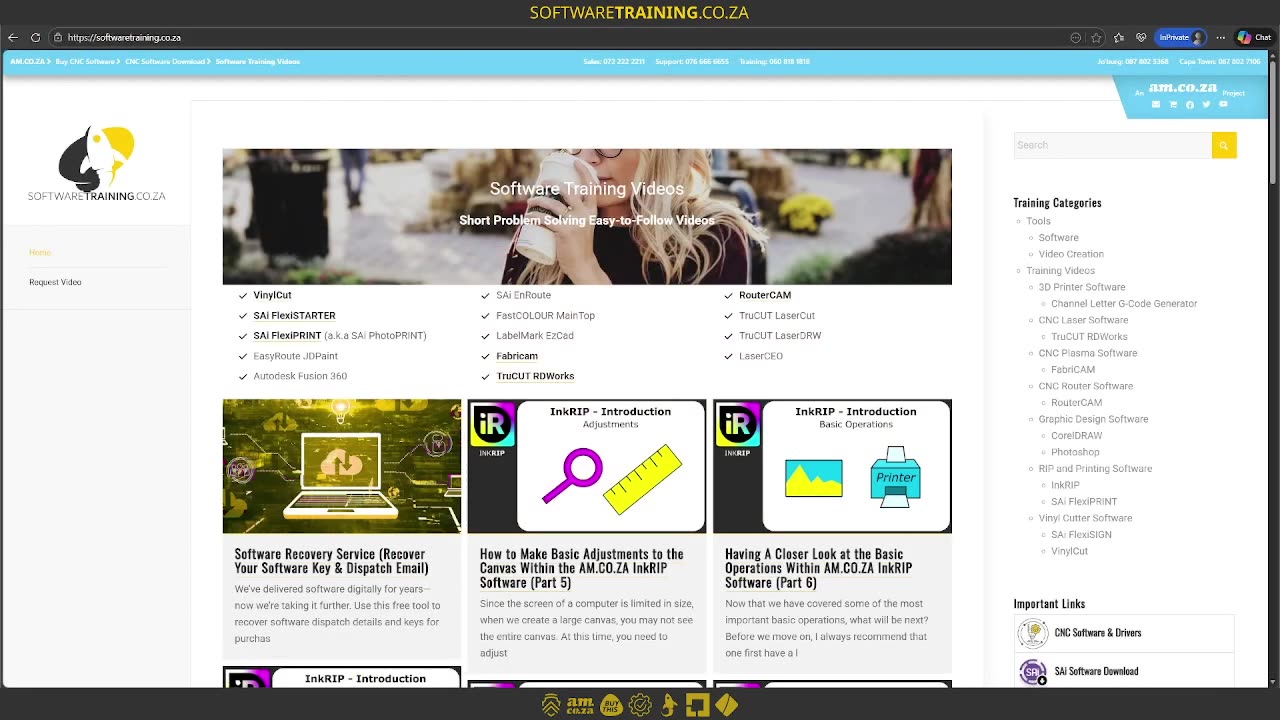
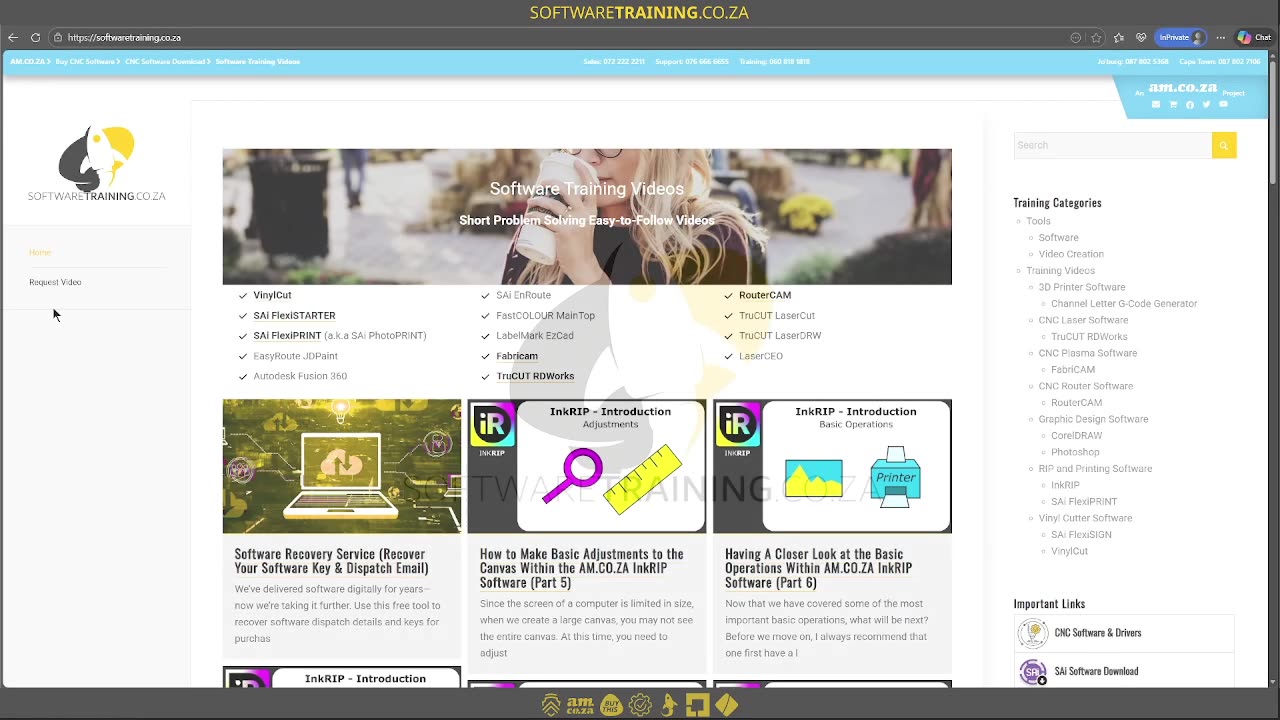
Alrighty, guys. In today's video, we're gonna be looking at the solid fill type for basic shapes. But before that, let's have a quick intro first. So, today's video can be found on softwaretraining.co.za. We make short and easy to watch problem-solving videos, and we also have daily updates. Now, we're into encrypt. Now, like I mentioned earlier, this is a miniseries or mini-series on actual toolbar here on the left. Currently, we just created some shapes. Now, let's look at how to actually add colour to that. Now, first of all, you wanna make sure your selection tool is active and select a shape that you wanna change the colour of. Then, the next thing is gonna be our full menu or our full option here. You'll see there's a little arrow. Now, this is gonna be important for adding any form of colour and so forth. So, if we click that, you'll see it expands and it gives us quite a few different options. Now, the first thing we're gonna be looking at is these base solid colours. So you can see we have some presets. Now, we can add more colours than what's here, but we'll cover that a little bit later. So now, all you have to do is simply select one and it will change the colour for you. Likewise, I can select this eclipse or the circle, go full, and then we select another colour. You can move that around and you can see we have uh two different colours. So, very basic, very simple. Simply select your shape, go on the full and select a solid colour. But yeah, otherwise, if we, in the meanwhile, head here to uh softwaretraining.co.za I mean, in the meanwhile, to softwaretraining.co.za. za, you guys will notice we've got a variety of different softwares we do cover, and you can also isolate your search here on the top right. If you do not, however, find the training videos you're looking for, just simply go on the left, request a training video, fill in the mini form, and then we'll do our best to try and make that for you. But otherwise, thanks guys for watching and cheers.



 agung-pratamah-Xdm08vqsFrs-unsplash-Index