The Edge and Stroke Type for Shapes Within the AM.CO.ZA InkRIP Software (Part 3)

inkrip edge stroke shapes
When it comes to adding colors to shapes, the edges and strokes can be equally important.
The edge or stroke of a shape will help define the outer edge of an object.
This video is part of a Mini-Series.
The next video covers Fill Type Gradient.
The previous video covered Fill Type Solid.
Video Transcript
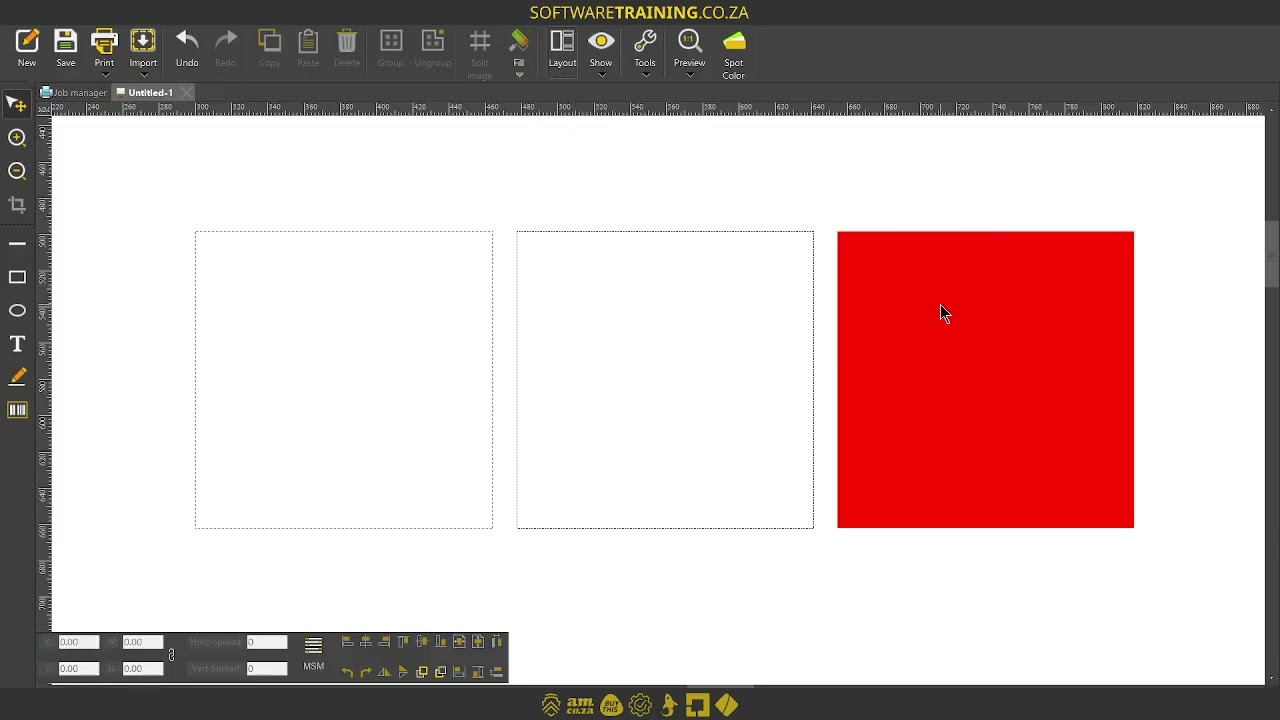
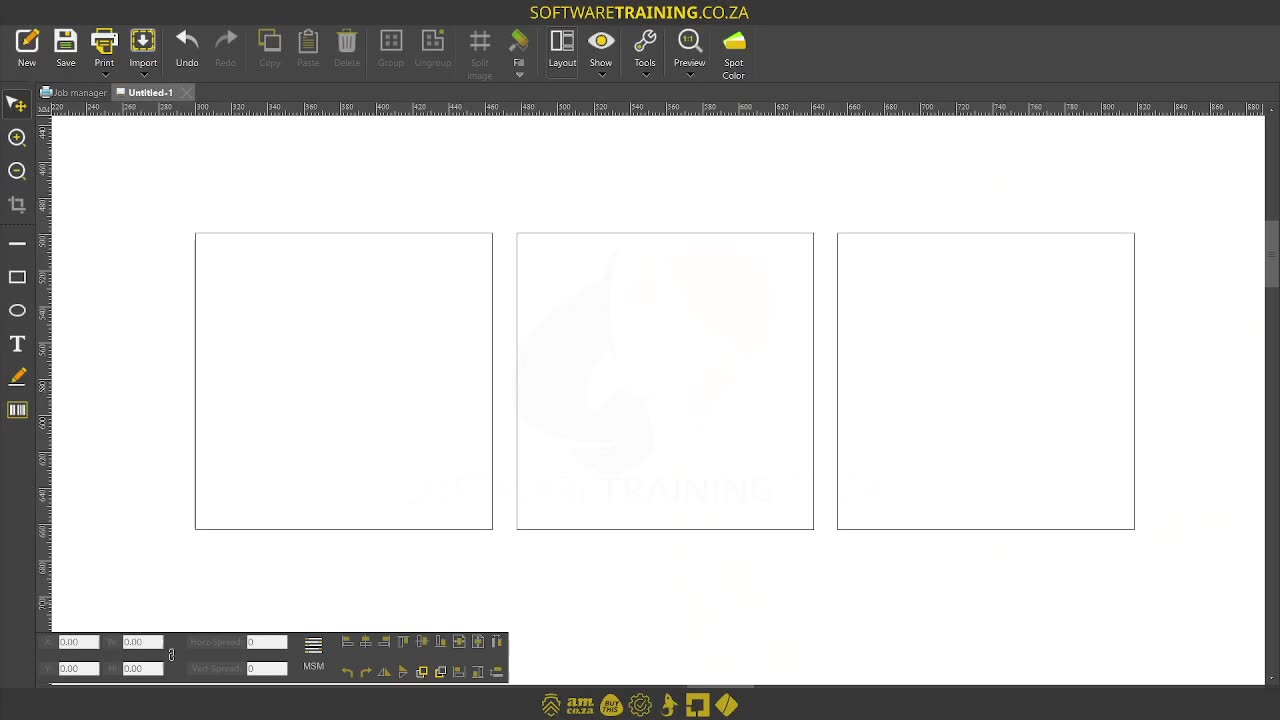
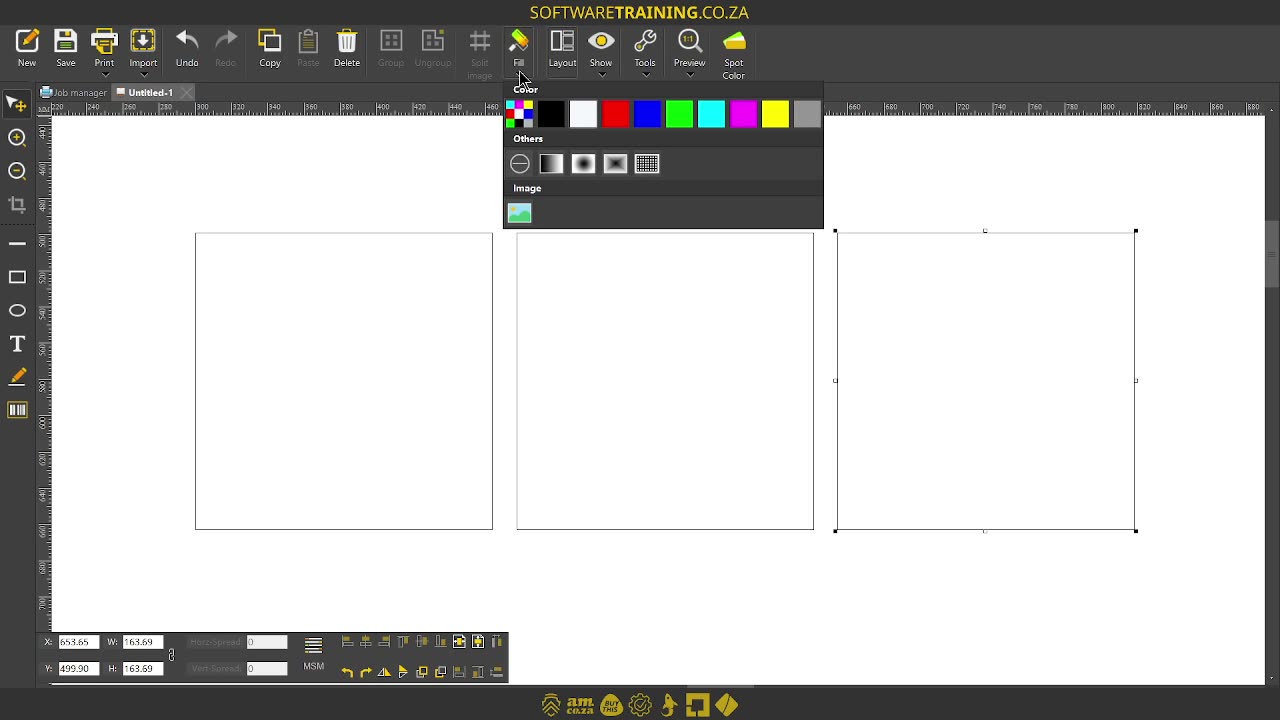
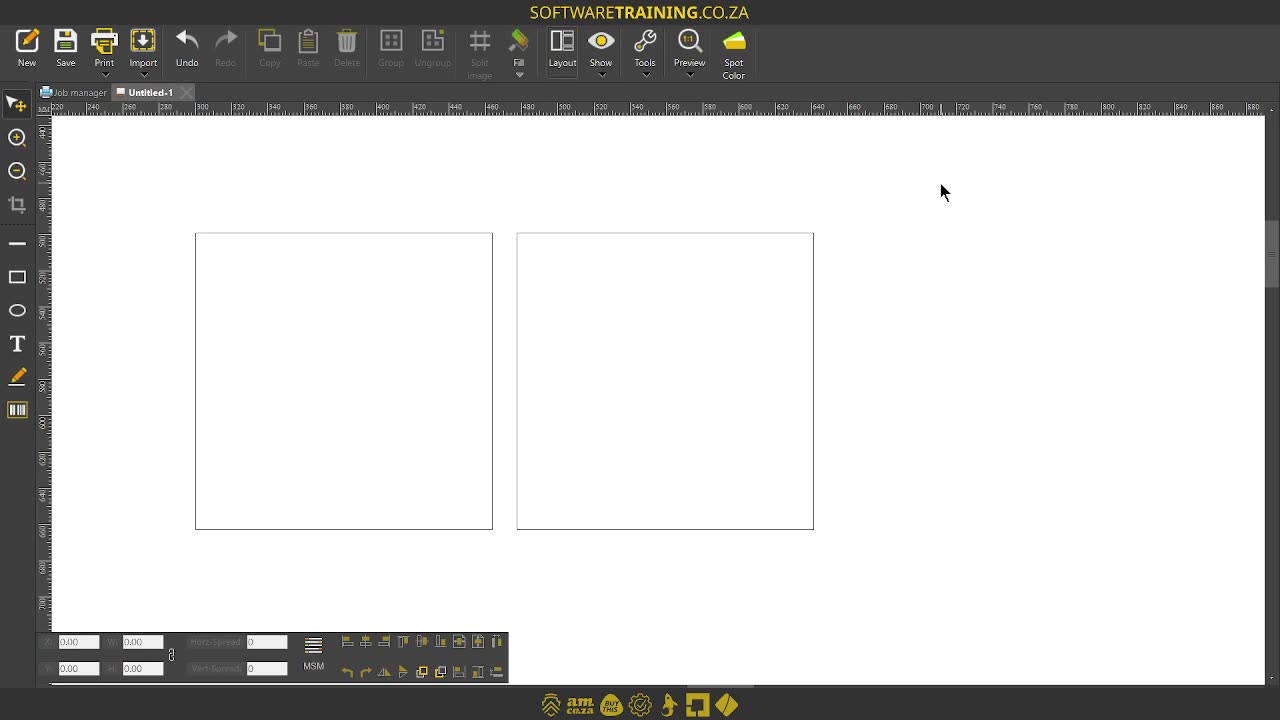
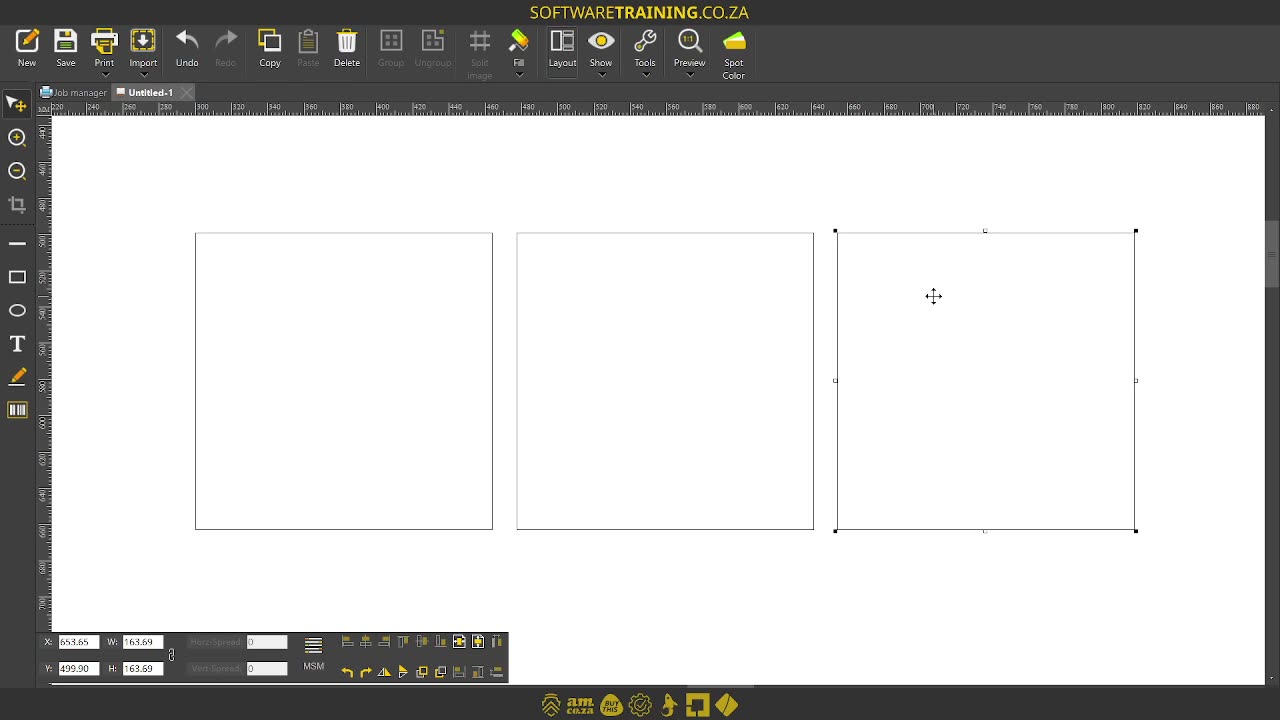
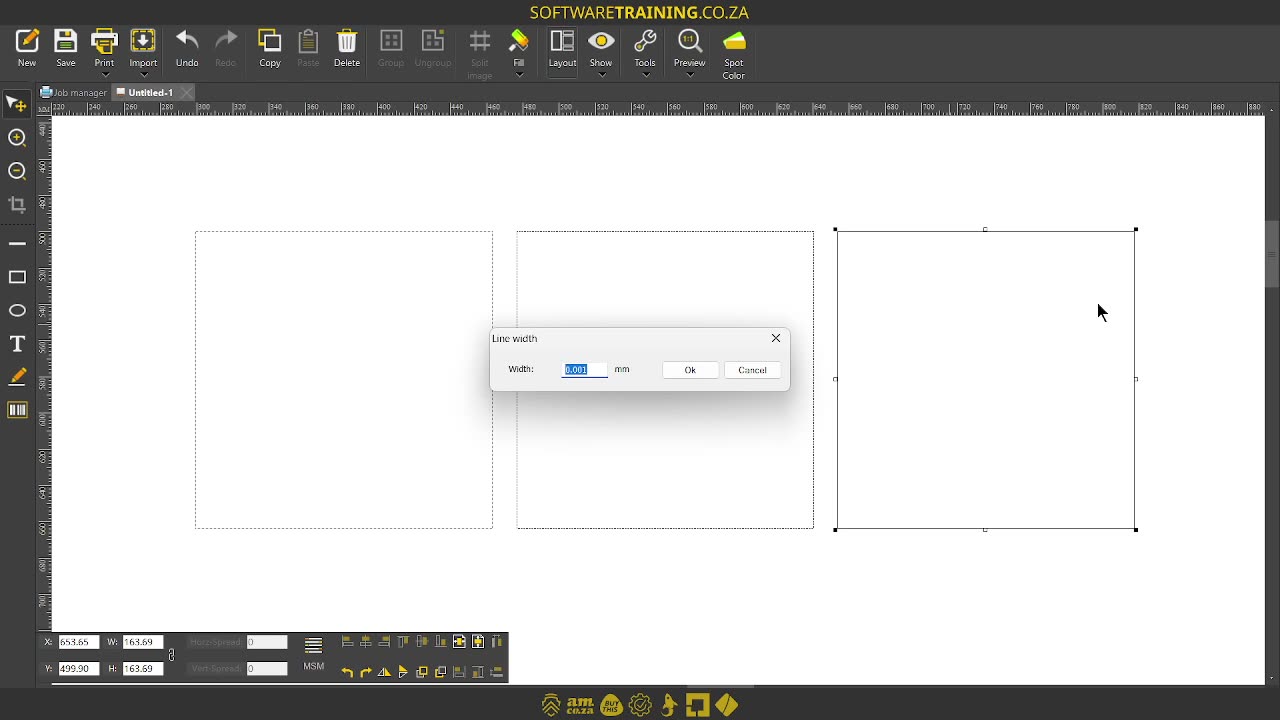
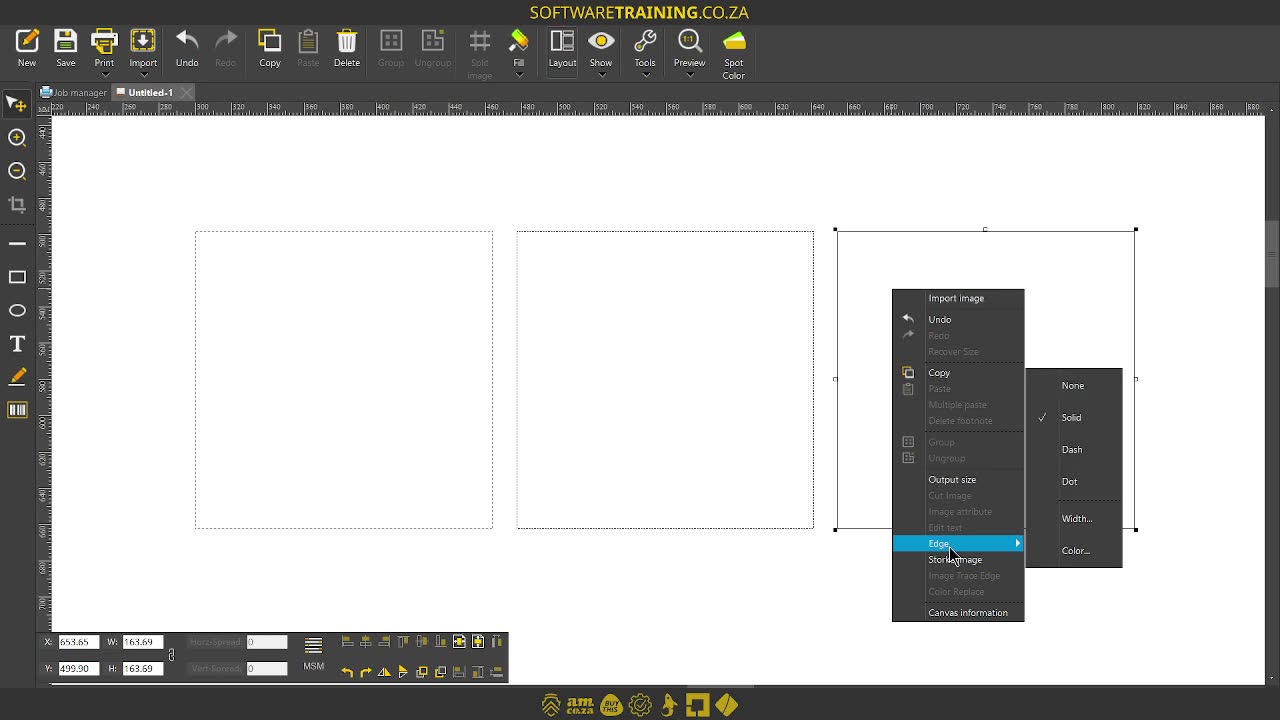
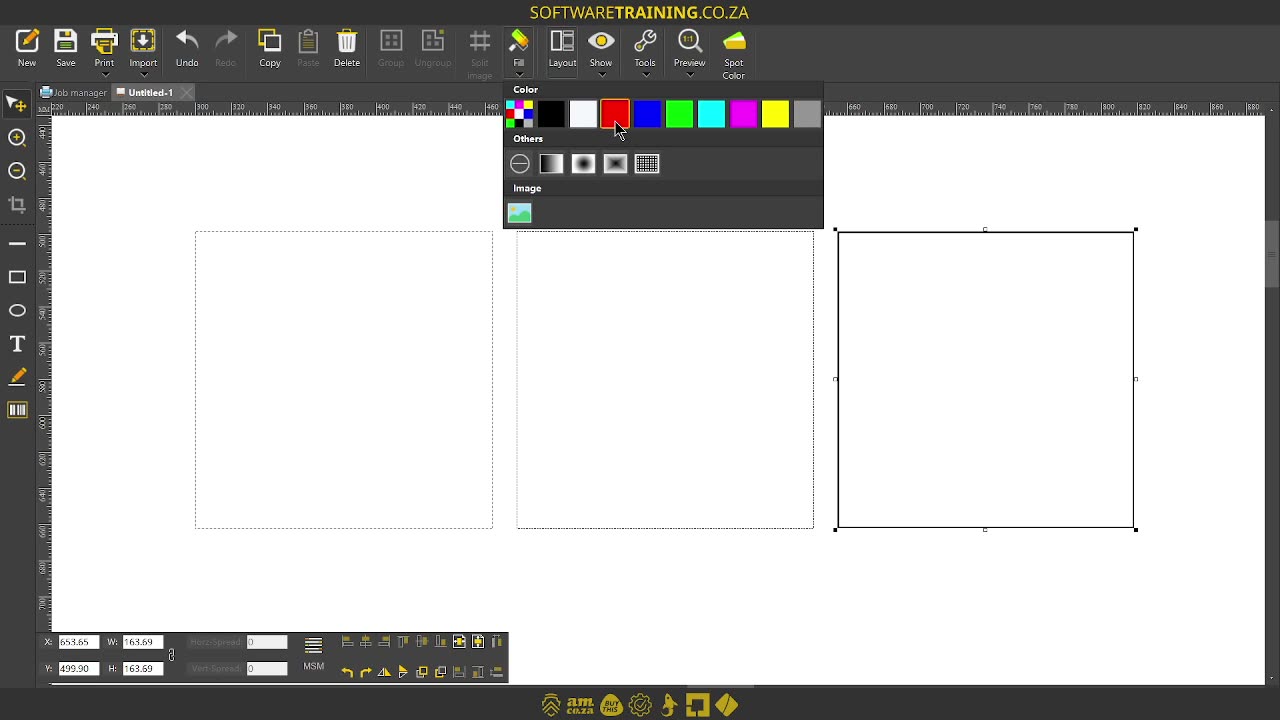
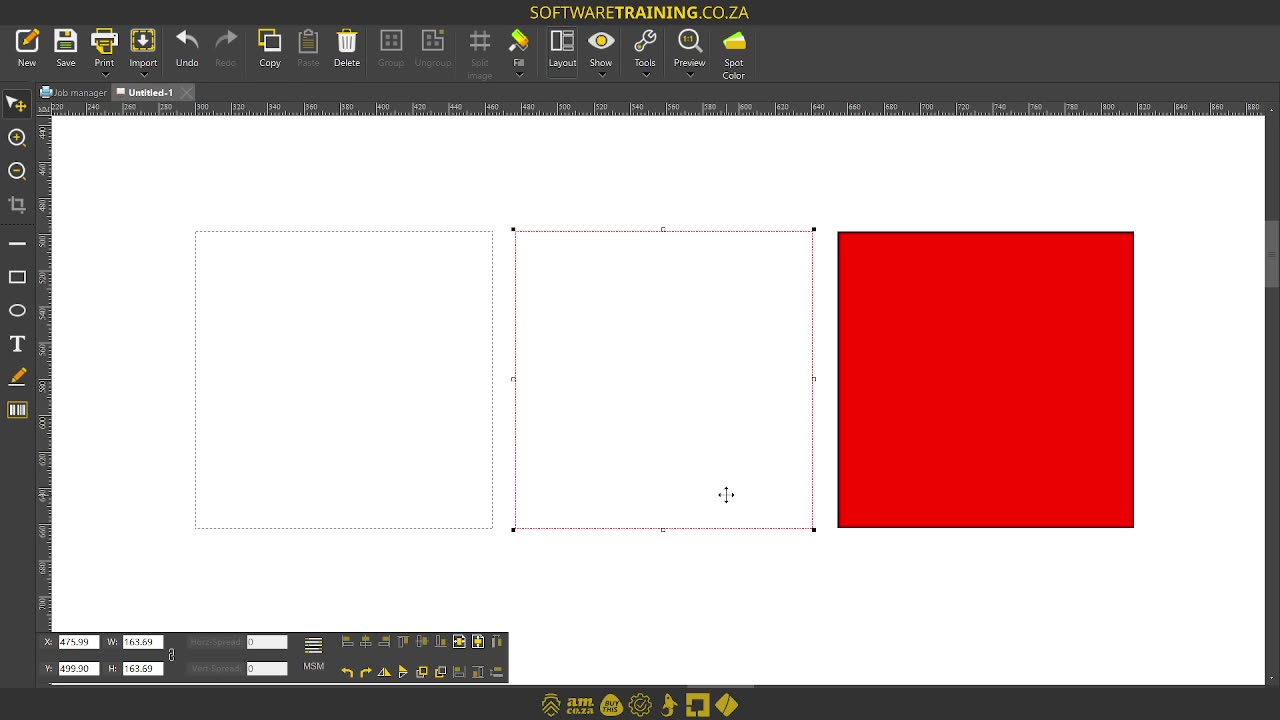
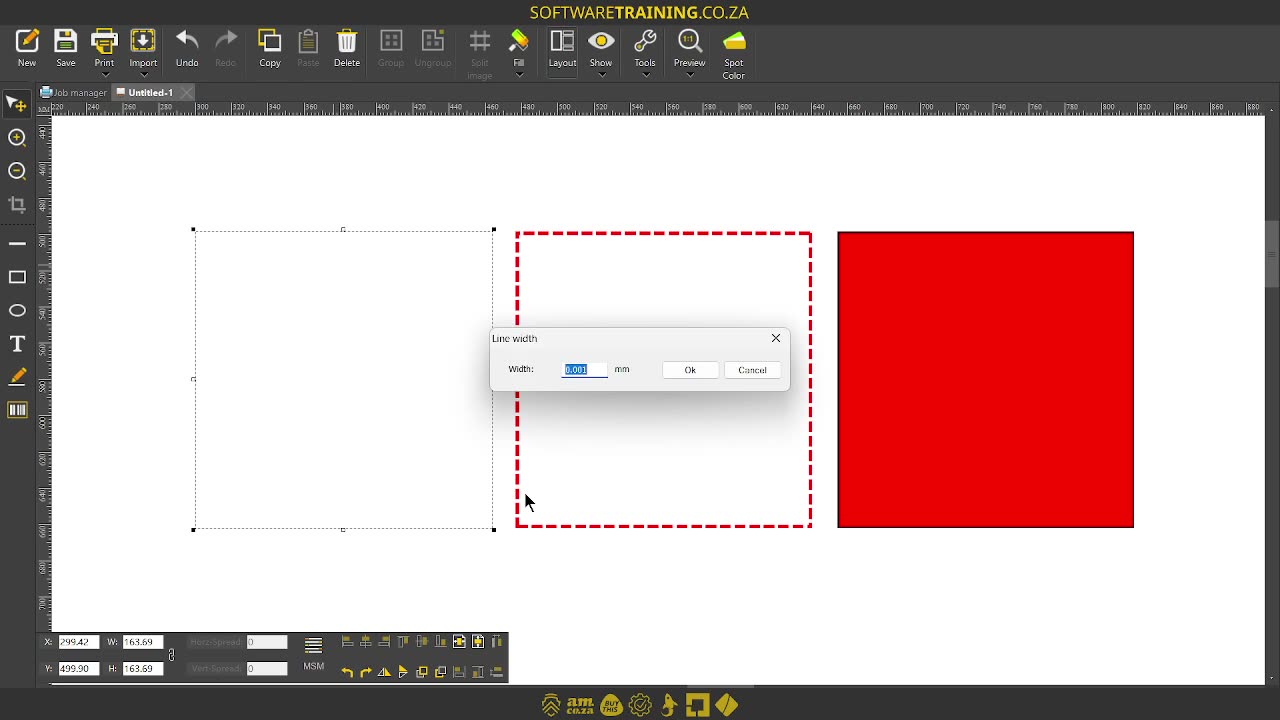
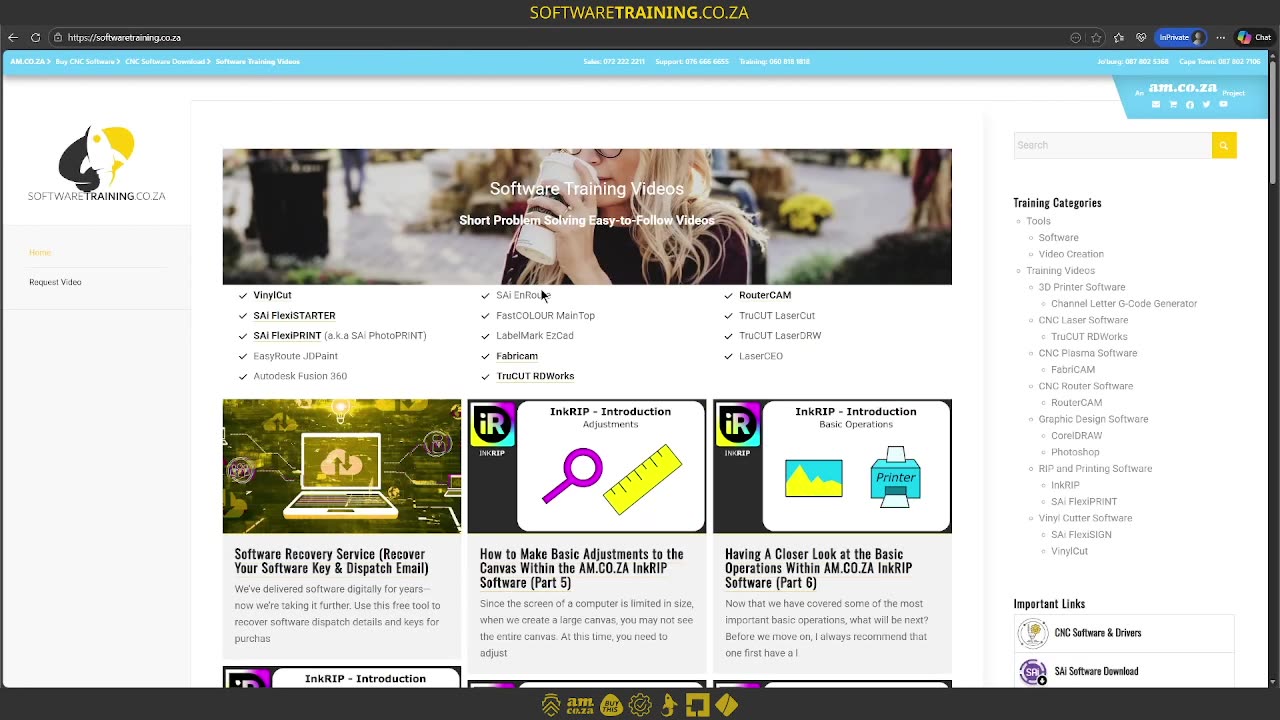
Howdy guys. In today's video, we're gonna be looking at how to set an edge or stroke of a shape. But before that, let's have a quick intro first. So, today's video can be found on softwaretraining.co.za. We make short and easy to watch problem solving videos, and we also have daily updates. Now, if we're headed to the programme here. Like I mentioned, we're gonna be looking at the edge or stroke. Now, yeah, we looked at the how to set solid colours. So, if I just select this one, go full, and let's just choose something, then we've got a solid colour. But now, you'll also notice. That our actual stroke is gone. So, let's go to white. You'll see, currently, there's no stroke. So, first of all, to get a stroke, we simply want to select our shape and to right click, and then we go to the drop-down menu where it says edge. You'll see we have some different options. Currently, it's under none, and um we've got two other options we can set it from like the types. So, we've got solid, that's the one you're used to. We go edge, and we go dash. This is gonna turn into little dashes, and then the last one over here is dots, nice little dots. It's a little bit hard to see here, but um obviously, the bigger your shape and the bigger your edges are, the more prominent it will be. Now, another thing to keep in mind is we can go to the same menu, so let's select the shape, go edge, and then we go width. Now, we can actually set how thick this line is. So, I'm just gonna make it 0.01 instead of 0.001, and we'll see if we can see a difference. Currently, it's not enough, so, let's increase that a bit, and then, I'm just gonna make this one. There you can, now you can nicely see the difference there. So, if you wanna increase it or decrease it, and keep you in mind also, obviously, if you have a colour selected, then you're gonna have to go back there and set it up the way you like it. But you can see that it kept the actual width, which is handy. Now, from this menu, you can obviously also do it a colour. So, let's choose a colour from here. So I've gone right click colour. Let's set the actual width. I'm gonna make this too, so it's evenorphous, and then you can see, we have a stroke set up quite nicely. Now, very simple, just important obviously to set it, you have to select the shape, right-click, select the option. And then, it will adjust it accordingly. But yeah, otherwise, in the meanwhile, if we head here to uh softwaretraining.co.za. You guys will notice, we've got a variety of different softwares we do cover, and you can also isolate your search here on the top right. If you do not, however, find the training videos you're looking for, just simply go here, request the training video, fill in the mini form, and then we'll do our best to try and make that for you. But otherwise, thanks guys for watching and cheers.


 valerie-elash-RfoISVdKM4U-unsplash
 gabriel-silverio-QJCtd5KGI9Y-unsplash-index