The Connection Between Rip and Control Software for the AM.CO.ZA InkRIP Program (Part 3)

inkrip rip control connection
After we have Ripped our design file it is important for the Printer to be able to read the newly converted file.
That’s where we’ll be looking at a different type of printing software, often referred to as Control software.
This video is part of a Mini-Series.
The previous video covered Detailed Information.
Video Transcript
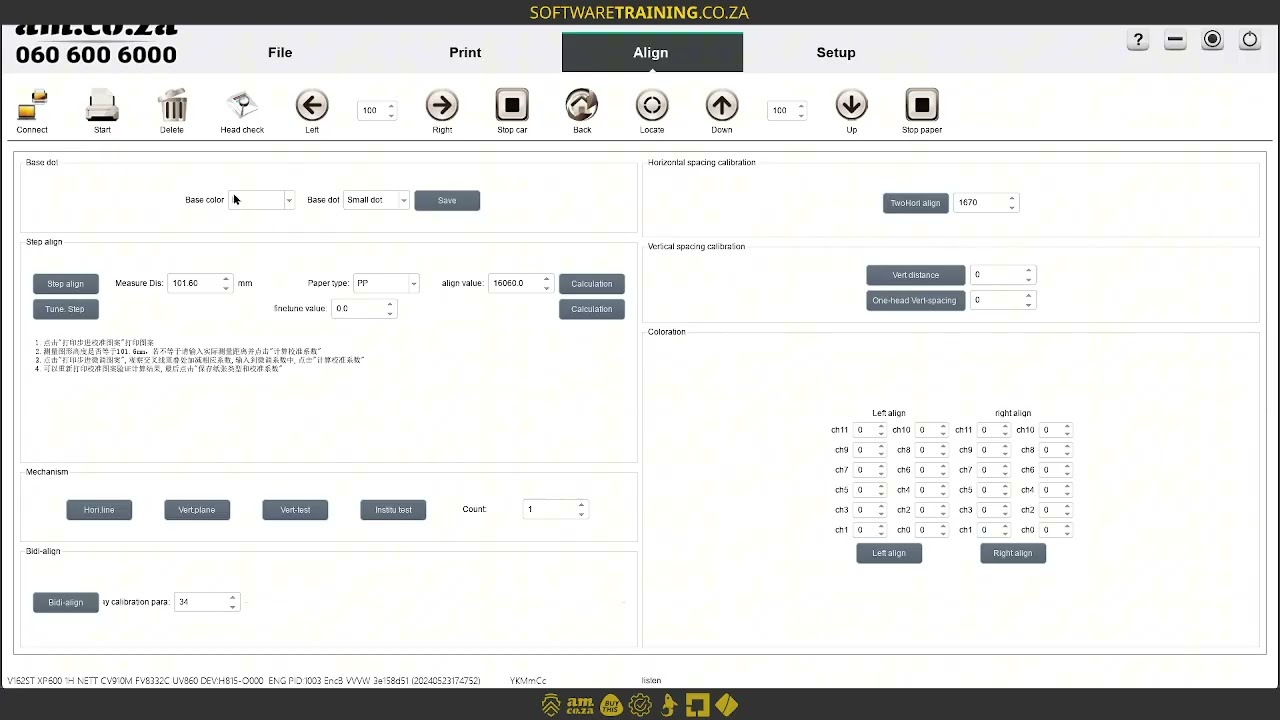
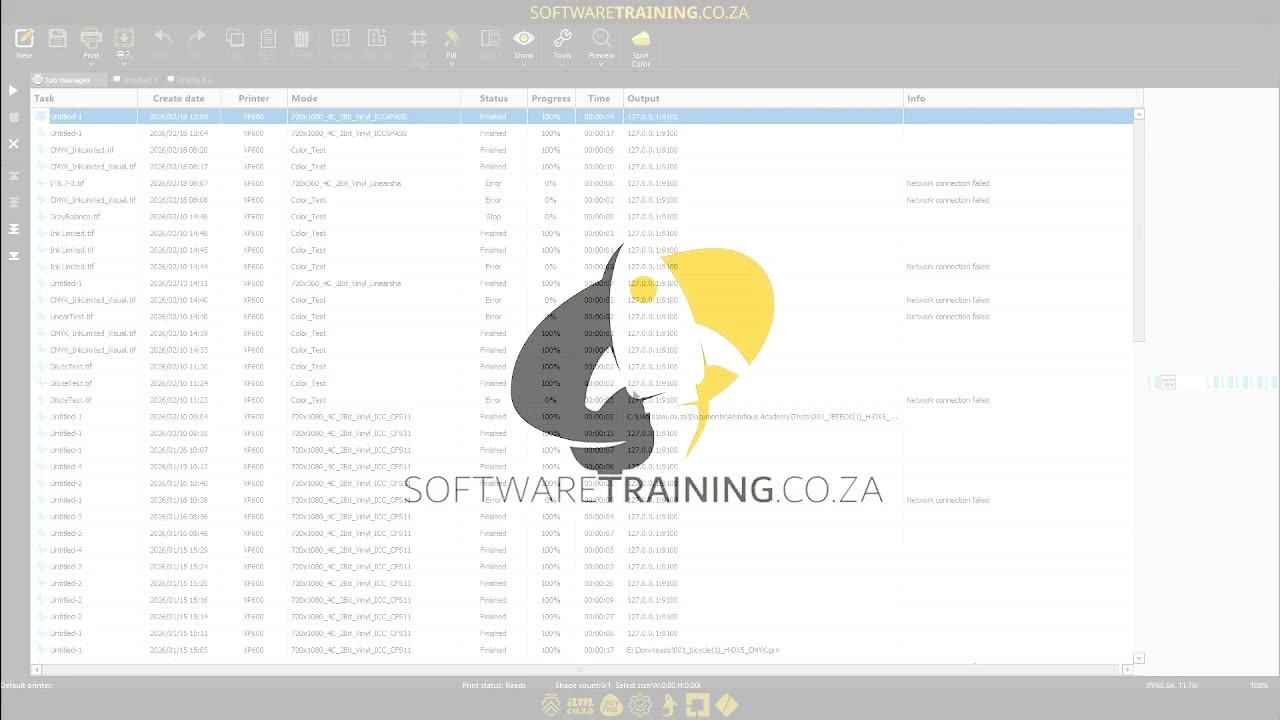
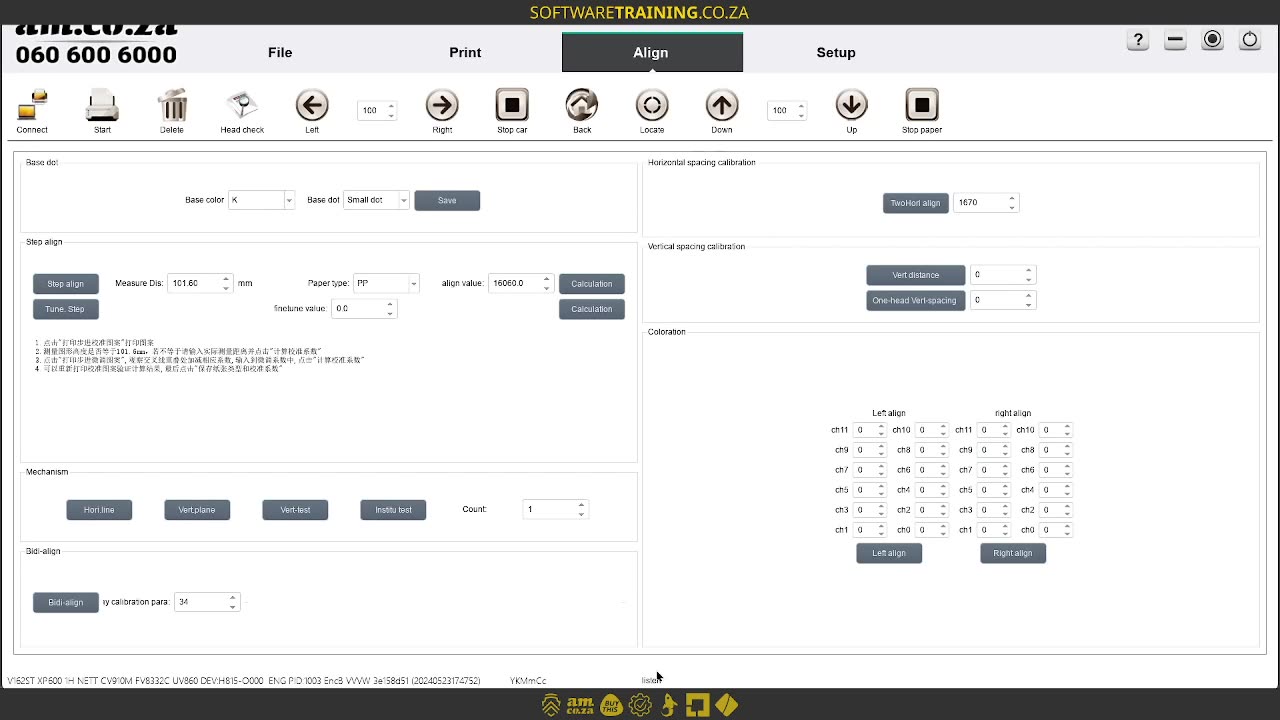
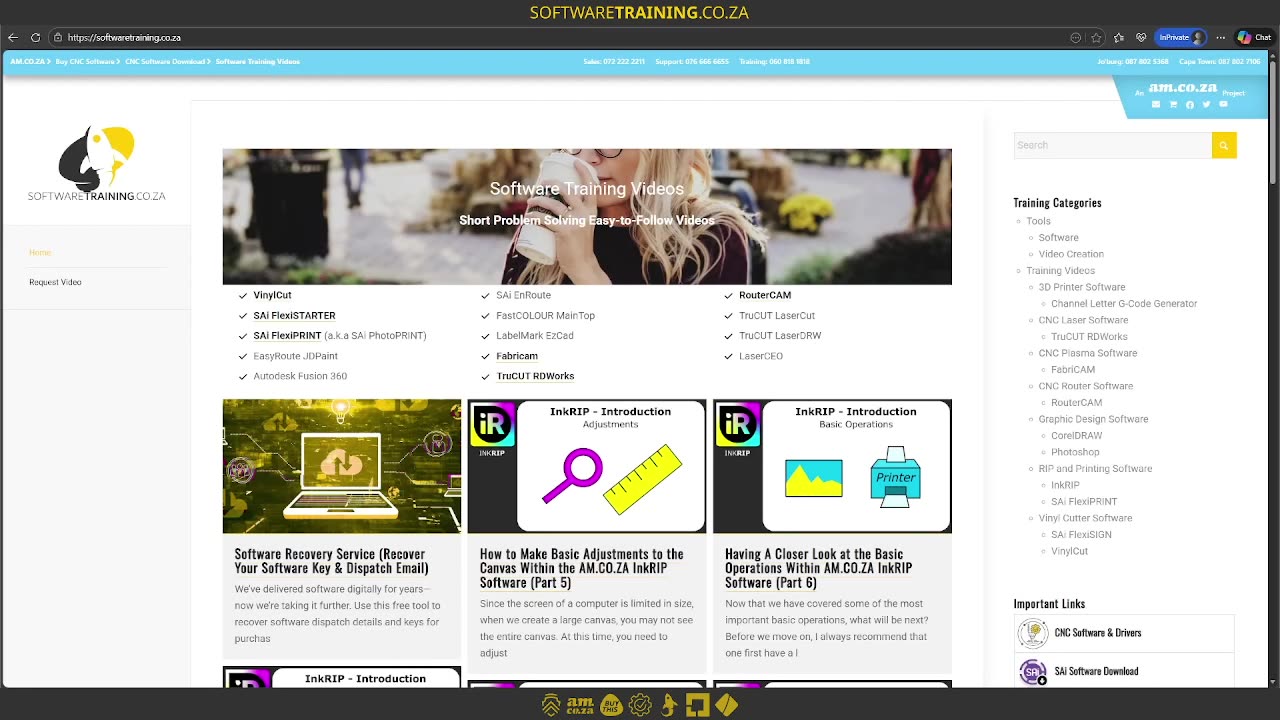
Alrighty, guys. In today's video, we're gonna be looking at the importance of control software when working in a job manager or with rep files. But before that, let's have a quick intro first. So, today's video can be found on softwaretraining.co.za. We make short and easy to watch problem-solving videos, and we also have daily updates. Now, we head to the actual tutorial. So now, like I mentioned, the intro, so today, we're gonna be looking at the importance of control software. And now, there's something to uh understand about the two, so we get two types. We get rip software and control software. So, encrypt is rip software, so what it comes down to is Um, sometimes, some rip software is allowed to design in it. So, in our case, we can design or use that file, scale it, so forth, and then rip it into something printable using the job manager. Then, once that is ripped, we're gonna need the printer to somehow Be able to load that file and print it, and so forth, and that's where control software comes in. That also allows you to control the actual printer and so forth. So, I'm just gonna open some basic gear. So now, it depends on the control you're using, like a popular one is print EXP. So, we'll do some videos on it still and cover how to actually use the programme, but for now, this is just an overview and for you to understand the importance of it. Now, the control software will also allow you to directly control the machine. So, you can kind of say it becomes a bit of like an interface for the machine. Then, um, yeah, so, let's just go, there are a few important things. For instance, like I said, you'll be using this to actual print the file, or the PRN file. And then, the important thing is also making sure your actual printer is connected to the control software. So, in general, what you will do is the basic workflow is, before you print, you'll start your control software and you just leave it in the background, and that allows Incrow Open that to directly communicate with the actual machine. So, um, yeah, like I said, we'll cover all of this in depth, but it's just important to note that if you wanna actually print your files, you're gonna need some form of control software. But yeah, otherwise, in the meanwhile, if we head here to softwaretraining.co.za. You guys will notice, we've got a variety of different softwares we do cover, and you can also isolate your search on the top right. If you do not, however, find the training videos you're looking for, just simply go here, request a training video, fill in the mini form, and then we'll do our best to try and make that for you. But otherwise, thanks guys for watching and cheers.



 alex-shaw-IqKV3W_OO_8-unsplash