How to Import / Export or Modify Your ICC Profiles Within the AM.CO.ZA InkRIP Software (Part 10)

inkrip icc profiles import export
After we have created our new custom ICC Profile, we might need to adjust and fine tune its settings.
It might also be a great idea to back it up for security so that we can restore it at any point.
This video is part of a Mini-Series.
The next video covers Use New ICC Profile.
The previous video covered Create ICC File.
Video Transcript
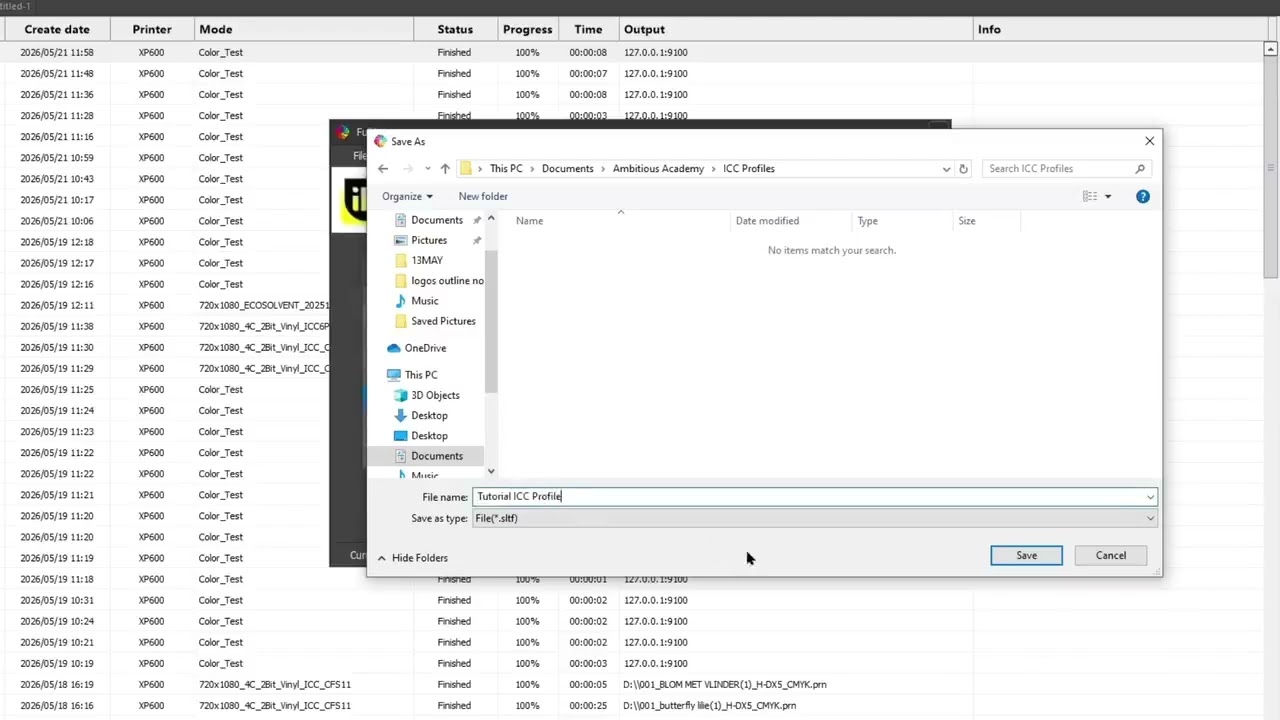
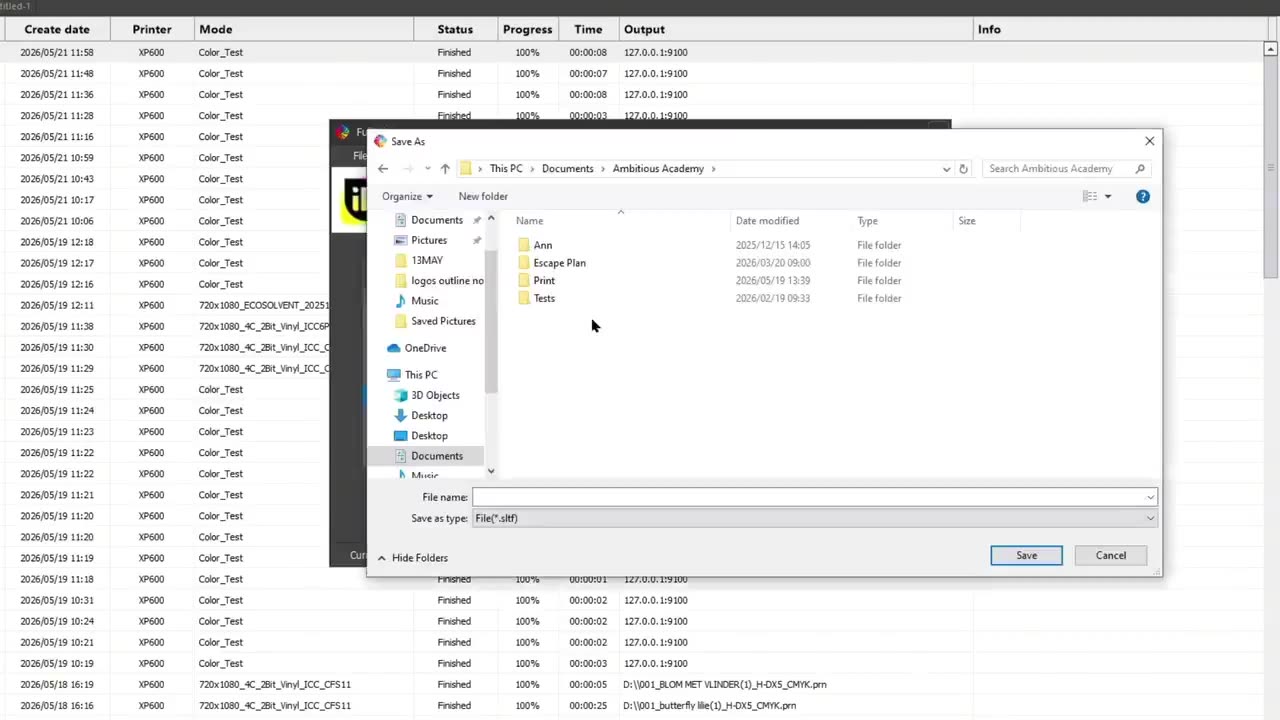
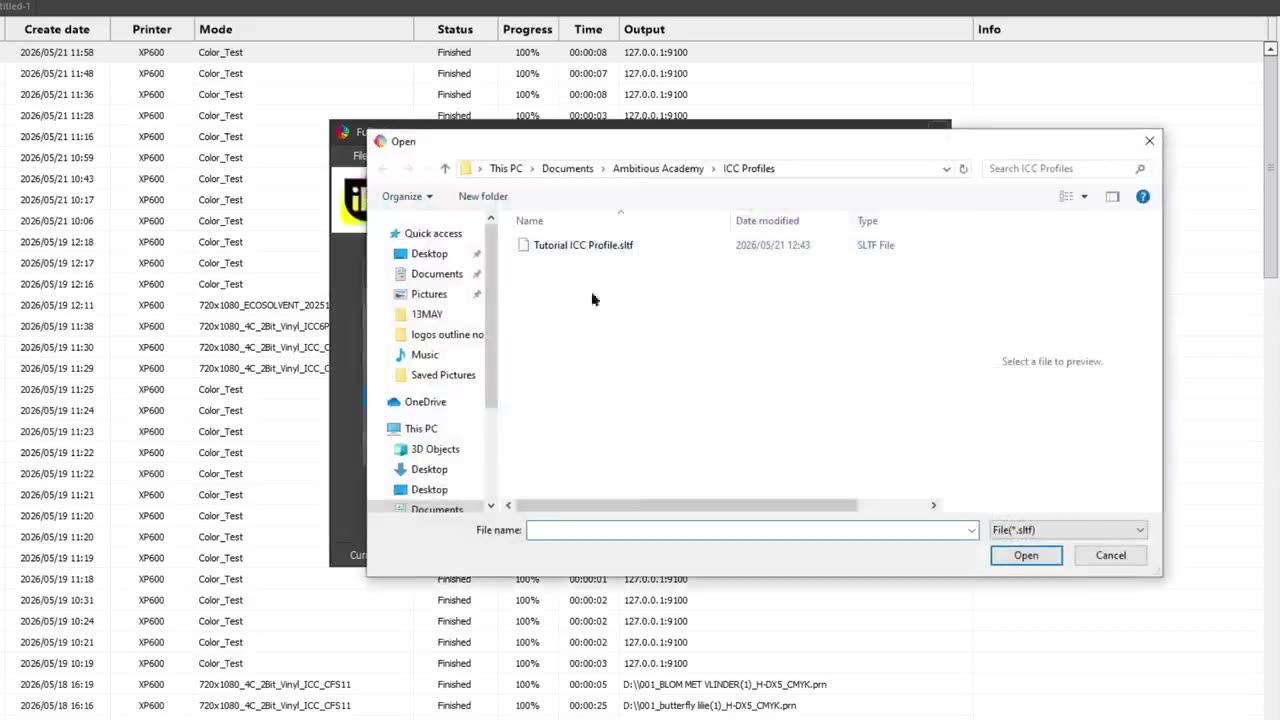
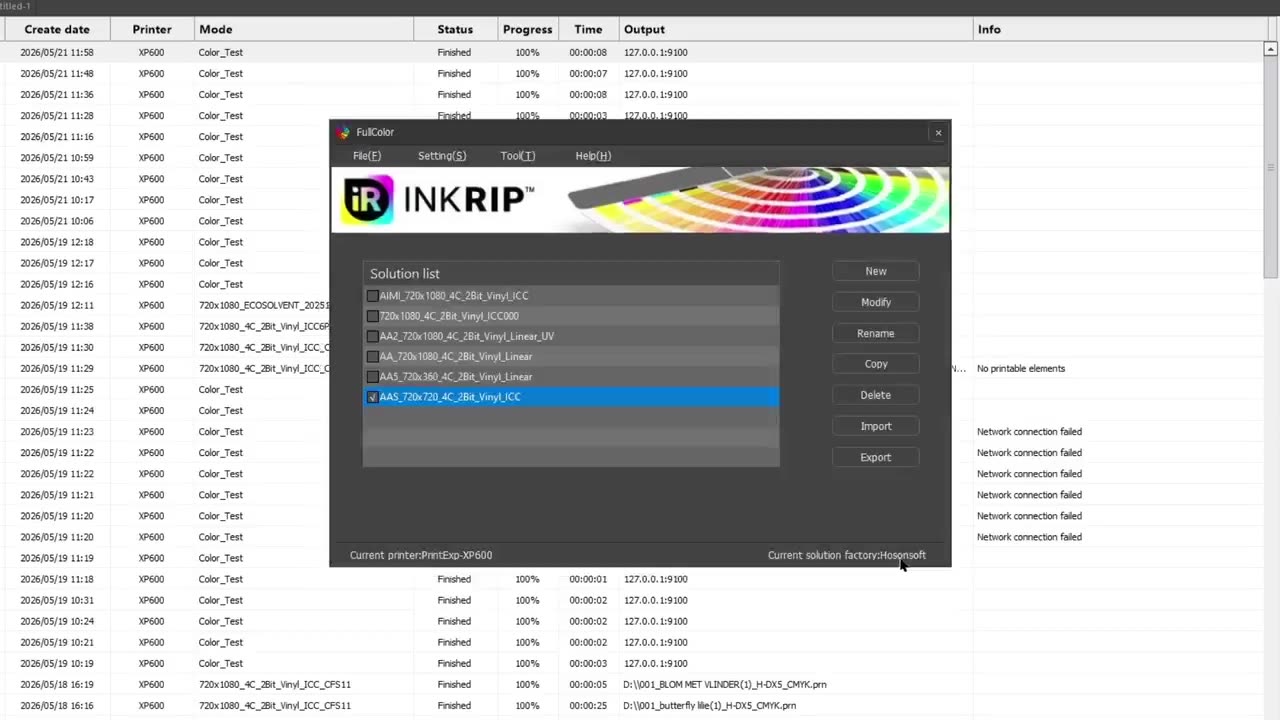
Alrighty, guys. In today's video, we're gonna be looking at how to import, export, and modify your newly created ICC profile. But before that, let's have a quick intro first. So, today's video can be found on softwaretraining.co.za. za where we make short and easy to watch problem-solving videos. OK, next up, we're gonna be looking at importing, exporting, and modifying ICC profiles. Now, this is great if you've created one, but you notice there's something maybe slightly wrong, you can adjust it or maybe you wanna back up something so that you can export it and import it at a later stage. So now, back on this main menu of the actual colour manager after we've click finish. If we scroll all the way to the bottom, you'll see there's a new ICC profile we've created with relevant information in it. Now, first of all, if we wanna export this, we wanna make sure the little check box is clicked. Click export, and then Choose a location where you want to export it to, and it will export that colour profile. Which is why I had to finish. If you had to click import, we can see if we can find that one. You can just import it if you need to. Now, same thing with that selected on the checkbox, we click on modify and this will give us some basic information here. We can modify to um find adjustice if we need to. But yeah, I'm just gonna click cancel instead of saving. Yeah. Otherwise, if we head here to softwaretraining.co.za. za, you guys will notice we've got a variety of different softwares we do cover, and you can also isolate your search on the top right. If you do not, however, find the training videos you're looking for, just simply go here, request a training video, fill in the mini form, and then we'll do our best to try and make that for you. But otherwise, thanks guys for watching and cheers.



 pexels-cottonbro-5379191-index
 rafaella-mendes-diniz-et_78QkMMQs-unsplash.jpg