Getting A Clean Printer Head Nozzle Within the AM.CO.ZA InkRIP Software (Part 3)

inkrip clean printerhead nozzle
In order to get an accurate ICC Profile, we need a standard base as a starting point.
That being said, there are a few things as problematic to an ICC Profile as a clogged or dirty printer head.
This video is part of a Mini-Series.
The next video covers Color Manager.
The previous video covered Spectrophotometer.
Video Transcript
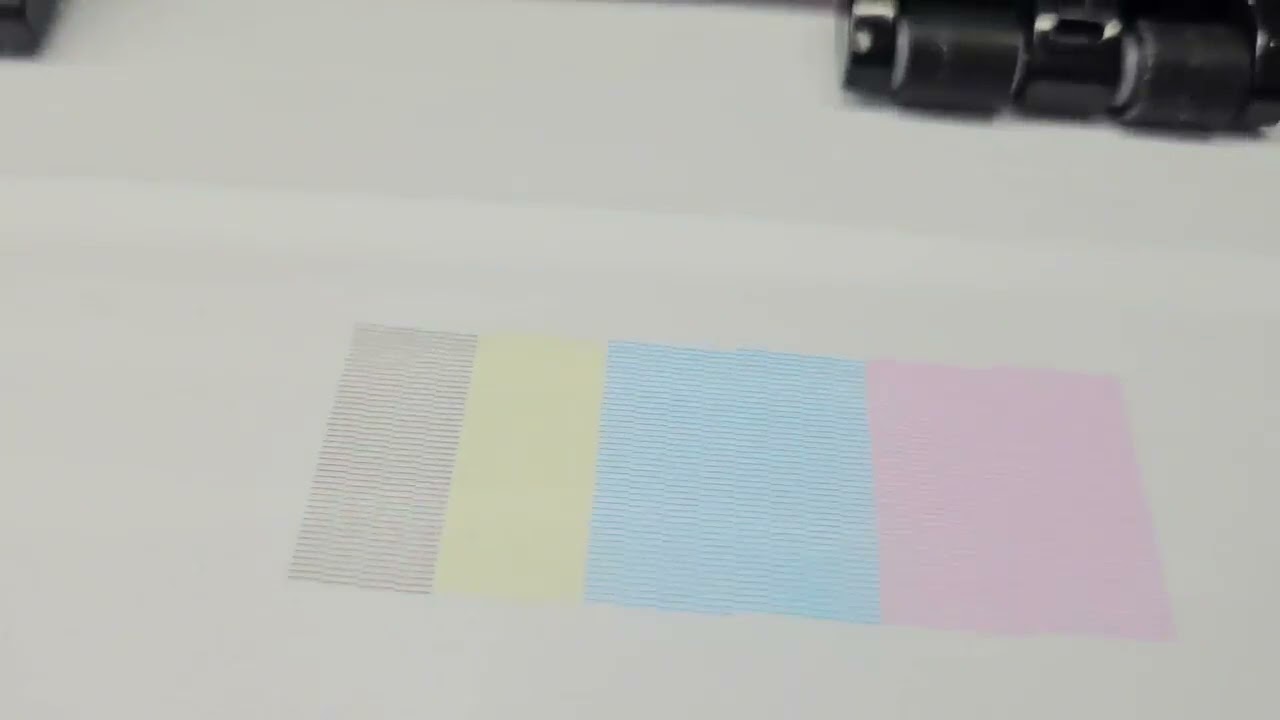
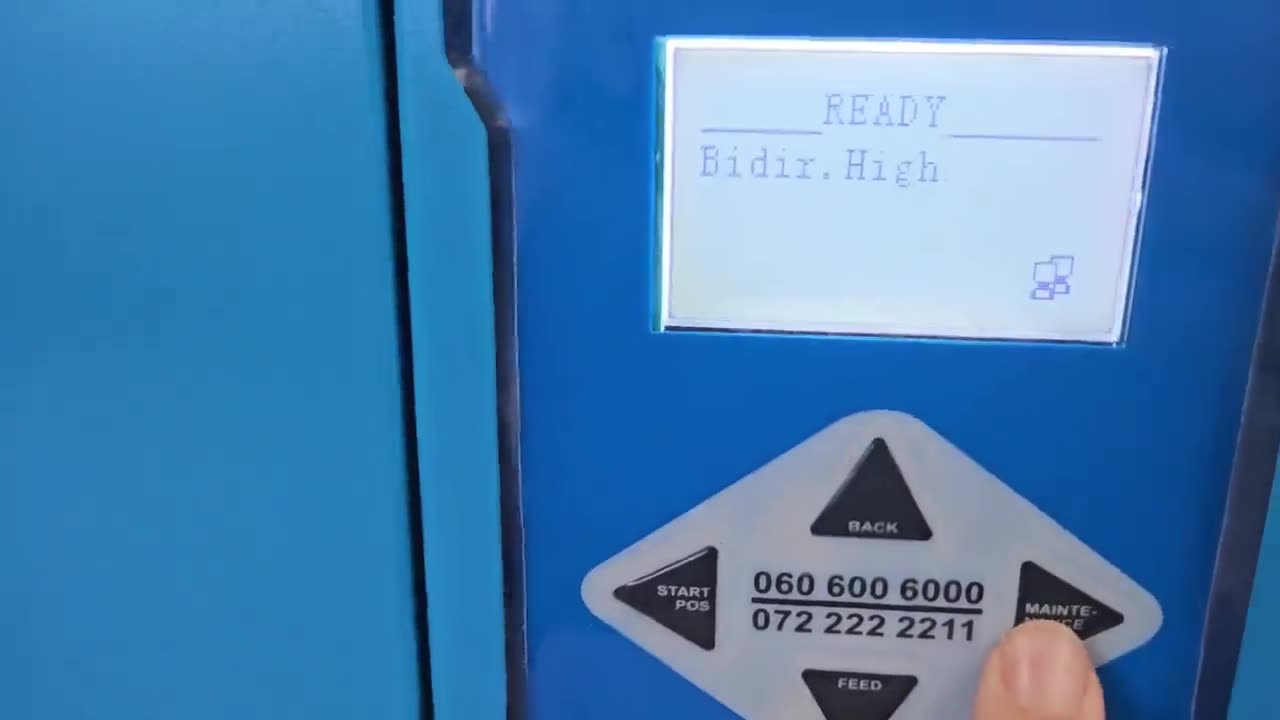
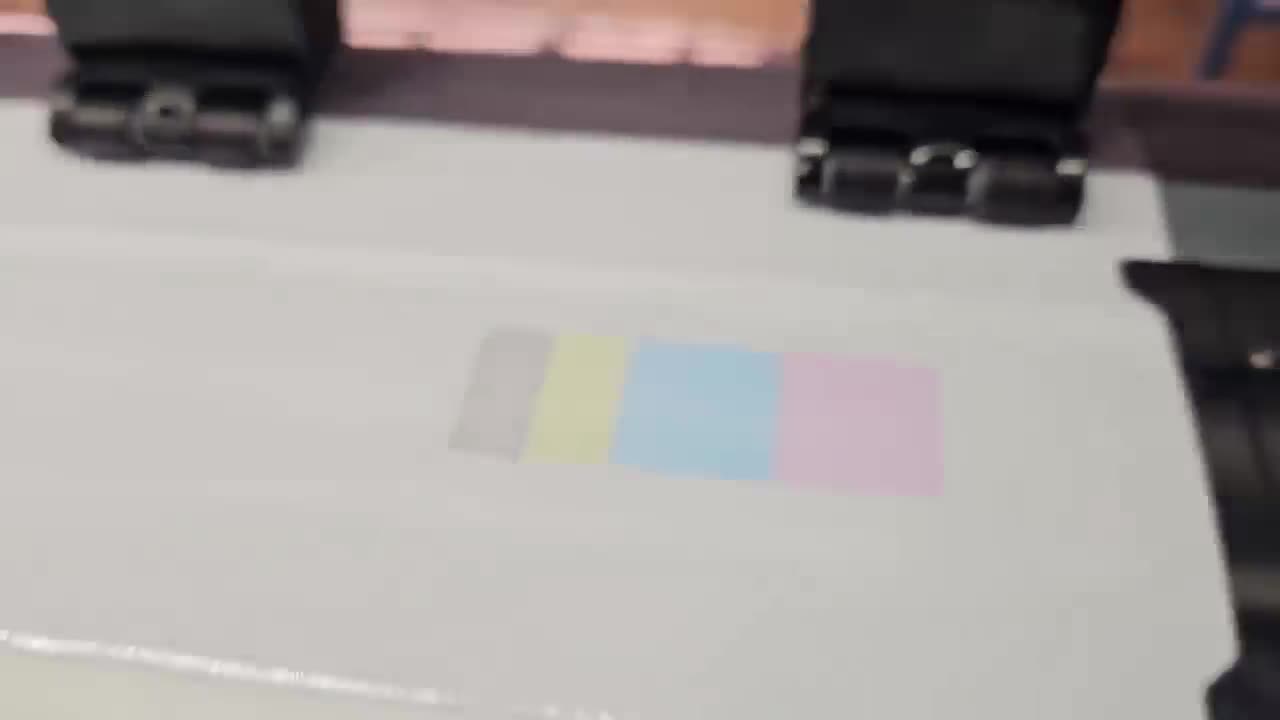
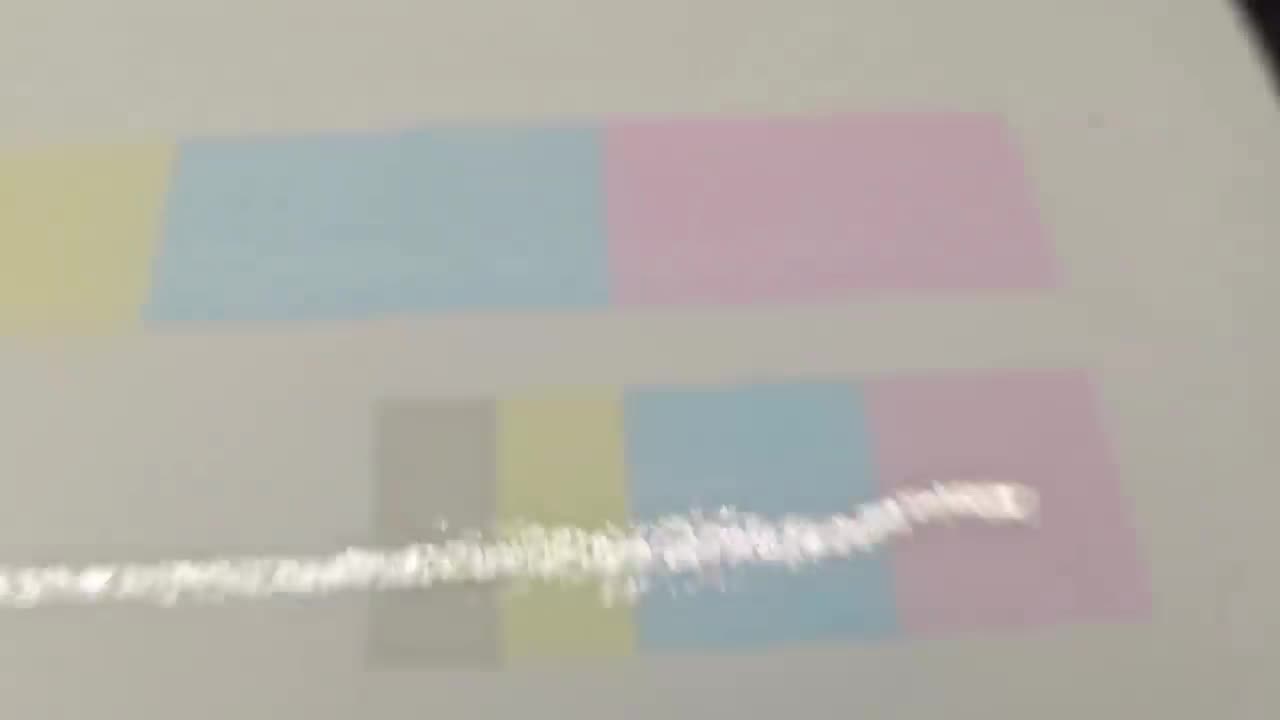
Alrighty, guys. In this next video, we're gonna be looking at how to clean our nozzle when we're creating our ICC colour profiles. But before that, let's have a quick intro first. So, today's video can be found on softwaretraining.co.za. We make short and easy to watch problem-solving videos, and we also have daily updates. OK. So when it comes to our actual process for the colour manager and setting up a new ICC profile, we wanna always make sure we start with a clean nozzle for your printer. Otherwise, I could obviously mess around with the actual final result. So, in order to do that, there's two ways we can go about it. On some printer machines, you can actually go through the actual menu or the control panel. So, I'm gonna go on this one. We go to maintenance and we'll have a few different options. So, I'm simply first gonna go to a test print. Uh, to see what the nozzles currently look like. Then the machine will print here. We're looking for all colours to be consistent and no gaps in the actual prints. As you can see there, the yellow is a little bit of blue, which in my case, cause of the sample, it's not the end of the world, but you would probably wanna address that. Then, another way we can do this is we can go to the actual control panel or control software, should I say. So this looks similar to a control panel, but it allows you to control the actual machine with software. Now, in general, this is one of the softwares we need running, so in our case, we're using alignment tools and another common one is print EXP. So These are, like I mentioned, uh, a very important piece of software. So you get control and rip. So the control will control the machine and the ripple convert the image so that the actual um printer can understand it. So, first of all, I wanna make sure our printer is connected, so I'm gonna click on this connect button. Wait a bit, and then we can see there the printer is connected. On the bottom left, we can also see it'll share the printer name and so forth. And then, what I wanna do is I'm gonna go here to the actual head check. I'm gonna click that and then it will do uh another print test, but from the actual software. We analyse this and see uh magenta has a little bit of blue, but overall, this looks good. There's no real gaps. So then, what you can do is you can go here, clean nozzle, then it will um try to sort out some of those problems. So go for that. Same in the control, you can go clean there. But in general, I find just cleaning on the machine is good enough. But yeah, so that will conclude cleaning the actual nozzle. Like I said, it's an important step if you wanna make sure you have an accurate ICC profile. Yeah. Otherwise, if we head here to softwaretraining.co.za. za, you guys will notice we've got a variety of different softwares we do cover, and you can also isolate your search on the top right. If you do not, however, find the training videos you're looking for, just simply go here, request a training video, fill in the mini form, and then we'll do our best to try and make that for you. But otherwise, thanks guys for watching and cheers.


 allef-vinicius-BnzFZJ4Zizc-unsplash-Index