Transforming your design with the Layout Feature Within the AM.CO.ZA InkRIP Software (Part 1)

inkrip transform design layout
If you’ve ever printed a file and found that it was the wrong size, or perhaps the design needed to be flipped or rotated, then the Layout Feature is for you.
Knowing where to locate and how to use the Layout Feature correctly, will save you time, material and inks.
This video is part of a Mini-Series.
The next video covers Location / Scale.
Video Transcript
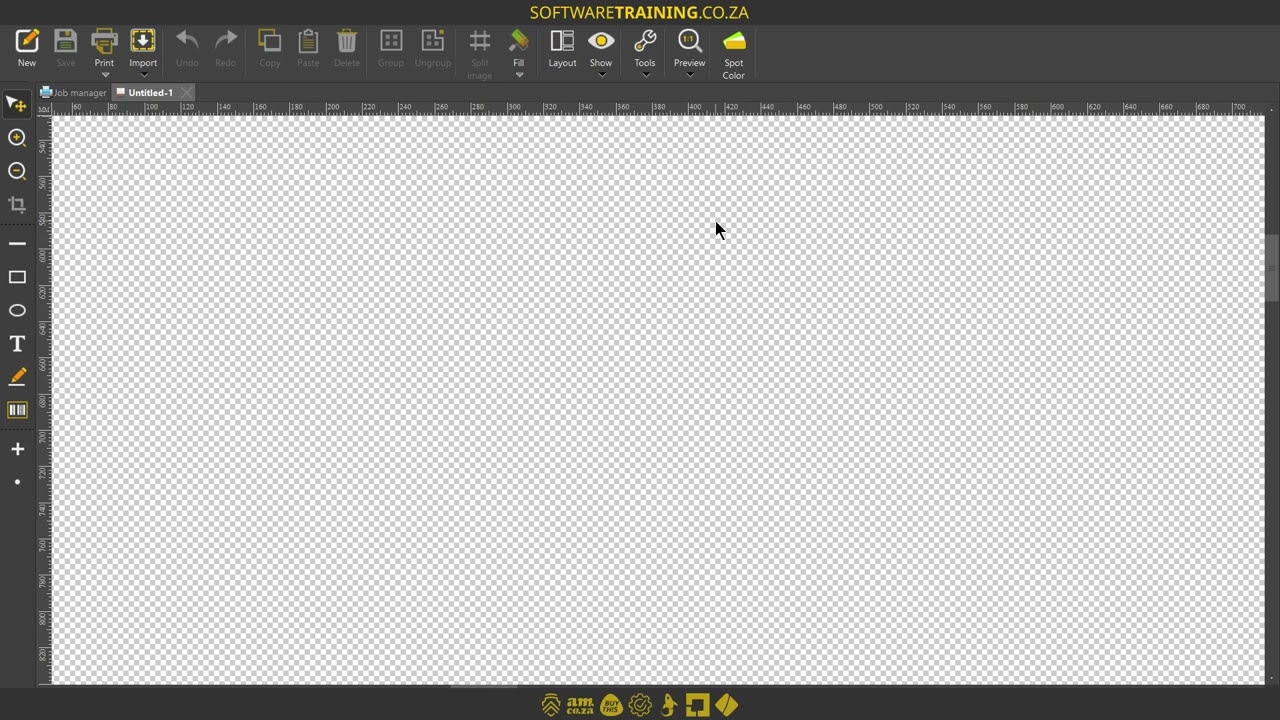
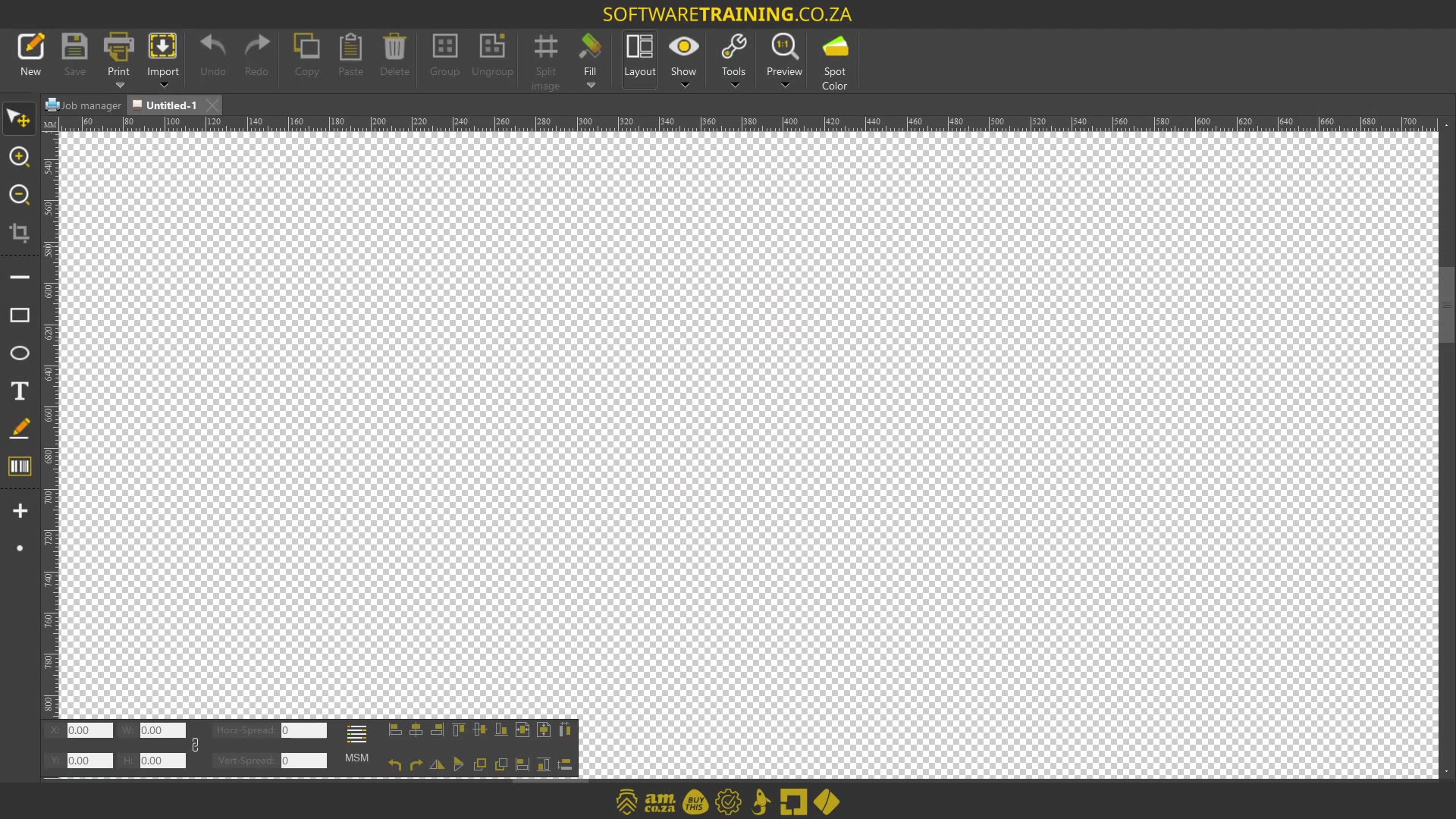
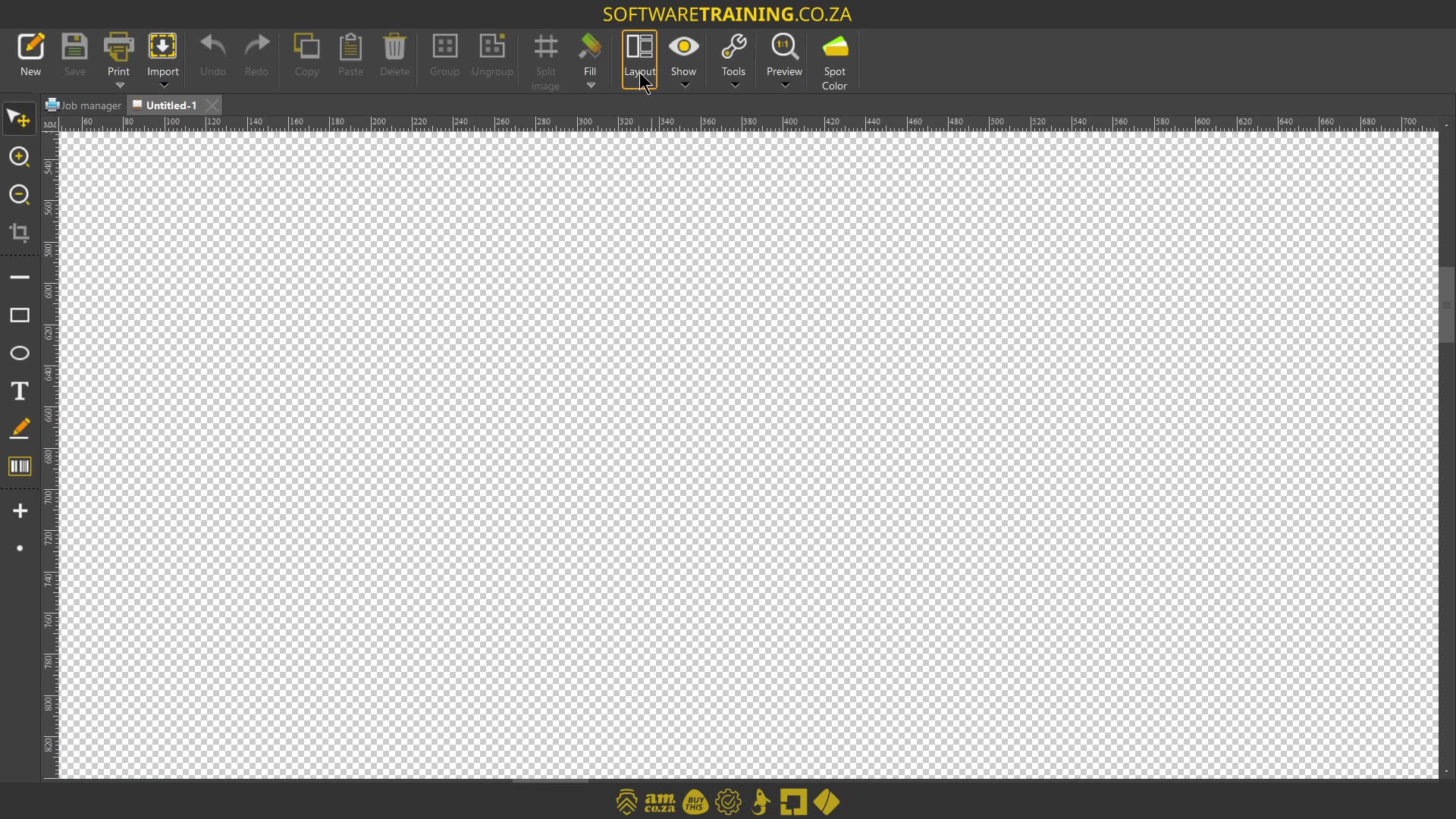
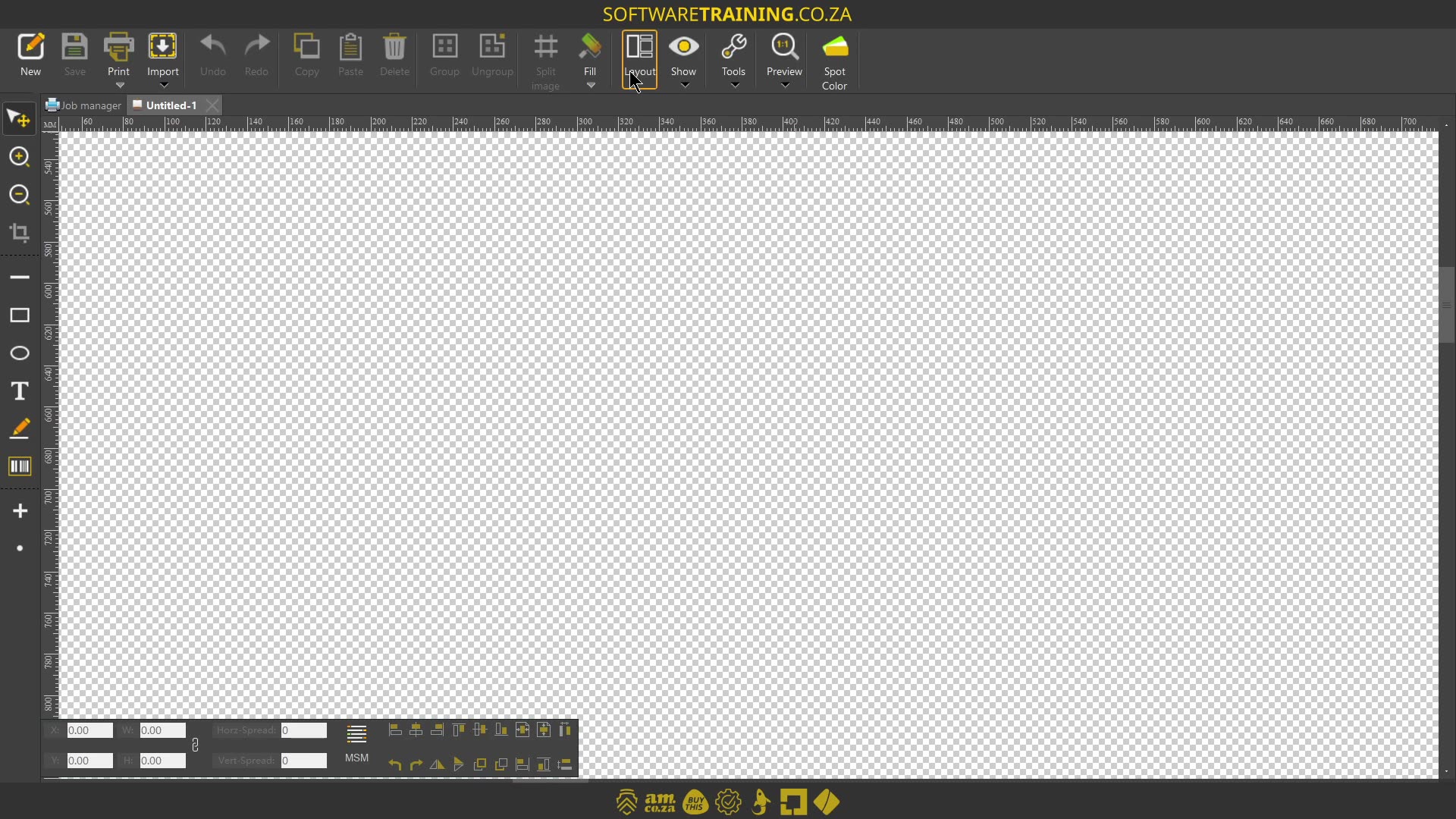
Howdy, guys. In today's video, we're gonna be looking at the layout feature for the encrypt software. But before that, let's have a quick intro first. So, today's video can be found on softwaretraining.co.za. We make short and easy to watch problem-solving videos, and we also have daily updates. Now, if we head to crypt here, uh, like I mentioned in the intro, we're gonna be looking at the layout feature. Now, what this comes down to is, if we need to manipulate any form of uh graphics, like maybe an image or something like that, we change the size, layout, flip it, mirror, those type of things, then we're gonna be using the layout feature. Now, in order to use the layout feature, ideally, we first need to be able to locate it. So on our top main bar here, you'll see there's a little icon called layout, and then if we hover, you can see it says alt plus L for the shortcut. Now, you might get into your programme and it's not there, then it can get, or should I say, then it can get a bit uh complicated or tricky to actually edit things. So then you just wanna make sure you go there, click that. And then this will open up your layout feature. Now, as you can see here, there's a variety of different things that um we can adjust, but we'll take one at a time. But yeah, otherwise, in the meanwhile, if we head to softwaretraining.co.za. za, you guys will notice we've got a variety of different softwares we do cover, and you can also isolate your search on the top right. If you do not, however, find the training videos you're looking for, just simply go here, request the training video, fill in the form, and then we'll do our best to try and make that for you. But otherwise, thanks guys for watching and cheers.



 allef-vinicius-xkqIq9BoJt8-unsplash-Index